Best Refurbished Monitors UK for Work and Study
A £120 monitor that fits the desk, laptop and workload is a better purchase than a £250 screen with features that go unused. The best refurbished monitors UK buyers can choose are usually former business models: designed for long daily use, fitted with practical connections and available with adjustable stands. The right choice depends less on the badge and more on resolution, panel type, ports and condition.
For a home worker, a 24-inch Full HD IPS screen is often the sensible baseline. For finance, coding, design or larger spreadsheets, a 27-inch QHD monitor creates meaningful extra workspace. For organisations buying in volume, standardising on one model family makes deployment, cable management and replacement far easier.
What makes the best refurbished monitors UK options?
Business monitor ranges from Dell, HP and Lenovo are a strong place to start. They were made for offices, education estates and managed device fleets, rather than occasional domestic use. That usually means height adjustment, VESA mounting, DisplayPort connectivity and a chassis built to tolerate repeated setup and relocation.
Refurbishment matters as much as the original specification. A professionally processed monitor should be tested for image output, dead or stuck pixels, backlight function, physical controls, ports, speakers where fitted, stand stability and power supply operation. Cosmetic grading should be stated plainly. A Grade A unit may show very light signs of prior use, while a lower grade can have visible marks that do not affect function.
Do not assume every refurbished display includes its original stand, power lead or cable. Check the supplied accessories and confirm that the inputs match the device being connected. A monitor can be excellent value and still be wrong for a modern laptop if the required adapter or USB-C capability has been overlooked.
Panel type comes before screen size
IPS is the most dependable panel type for general office work, study and collaborative spaces. It offers consistent colours and wide viewing angles, which helps when moving between documents or sharing a screen with colleagues. Most good business monitors use IPS or an equivalent panel technology.
VA panels can provide deeper contrast, useful for media and darker content, but viewing angles may be less consistent. Older TN panels are often inexpensive and responsive, yet their colour and viewing performance can feel dated. They remain workable for basic admin or fixed-position use, but an IPS model is normally the better long-term buy.
Screen size needs to match viewing distance and available desk space. A 24-inch display at 1920 x 1080 remains a practical standard. It is sharp enough for routine office tasks and easy to deploy at scale. A 27-inch monitor at the same Full HD resolution gives larger text and interface elements, but less pixel density. That suits some users, although QHD is generally a better fit at 27 inches.
Resolution changes how much work fits on screen
Full HD, or 1920 x 1080, is cost-effective and widely compatible. It is a strong choice for web applications, Microsoft 365, remote desktop sessions, email and classroom work.
QHD, or 2560 x 1440, provides substantially more room for two documents side by side, wider spreadsheets and development tools. It is particularly useful for hybrid workers who use one monitor as their primary workspace. The trade-off is a higher purchase price and, with older laptops, a need to confirm the graphics output supports QHD at the desired refresh rate.
4K monitors can be worthwhile for detailed imagery, dense data or high-resolution creative work. They are not automatically the best choice for every fleet. Text scaling may need configuring, and older devices or docks can limit output. For most business and education deployments, a well-tested QHD IPS monitor represents the more balanced point between cost, clarity and compatibility.
Best refurbished monitors UK buyers should shortlist
Availability changes with corporate refresh cycles, so it is better to shop by specification and model family than wait for one exact unit. These ranges regularly make sense on the refurbished market.
Best all-round 24-inch office monitor
The Dell P2419H and Dell P2422H are dependable choices for everyday work. Both are 24-inch Full HD business displays with IPS panels and useful adjustment options. They suit email, browser-based systems, Microsoft Teams, document work and shared office desks. Dell’s P-series is common in enterprise estates, which can help when sourcing matching units for a multi-screen rollout.
Comparable alternatives include the HP E24 G4 and Lenovo ThinkVision T24i-20. These are well suited to organisations that need a conventional display with DisplayPort and HDMI connectivity, a stable stand and a straightforward support profile. Choose based on condition, included accessories and the ports required by the connected device.
Best 27-inch QHD monitor for focused work
The Dell P2720D is a practical QHD option for users who need more space without moving to a larger or more expensive 4K panel. Its 27-inch IPS format works well for analysts, administrators, developers and remote workers managing multiple windows throughout the day.
The Lenovo ThinkVision T27h-20 is another capable option, particularly where USB-C is useful. Models in this class can combine display output, laptop charging and hub functions through a single compatible USB-C cable. That reduces desk clutter, but only when the laptop supports USB-C video output and the monitor provides sufficient power delivery for that device.
Best for USB-C laptop desks
A refurbished Dell P2422HE, HP E24u G4 or Lenovo ThinkVision T24m-20 can make a compact desk more manageable. These business-oriented USB-C monitors are aimed at users who connect and disconnect a laptop regularly. Depending on the specific model, one cable may carry video, data and charging.
Check the power delivery rating before buying. A low-power USB-C monitor may keep a lightweight Chromebook or small laptop charged, but may not be enough for a larger business laptop under load. Also confirm whether Ethernet, USB ports and daisy-chaining are required. Those features vary between models, even within the same product range.
Best value for dual-monitor setups
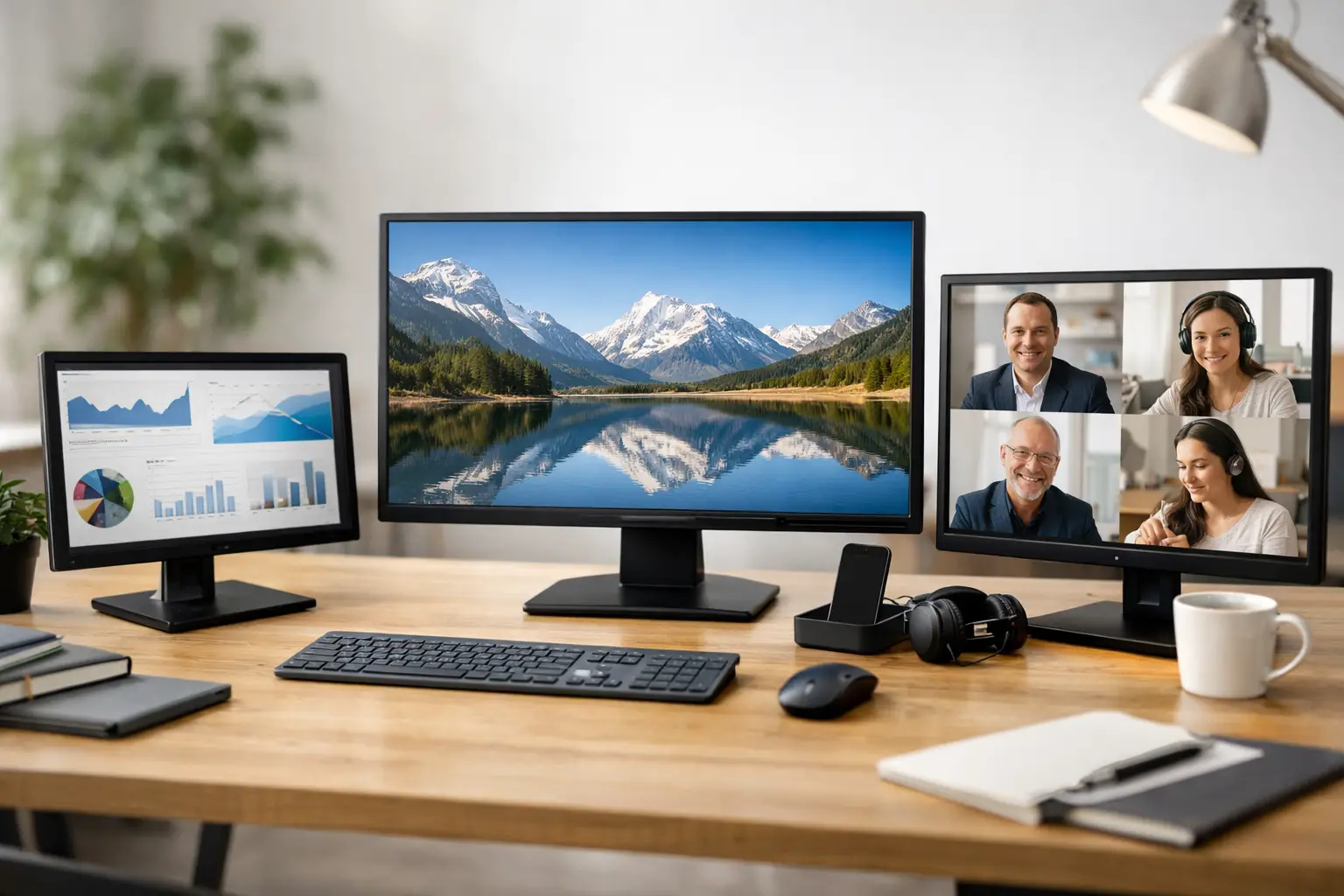
Two matching 24-inch Full HD IPS displays are often more productive than one large screen, especially for admin, customer service, accounts and remote support. Dell P2419H, HP E24 G4 and Lenovo T24i-series models are sensible candidates because they are widely used, easy to position and usually have VESA mounting support.
Matching matters. Different panel finishes, brightness levels and bezel sizes can make a mixed pair distracting. For fleet purchases, aim for the same model and grade. It makes the desk layout cleaner and simplifies future replacements.
Checks to make before ordering
Refurbished does not mean guesswork. A clear listing should identify the exact model, resolution, panel size, inputs, cosmetic grade, warranty and supplied stand or cables. If any of these details are absent, ask before purchase.
Start with the laptop or desktop, not the monitor. Identify available outputs: HDMI, DisplayPort, USB-C or older connections such as VGA. USB-C is not a guarantee of monitor support. The port must support DisplayPort Alt Mode, Thunderbolt or another video-capable standard. A suitable dock can solve connection limits, but it should be considered as part of the total cost.
For professional image work, ask about backlight uniformity, colour performance and any pixel policy. A standard office IPS display can be excellent for general design tasks, but colour-critical photography and print workflows may justify a higher-specification screen and calibration. Refurbished hardware remains a good route, provided the specification reflects the work.
Check ergonomics too. Height, tilt, swivel and pivot adjustment reduce the need for separate monitor arms. If arms are preferred, verify the VESA pattern and whether the stand can be removed. These details are easy to miss until equipment reaches the desk.
Refurbished monitors for managed IT
For organisations, the lowest unit price is rarely the full cost of ownership. A consistent monitor estate reduces time spent finding adapters, resolving connection issues and supporting mixed resolutions. Standardised models also make it easier to prepare desks for starters, replace failed units and redeploy equipment between teams.
Refurbished monitors support a more circular IT procurement model. Extending the usable life of enterprise equipment reduces demand for newly manufactured devices and keeps functional hardware in use for longer. When sourced through a specialist that tests, grades and supports equipment, it can also provide a more predictable route than buying unverified used screens from fragmented marketplaces.
This is where a coordinated refurbishment partner matters. Refurb X Connect can align monitor procurement with laptops, desktops and wider device refresh activity, helping organisations avoid a collection of incompatible purchases.
The best purchase is the monitor that works cleanly with the device estate, gives users the space they need and arrives with condition and warranty expectations made clear. Start with the workload, verify the connection, then choose the specification that will still make sense when the desk changes next year.