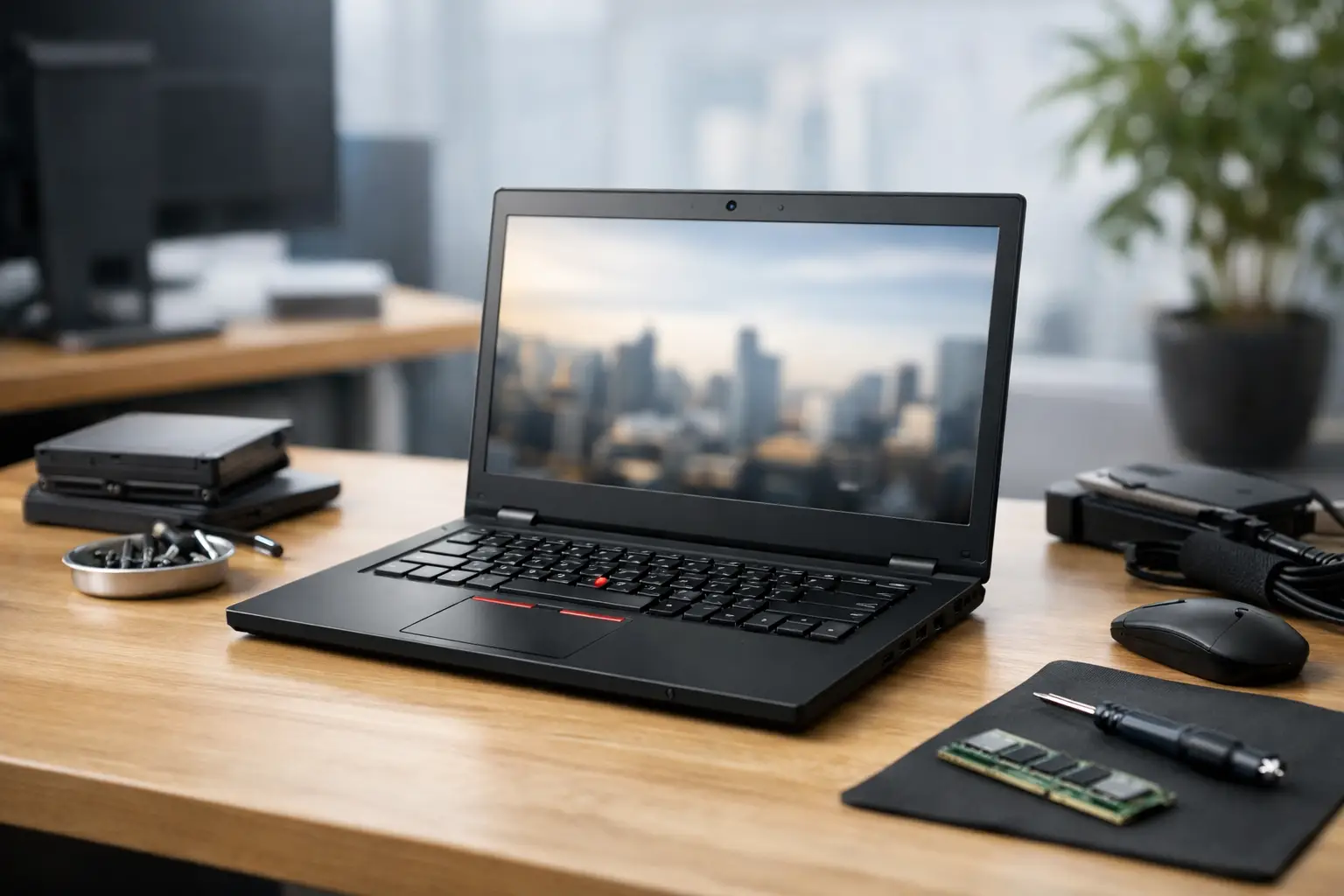
Lenovo ThinkPad Refurbished Laptop Review
A Lenovo ThinkPad refurbished laptop review should start with the reason these machines remain common across offices, schools and remote-working setups: they were designed for managed fleets, not short product cycles. A well-refurbished ThinkPad can deliver a proper keyboard, practical ports, replaceable parts and dependable Windows performance for substantially less than a comparable new business laptop.
That does not make every used ThinkPad a good purchase. Generation, specification, battery condition and the quality of the refurbishment process matter more than the badge on the lid. The right unit is usually a focused purchase – matched to a workload, a budget and a realistic service life.
Lenovo ThinkPad refurbished laptop review: the short view
ThinkPads are among the strongest candidates in the refurbished market. Lenovo produced them in high volumes for enterprise customers, which means there is a consistent supply of off-lease devices, parts availability is generally good, and specifications are familiar to IT teams. Most models have useful service documentation, sensible port layouts and firmware features suited to business use.
The trade-off is that the ThinkPad name covers very different products. A compact X-series machine, a mainstream T-series laptop, a thin X1 Carbon and a mobile workstation from the P-series should not be judged by the same standard. Some older models remain excellent for web work, Microsoft 365 and admin tasks. Others have reached the point where their processor, battery or display limits make them poor value, however attractive the price appears.
For most UK buyers, the strongest balance sits with relatively recent T-series and X-series devices fitted with an Intel Core i5 or Core i7 processor, 16GB RAM and an SSD. They are capable enough for ordinary workplace software, video calls, browser-heavy workflows and education use, while retaining the practical design that made ThinkPads a business standard.
What makes a refurbished ThinkPad different
A refurbished laptop is not simply a pre-owned laptop that has been wiped and relisted. The useful distinction is process. A professional refurbishment workflow should identify faults, assess component condition, erase previous data securely, test the hardware, install and configure Windows, and grade the cosmetic condition accurately.
On a ThinkPad, that process matters because the machines are often deployed for several years before entering the secondary market. A device may look tidy while carrying a tired battery, worn keys, a loose USB-C port or a display issue that only becomes obvious on a plain background. Conversely, a unit with light cosmetic marks may be technically excellent and offer better value than a pristine-looking listing with vague testing information.
Business buyers should also consider consistency. Ordering one laptop for an individual is different from sourcing twenty devices for a team. Matching generation, RAM, storage, charger type, keyboard layout and Windows edition reduces support overhead and makes future redeployment simpler.
The ThinkPad ranges worth understanding
The T-series is the sensible default for many organisations. Models such as the T480, T490, T14 and their newer equivalents balance size, ports, serviceability and everyday performance. The T480 in particular remains popular because many configurations support RAM upgrades and use readily available USB-C charging. Its age is now a factor, though: specification and battery health should be checked carefully rather than assumed.
The X-series suits users who travel regularly or need a smaller device. X280 and X390 models are compact, while the X13 continues the same business-first approach in newer generations. These are effective portable machines, but upgrades can be more limited than on some T-series units. Ensure the supplied memory and storage meet the required lifespan from day one.
X1 Carbon models are lighter and more premium, often with strong displays and excellent keyboards. They suit senior staff and highly mobile users, but their thin design can mean soldered memory and more costly repairs. They are a good choice when weight genuinely matters, not simply because the model is positioned above the T-series.
P-series ThinkPads are aimed at demanding workloads, including CAD, data work and specialist software. A refurbished workstation can represent substantial savings, but it may be heavier, run warmer and have shorter battery life. Select one for a defined performance requirement, not for routine documents and Teams calls.
Performance: choose the generation before the badge
The processor generation is one of the most useful indicators of long-term value. Older ThinkPads can feel fast with an SSD, but Windows 11 compatibility, security support and modern video-call workloads should shape the decision. A laptop that only just meets current requirements can become a false economy when it needs replacing sooner than planned.
For standard office use, an 8th-generation Intel Core processor or later is often a sensible baseline. These chips generally offer enough performance for multitasking and are better placed for current Windows deployment than much older hardware. For users running larger spreadsheets, multiple browser profiles, virtual desktops or development tools, 16GB of RAM is a practical minimum.
Storage should be SSD-based. A 256GB SSD is adequate for cloud-led work and basic local files, while 512GB provides more flexibility for users handling media, offline documents or larger applications. Check whether the laptop uses an NVMe SSD and whether storage can be replaced or expanded. It affects both speed and future lifecycle planning.
Screen specification deserves equal attention. A Full HD display is usually the right baseline. Lower-resolution panels can be acceptable for occasional use, but they are less comfortable for long working days and make side-by-side documents restrictive. Touchscreens, privacy panels and brighter displays may be valuable for specific roles, but they should not take priority over processor, memory and battery condition.
The checks that decide whether it is good value
A sound Lenovo ThinkPad refurbished laptop review is based on evidence rather than broad claims. Ask for the exact model number and configuration, then assess what has been tested and what condition is being sold.
Before purchase, confirm these five points:
- Battery health: Ask whether battery condition has been tested and whether the stated runtime is realistic for the model and workload. A replacement battery may be worthwhile, but it changes the total cost.
- Display condition: Check for pressure marks, dead pixels, bright spots, uneven backlighting and excessive wear on touch panels.
- Ports and connectivity: USB-C charging, HDMI, USB-A, audio, Wi-Fi and Bluetooth should all be tested. On older units, inspect USB-C ports closely because charging reliability is essential.
- Keyboard and trackpad: ThinkPad keyboards are a major selling point, so check for shine, missing key response, liquid damage indicators and trackpad wear.
- Security and operating system: The device should have previous data securely erased, BIOS settings checked, Windows installed correctly and activation confirmed.
Cosmetic grading should be clear rather than flattering. Grade A typically means light signs of previous use, while Grade B may show more visible marks without affecting operation. Grading labels vary between sellers, so the written description and product images matter more than the letter alone.
Where refurbished ThinkPads fit best
For a small business, refurbished ThinkPads can standardise a team without committing the full budget required for new enterprise hardware. For schools and charities, they can extend device access while keeping Windows applications and existing peripherals in use. For individual buyers, they offer a practical route to a laptop that feels designed for work rather than casual consumption.
The model is less suitable when battery life must match the best current ultraportables, when high-end graphics performance is essential, or when a manufacturer warranty with multi-year onsite cover is a fixed procurement requirement. A refurbished unit can still be the better financial choice in these cases, but the comparison needs to include support cover, expected replacement timing and the cost of downtime.
For organisations disposing of older fleets, the same lifecycle logic applies in reverse. Secure data erasure, asset records, grading and resale planning can recover value while keeping devices in use for longer. That supports a more controlled circular IT approach and reduces avoidable e-waste.
A practical buying position
The best refurbished ThinkPad is rarely the cheapest listing. It is the one with a clear specification, tested battery and ports, secure Windows setup, honest cosmetic grade and a warranty that matches how the device will be used. Refurb X Connect evaluates business hardware on those operational details, because they determine whether a laptop is ready for a user rather than merely ready to sell.
Start with the workload, choose a generation that has room to last, then compare condition and support on like-for-like terms. A carefully selected ThinkPad can remain a capable working device for years, and that is where refurbished technology delivers its real value.