Can Schools Buy Refurbished iPads Safely?
A class set of iPads is a significant procurement decision, even when the price looks attractive. So, can schools buy refurbished iPads? Yes – provided they are sourced through a professional refurbishment process and assessed as part of a wider device, support and safeguarding plan.
For UK schools, refurbished iPads can reduce capital spend, extend the useful life of enterprise hardware and make one-to-one or shared-device access more achievable. The risk is not that a device has been used before. The risk is buying stock with an unclear history, inconsistent condition, weak battery performance or no accountable support route.
The right question is not simply whether an iPad is refurbished. It is whether it is suitable for the age group, the intended apps, the school’s management platform and the expected length of deployment.
Can Schools Buy Refurbished iPads for Classroom Use?
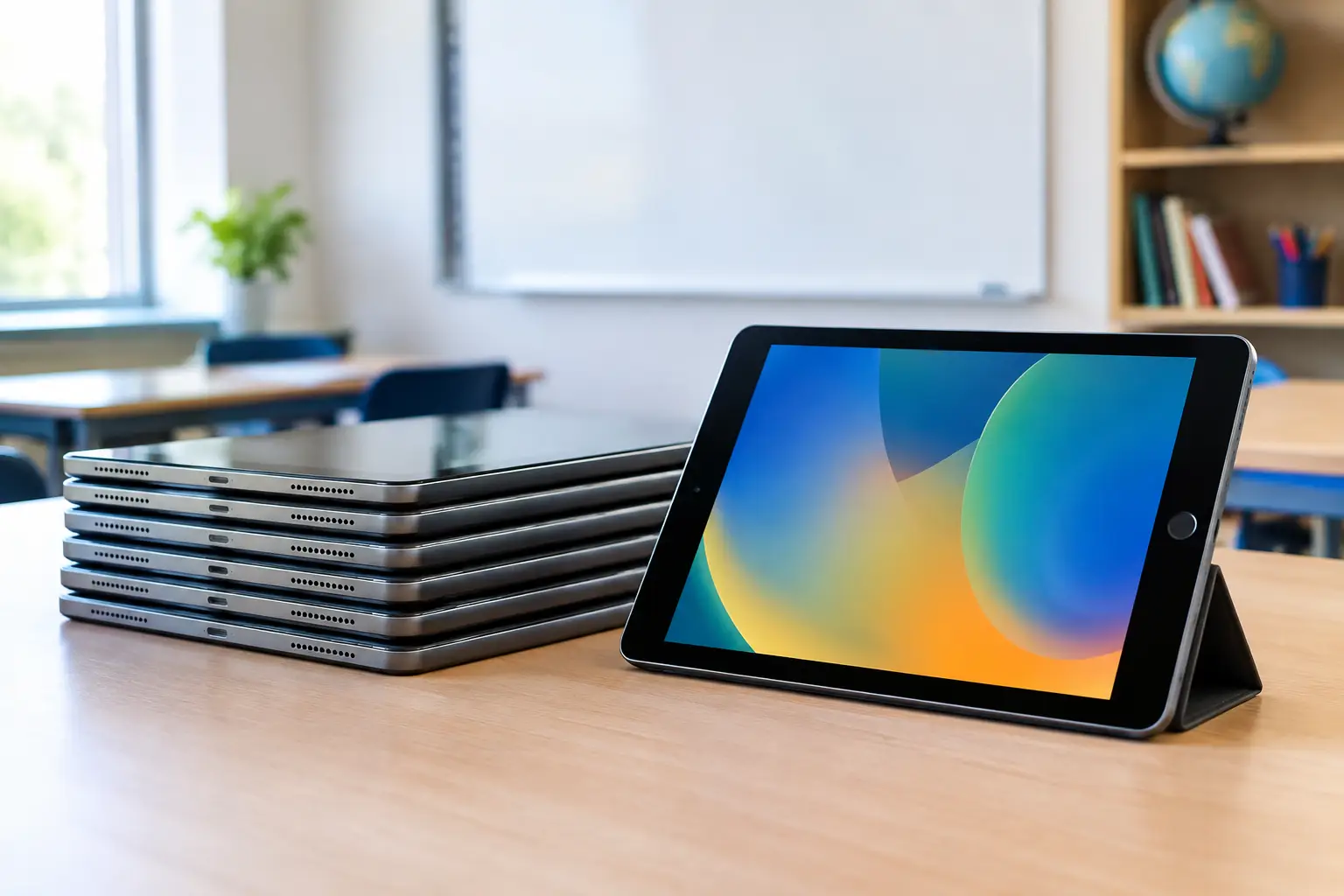
They can, and many do. Apple hardware retains value because iPads are generally well supported, straightforward to manage at scale and capable of running education applications for several years. A refurbished model can be a sensible alternative to buying new where the specification remains current and the condition is verified.
This is particularly relevant for schools replacing ageing shared tablets, equipping a specific year group or expanding access to creative, accessibility and learning-support software. Refurbished devices can also allow procurement teams to standardise on a better specification than the new-device budget would otherwise support.
However, not every model is appropriate. An older iPad may still switch on, connect to Wi-Fi and appear presentable, but that does not make it a good education purchase. It must support the required version of iPadOS, have enough storage for managed apps and local content, and offer a realistic remaining service life.
For most school deployments, the goal should be consistency. A fleet made up of the same model, storage capacity and condition grade is much easier to enrol, manage, protect and replace than a mixed collection of devices bought in small batches.
Start With the Learning and Management Requirement
Procurement should begin with what pupils and staff need the iPads to do. A device used for web-based learning, reading platforms and simple classroom apps has different requirements from one used for video editing, music production, design work or specialist accessibility tools.
Check the minimum iPadOS version required by the school’s core apps and management software. Then look beyond minimum compatibility. A device that only just meets today’s requirement may create an avoidable refresh issue within a year or two. Allowing headroom for future operating system support is usually the more economical choice.
Storage is another common pressure point. Lower-capacity models can work well for browser-led learning and tightly managed app estates. They can become restrictive where devices hold offline resources, media projects, creative files or several large applications. Storage cannot be upgraded later, so this decision needs to reflect real classroom use rather than the lowest initial price.
Schools should also confirm that the chosen model works with their mobile device management system. Automated enrolment, app deployment, configuration profiles, restrictions and inventory reporting are central to a controlled iPad deployment. Without them, a lower purchase price can quickly turn into additional workload for IT staff.
What Professional Refurbishment Should Include
The term refurbished is used broadly in the market. It can mean anything from a basic wipe and resale to a structured technical process. Schools should expect clear detail on what has been tested, repaired and graded.
A professionally refurbished iPad should be checked for core hardware performance, including the display, touchscreen, cameras, speakers, microphones, buttons, charging port, wireless connectivity and biometric functions where fitted. Functional testing matters because a cosmetic inspection alone will not reveal intermittent charging, touch response faults or poor Wi-Fi performance.
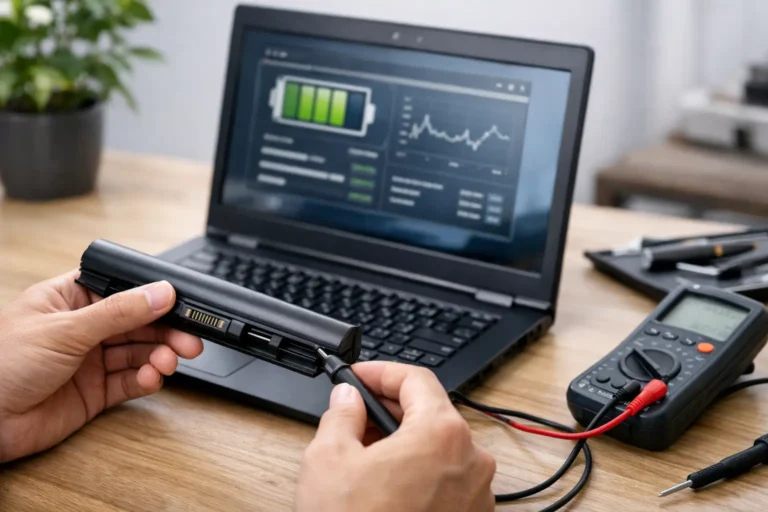
Battery condition deserves specific attention. Batteries are consumable components, and their performance affects whether a device lasts through a school day. Ask how battery health is assessed, what threshold is accepted for resale and whether batteries are replaced when they fall below that standard. A device with a poor battery can create disruption in lessons and increase demand for charging access.
Data security is equally important. Devices should be securely erased, removed from previous ownership records and checked to ensure they are not activation locked. This is not a minor administrative detail. An activation-locked iPad can be unusable to the school, regardless of its physical condition.
Condition grading should be transparent. Grade A, B and C labels are not universal standards, so the supplier should explain what each grade means in practical terms. For schools, minor cosmetic marks may be acceptable where they reduce cost and do not affect function. Cracked screens, damaged housings, loose ports or inconsistent displays are a different issue and should not be treated as normal wear.
The Procurement Checks That Prevent Problems
Before placing a bulk order, obtain a clear specification that records the exact model, generation, storage capacity, Wi-Fi or cellular configuration, operating system status, grade and included accessories. “iPad 10-inch” is not enough detail for a managed procurement decision.
Ask whether the devices are available as a matched batch. Serial-number reporting can be useful for asset registration, insurance records and deployment planning. A supplier that can provide consistent stock, rather than substituting devices after the order is placed, reduces avoidable variation across the fleet.
Warranty terms need close reading. A warranty should state its duration, what faults are covered, how returns are handled and whether replacements or repairs are available for bulk education orders. The practical value of a warranty is the speed and clarity of the resolution process, not just the number of months printed on an invoice.
Accessories should be specified as well. Charging cables and power adaptors are often treated as an afterthought, yet inconsistent or poor-quality charging equipment can cause support issues. Schools also need to decide whether cases, screen protection, charging storage and keyboards are part of the initial rollout or a later requirement.
It is sensible to order a small number of spare devices. A controlled pool of like-for-like spares allows IT teams to swap a faulty unit quickly while the original is assessed. That approach keeps pupils working and prevents a repair process becoming a classroom issue.
Cost Is More Than the Unit Price
Refurbished iPads usually cost less than new equivalents, but the strongest case is total cost of ownership. The purchase price should be considered alongside expected lifespan, management effort, repairs, replacement availability and residual value at the next refresh point.
A very old model may be cheaper at the point of purchase but more expensive over time if it loses operating system support, struggles with required apps or needs replacing sooner. Conversely, selecting a newer refurbished generation can offer a better balance between price, usable life and performance.
Schools should avoid comparing a refurbished iPad solely with the newest iPad on the market. The relevant comparison is often between a tested, managed, supportable refurbished fleet and the cost of delaying access to devices altogether. For constrained budgets, that difference can determine whether a programme reaches one class or an entire cohort.
There is also an environmental consideration. Reusing suitable hardware keeps functional devices in service for longer and reduces demand for new manufacturing. When handled through proper refurbishment, secure data erasure and responsible end-of-life processing, this supports a more circular approach to school IT.
When Refurbished iPads May Not Be the Best Fit
Refurbishment is not automatically the right answer. A school may need new devices where it requires the longest possible future support window, the latest processors for demanding creative workloads, or a manufacturer-led purchasing agreement tied to a specific configuration.
It may also be better to wait or reassess if the school has not yet selected its device management approach, app estate or charging model. Buying hardware before these foundations are clear can result in devices that are technically sound but operationally awkward.
For some use cases, refurbished Windows laptops, Chromebooks or desktop equipment may be a better fit than iPads. Keyboard-heavy coursework, specialised Windows applications and certain assessment workflows can point towards a different device category. The best choice follows the learning requirement, not a preference for a particular platform.
A Controlled Route to Refurbished iPad Procurement
Schools can buy refurbished iPads confidently when the procurement process is controlled. Specify the model and intended lifespan, verify operating system and MDM compatibility, insist on documented testing and secure erasure, and buy from a supplier that can support the devices after delivery.
Refurb X Connect approaches refurbished IT as a managed lifecycle decision rather than a one-off device purchase. That means condition, configuration, traceability and ongoing usability should all be visible before a fleet reaches pupils.
A well-chosen refurbished iPad should not feel like a compromise in the classroom. It should feel like a reliable device that gives the budget room to reach further.