How Long Does Laptop Refurbishment Take?
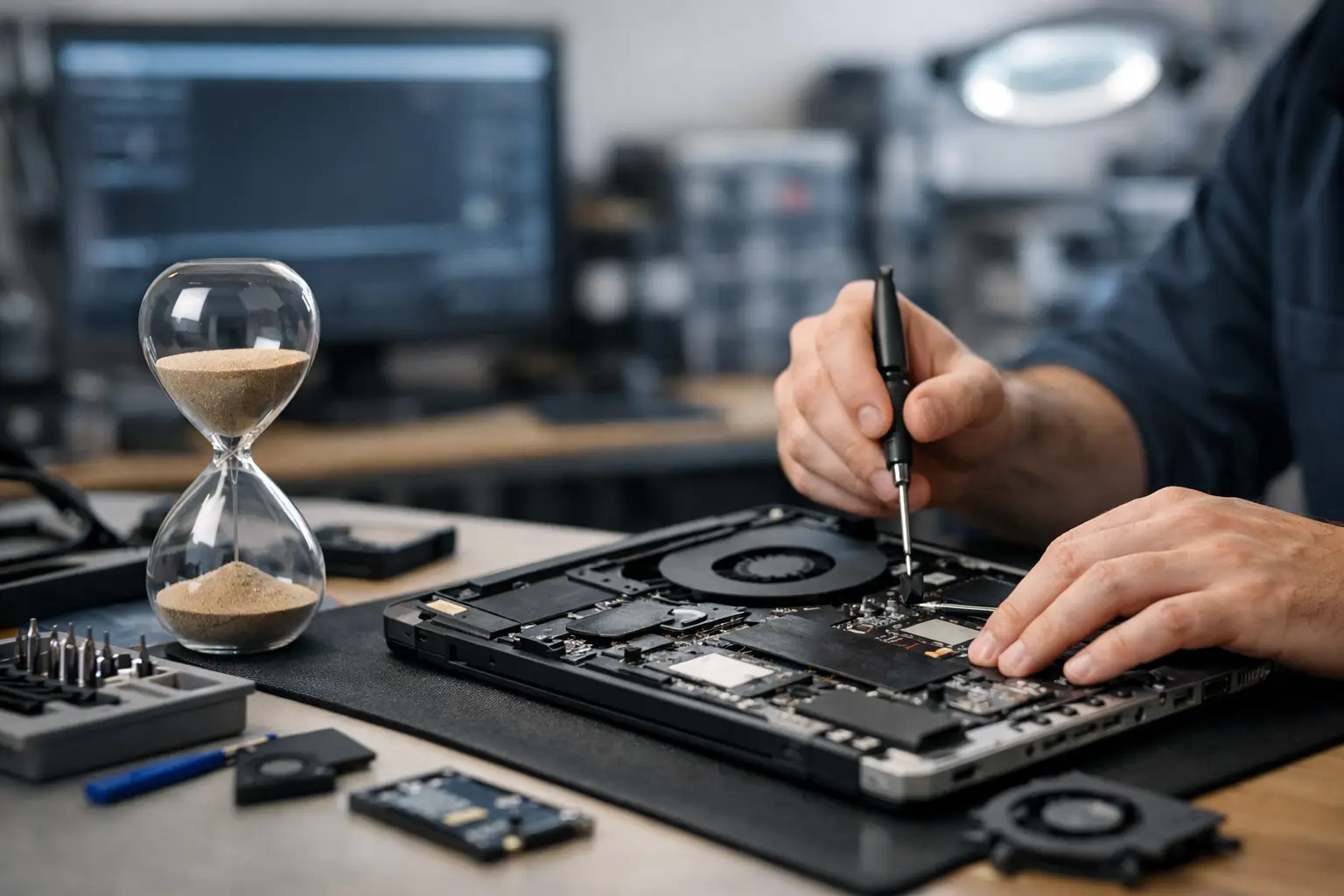
A laptop can look ready for resale long before it is ready to be trusted. How long does laptop refurbishment take? For a standard business laptop, the hands-on process may take one to three working days. For a batch of devices, machines needing parts, or equipment arriving with unknown faults, allow one to two weeks. The right timescale depends less on the age of the laptop than on its condition, specification and the level of assurance required.
For an IT manager, a school or a reseller, turnaround is not simply about getting devices switched on quickly. It is about receiving equipment that has been securely cleared, tested, configured and graded consistently. Skipping stages may reduce lead time, but it also increases the risk of data exposure, returns and inconsistent user experience.
How long does laptop refurbishment take in practice?
A professionally refurbished laptop usually passes through a defined sequence: intake, data erasure, diagnostics, repair or replacement, cleaning, operating system installation, quality assurance and cosmetic grading. Some stages run in parallel across a large batch, while others need to be completed device by device.
For a single device in good condition, a typical turnaround is one to three working days once it has arrived with the refurbisher. A unit with a failed battery, damaged display, missing charger or storage fault can take three to seven working days, particularly if compatible parts need to be sourced. Larger programmes, such as a workplace refresh involving hundreds of Dell Latitude, Lenovo ThinkPad or HP EliteBook laptops, are normally scheduled over one to two weeks or longer depending on the agreed configuration and reporting requirements.
These figures refer to refurbishment time, not courier transit. Collection, inbound processing and delivery should be included when planning a redeployment date. If devices are needed for a new term, remote-worker onboarding or a phased IT refresh, leaving a buffer is sensible.
The stages that set the turnaround time
Intake and asset identification
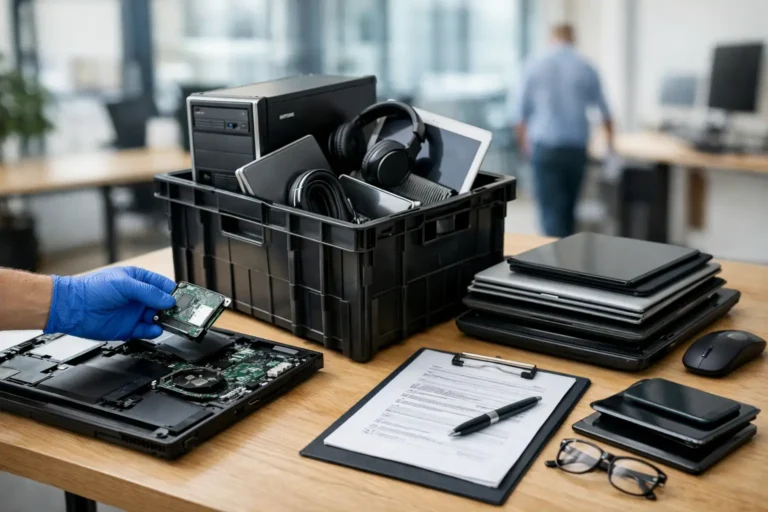
The process starts by recording what has arrived. Serial numbers, model details, asset tags and supplied accessories are checked against the expected inventory. For business equipment, this stage can include matching devices to an asset list and identifying units that do not belong to the batch.
A small consignment may be booked in on the day it arrives. A mixed fleet with incomplete records takes longer because the refurbisher must establish exactly what is present before work begins. Clear asset data at handover helps reduce delays and supports accurate reporting later.
Secure data erasure
Data security is often the most important stage for business, education and public sector devices. Drives must be erased using an appropriate process, then verified. If a solid-state drive has failed or cannot be securely erased, it may need to be removed and replaced before the laptop can be resold or redeployed.
This is not a stage to compress for speed. A device that boots successfully is not proof that old user data has been removed. Where an organisation requires erasure certificates, audit records or drive-level reporting, allow time for the work and documentation to be completed correctly.
Diagnostics and component decisions
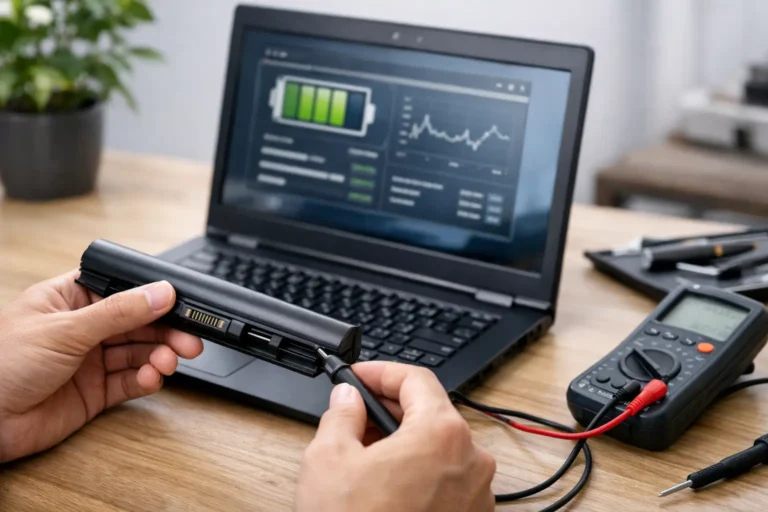
After erasure, technicians assess the laptop’s core functions. This typically includes the processor, memory, storage, display, keyboard, trackpad, webcam, speakers, ports, Wi-Fi, battery charging and thermal performance. Enterprise laptops are designed to be maintained, but their condition can vary widely after several years in service.
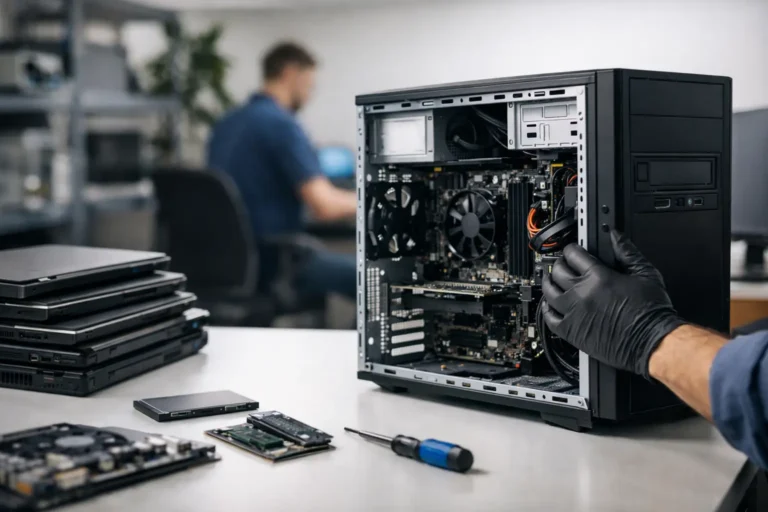
Diagnostics reveal whether a device needs only routine preparation or a replacement SSD, battery, keyboard, screen or power adaptor. A known configuration speeds this decision. An unknown fault can extend the process because it needs isolation before a suitable repair is approved.
The availability of parts matters. Common components for recent ThinkPad, Latitude and EliteBook models are usually easier to source than parts for older, niche or consumer models. Apple Mac refurbishment can also take longer where model-specific components are required. The lowest-cost repair is not always the right choice: a battery that technically works but has poor health may be unsuitable for a mobile workforce or classroom use.
Cleaning, repair and cosmetic grading
Once the technical route is clear, the device is cleaned, repaired and prepared for its intended grade. External cleaning, removal of labels and inspection of hinges, feet and casing are routine tasks. Cosmetic grading should reflect the actual condition of the device, rather than masking wear that will be obvious to the next user.
This part of the workflow has a practical trade-off. A Grade A device may need more cosmetic preparation than a Grade B unit with visible but non-functional marks. For a bulk school deployment, a consistent technical specification may matter more than minor casing wear. For direct resale, grade consistency can be more significant.
Operating system installation and configuration
A laptop is not finished when the hardware passes. It needs an appropriate operating system and a clean setup. This may involve installing Microsoft Windows, applying updates, loading drivers, configuring language and regional settings, or preparing a Chromebook for managed enrolment.
For a standard resale unit, this stage is relatively predictable. For managed IT procurement, it may involve a specific Windows edition, BIOS settings, asset labels, approved applications or a device naming convention. Each added requirement improves deployment readiness, but it also adds processing time. Organisations should decide early whether they want devices supplied as clean, ready-to-set-up hardware or configured for a defined user environment.
Final quality assurance
Final quality assurance confirms that the work has produced a reliable device, not merely a repaired one. The laptop is booted, charged, tested under normal use and checked against the required specification. Chargers and any included accessories are matched before packing.
This final check catches issues that may not appear at initial diagnostics, such as intermittent charging, unstable wireless connectivity or thermal problems after sustained operation. It is one of the reasons a professionally refurbished device takes longer than a quick clean and reset.
What makes a refurbishment project faster?
Speed starts before collection. A clear device schedule, accurate quantities and known models make planning easier. So does stating the intended outcome at the outset: resale, staff redeployment, student loan devices, trade supply or parts recovery all require different levels of work.
Consistency within the batch is valuable. Processing 200 similar Lenovo laptops with the same storage and memory profile is generally faster than processing 200 mixed devices from several manufacturers and age groups. The mixed batch is still manageable, but it needs more individual assessment and a more varied parts plan.
A realistic specification also protects lead time. Requesting a new SSD and fresh Windows installation is straightforward where stock is available. Requiring a particular memory capacity, battery-health threshold, keyboard layout, cosmetic grade and bespoke configuration needs more coordination. None of those requirements are unreasonable, but they should be agreed before work begins rather than added mid-process.
When a longer turnaround is the better outcome
Fast refurbishment is useful when devices are urgently needed, but a short lead time should not be the only measure of value. A laptop prepared properly can remain productive for years, avoiding unnecessary replacement and reducing e-waste. That is especially relevant for enterprise-grade hardware, where an SSD upgrade, healthy battery and clean operating system can materially extend useful life.
There is also a financial consideration. A device that receives the right level of testing and repair is less likely to generate avoidable support calls, returns or user disruption. For organisations managing a fleet, that reduction in friction can matter more than recovering a few days in the initial turnaround.
Planning a realistic timescale
If the devices are clean, complete and broadly consistent, plan around one to three working days for individual laptops and up to a working week for a modest batch. For large quantities, incomplete assets, complex configuration or parts replacement, plan one to two weeks and confirm capacity before committing to a rollout date.
The useful question is not only how quickly a laptop can be refurbished, but what must be proven before it reaches its next user. Refurb X Connect approaches that point as a controlled device lifecycle process: secure data handling, clear condition assessment and equipment prepared for its next role.