Choosing a Data Wiping Service UK Can Trust
A laptop leaving an organisation can carry far more than its visible files. Saved browser sessions, cached credentials, user profiles, recovery partitions and device management records can remain long after someone has clicked delete. A data wiping service UK organisations can audit turns retired hardware into a controlled asset stream rather than a security risk.
For IT managers, schools, charities and growing businesses, the requirement is not simply to clear a device. It is to know what happened to every asset, prove that data was removed using an appropriate method, and decide whether the hardware should be redeployed, refurbished, resold or recycled.
What a Data Wiping Service UK Teams Can Evidence
Secure data erasure starts with an accurate asset record. Each laptop, desktop, tablet, server drive or mobile device should be identified before processing, normally by serial number, asset tag or both. That record creates the thread between collection, assessment, erasure, testing and final destination.
The erasure method must suit the storage type. Traditional hard disk drives, SATA SSDs, NVMe drives and encrypted devices do not behave in the same way. A process designed only for older spinning disks may not provide reliable results on modern solid-state storage, where data can be distributed across memory cells and managed by the drive firmware.
A capable provider will assess the device and select an appropriate sanitisation route. This may involve verified software erasure, a drive-native secure erase command, or cryptographic erasure where encryption has been correctly deployed and the encryption keys can be securely removed. The key point is verification. A completed process needs a result that can be recorded against the individual device, not a general statement that a batch was wiped.
This distinction matters when devices are later sold, donated or returned to a lease provider. If an issue is raised months later, an organisation needs to trace the device and its data-handling outcome without relying on memory, spreadsheets with gaps or an unlabelled pile of machines.
Deletion Is Not Data Erasure
Deleting files removes their usual route of access. Reformatting a drive may prepare it for a new Windows installation. Neither action automatically confirms that sensitive data cannot be recovered.
That gap is often overlooked during an IT refresh. A team may remove staff accounts, reinstall Windows and assume the device is ready for resale. Yet remnants can remain in temporary folders, browser data, unallocated disk space, recovery media or secondary storage. A device with a replaced main drive can also retain data on an additional SSD, memory card or removable media if the intake process is incomplete.
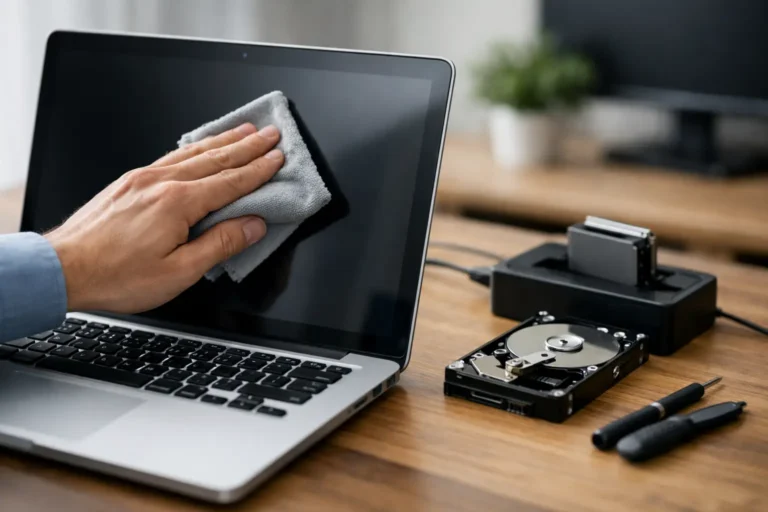
Data erasure is a separate lifecycle stage. It should take place before refurbishment and grading, with the result retained as part of the asset record. Only then can a device enter diagnostics, component replacement, battery testing and quality assurance for reuse.
The Practical Questions to Ask a Provider
The strongest suppliers make their process easy to inspect. They can explain how assets are received, how devices are identified, which storage types they support and what evidence is supplied at completion.
Ask whether certificates are issued per device or merely per collection. A per-device certificate linked to a serial number provides a far more useful audit trail. It should identify the device, the date of processing, the erasure outcome and the method or standard used. Certificates alone are not the entire control, but they are valuable evidence when supported by disciplined handling and accurate inventory records.
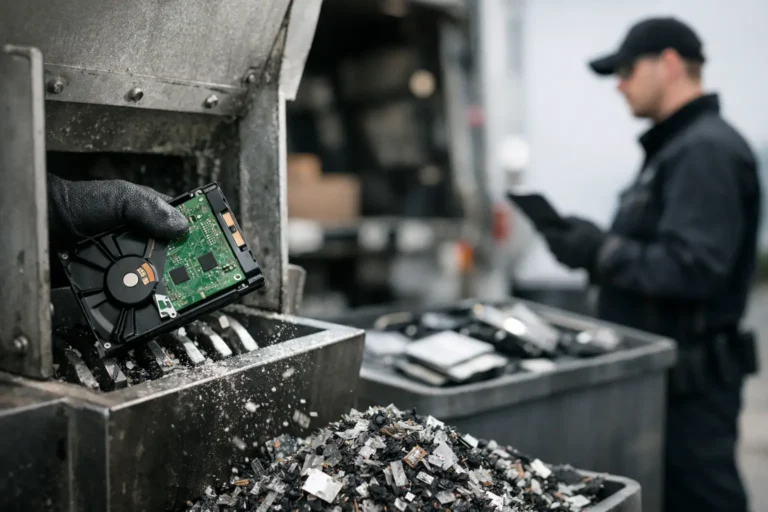
It is also sensible to ask how exceptions are managed. Not every drive can be wiped. Some devices will not power on, some drives will have failed electronics, and some storage may be too damaged to complete a software-based process. A professional service should identify these units, isolate them from reusable stock and use an alternative approved disposal route, with evidence of that outcome.
Chain of custody deserves the same scrutiny. Consider who has access to devices from collection through to processing, whether assets are counted at handover, and how discrepancies are reported. For a small office collection, a signed inventory may be sufficient. For a multi-site school trust or a larger corporate refresh, barcode scanning and staged reconciliation can reduce avoidable errors.
Erasure, Encryption and Device Management
Encryption is an effective control while a device is in use, but it is not a replacement for a structured exit process. BitLocker on Windows devices, FileVault on Apple Mac hardware and encryption on managed mobile devices can reduce exposure if a laptop is lost or stolen. At end of life, however, the organisation still needs confidence that the device has been removed from management and that its data is no longer accessible.
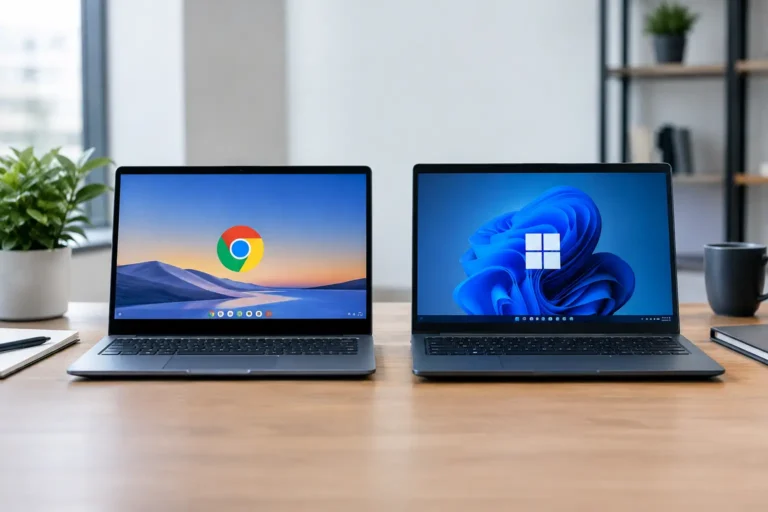
This is particularly relevant for enterprise hardware. A Windows laptop may remain registered in Microsoft Intune or another endpoint management platform. An Apple Mac can be affected by Activation Lock. Chromebooks may remain enrolled in an education or enterprise management console. If those records are not released correctly, the next owner may be unable to use the device – even where the drive itself has been erased.
A joined-up process separates three tasks that are often confused: removing data, removing organisational control, and preparing hardware for its next use. Each has a different technical outcome. Treating them as one checkbox creates unnecessary delays and can reduce resale value.
When Reuse Is the Right Next Step
Data wiping is not only about risk reduction. It is what makes confident reuse possible. Once a device has a verified erasure result, its condition can be assessed on technical merit rather than suspicion about what may remain on it.
Many business laptops still have useful service life after their first deployment. A Lenovo ThinkPad, Dell Latitude or HP EliteBook with a healthy display, sound storage and a suitable battery can often be refurbished for redeployment, resale or education use. The final decision depends on specification, condition, support requirements and the cost of any replacement parts.
There is a trade-off. A very old device may consume more time in testing and repair than it can recover in value. A newer machine with a damaged keyboard, worn battery or missing charger may be commercially viable once refurbished. Secure erasure allows that decision to be made without compromising the original owner’s data.
Refurb X Connect treats data handling as part of the wider IT asset disposition process: identify the device, erase it appropriately, assess its technical condition and direct it towards reuse or responsible recycling. That approach gives organisations one accountable route for retiring working technology.
On-Site or Off-Site Data Wiping?
The right option depends on the organisation’s risk model, asset volume and operational constraints. On-site erasure can suit highly controlled environments or situations where devices cannot leave a location until sanitisation is complete. It can offer immediate visibility, although it may take longer where there are hundreds of devices or mixed storage types.
Off-site processing can be more efficient for a planned refresh, particularly where the provider has dedicated diagnostic and erasure capacity. In that case, secure collection, documented handover and timely reporting become central controls. Neither option is automatically better. The requirement is a process that matches the sensitivity of the data and gives the organisation usable evidence.
For remote workers, collection logistics need similar care. Devices should be logged before dispatch, packaged to prevent damage and reconciled on arrival. A missing serial number or an unrecorded courier return can become both an operational and security problem.
Make Data Wiping Part of the Refresh Plan
The best time to plan erasure is before replacement devices arrive. Set a clear cut-off for user migration, identify devices by asset tag and serial number, check for local administrator access, and confirm how management enrolments will be removed. This avoids a rushed final week in which old machines are wiped inconsistently or stored indefinitely.
Retain the final report with your asset register. It supports governance, simplifies disposal decisions and gives finance or procurement teams a clearer view of residual value. More importantly, it lets reusable technology move back into circulation with a clean, documented history.
When a device reaches the end of its first role, its data should not determine the end of its useful life. A verified erasure record creates the confidence to make the next decision properly: redeploy it, refurbish it, resell it or recycle it.