ChromeOS versus Windows: Which Fits Your Fleet?
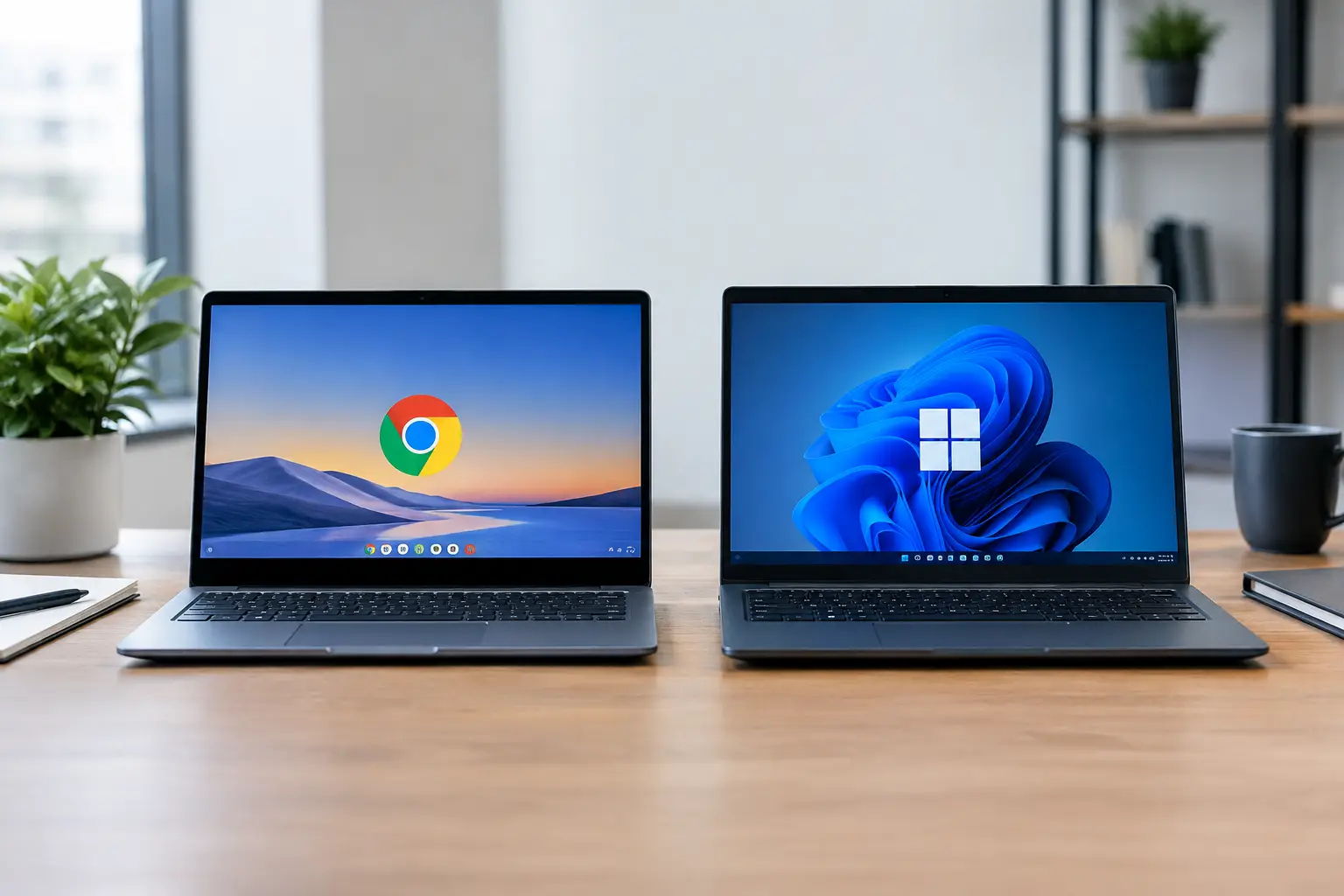
A refurbished laptop can look like a straightforward saving until the operating system becomes the limiting factor. ChromeOS versus Windows is not simply a choice between a Chromebook and a traditional laptop. It determines which applications users can run, how devices are managed, what support they need and how long existing hardware can remain useful.
For UK organisations buying in volume, the right answer depends on workload rather than headline price. ChromeOS can reduce administration for browser-led users. Windows remains the more flexible option for established business software, specialist peripherals and local file-based work. Both can have a strong place in a planned refurbished IT estate.
ChromeOS versus Windows: the practical difference
ChromeOS is designed around the Chrome browser, cloud storage and web applications. It starts quickly, has a relatively simple user environment and keeps local storage to a minimum on many devices. Chromebooks can run browser-based platforms, Android applications on supported models and, in some cases, Linux applications. That covers a great deal of everyday work: email, online learning, documents, video meetings, web portals and cloud collaboration.
Windows is a full desktop operating system. It supports the broadest range of business applications, legacy software, desktop accounting packages, industry tools, printers, scanners and accessories. It is generally the safer choice where staff need Microsoft 365 desktop applications, complex spreadsheets, offline working, multiple displays or software supplied by a third party.
The distinction matters most when a device is expected to do more than access a browser. A Chromebook may be ideal for a pupil using Google Workspace, yet unsuitable for a finance team dependent on a Windows-only application. A refurbished Windows laptop can handle both browser tasks and local software, but needs more careful specification, maintenance and user support.
Cost is more than the purchase price
Chromebooks are often less expensive to buy because their hardware requirements are lighter. A modest processor, 4GB or 8GB of memory and eMMC storage can be sufficient for routine web workloads. This makes refurbished Chromebooks a practical option for large education deployments, shared devices and front-line roles with clearly defined tasks.
A refurbished Windows laptop typically costs more, particularly when it needs an Intel Core i5 or equivalent processor, 8GB or 16GB of RAM and a solid-state drive. However, business-class models from Dell, HP and Lenovo are designed for sustained use. Their keyboards, ports, serviceable components and chassis quality can make them better long-term assets than low-cost consumer machines.
Procurement teams should also consider the cost of change. Replacing a familiar Windows environment with ChromeOS may require new web tools, revised processes and training. Conversely, retaining Windows for users who only access browser applications can mean paying for capability that is never used. A role-by-role specification usually produces a better result than a single device standard for every employee.
Software compatibility decides many deployments
Web applications have reduced the gap between the platforms, but they have not removed it. ChromeOS works well with Google Workspace, Microsoft 365 in a browser, web-based CRM platforms, learning management systems and remote desktop services. For users who live in tabs, the experience can be focused and efficient.
Windows has fewer compromises when organisations rely on desktop software. The installed versions of Word, Excel, Outlook and PowerPoint offer functions that browser editions may not match. Windows is also better suited to advanced Excel models, database tools, creative applications, engineering packages, local virtual private network clients and software that requires drivers or a USB licence key.
Android app support should not be treated as a direct replacement for Windows software. An Android application may be useful on a Chromebook, but its controls, file handling and offline functions can differ significantly from the desktop version. Test the exact application and device model before committing to a rollout.
Security and management at fleet level
ChromeOS has a strong security model for managed environments. Automatic updates, verified boot and a limited local attack surface help reduce routine administration. With central management, IT teams can apply policies, control extensions, restrict sign-in, configure Wi-Fi and wipe devices remotely. This is especially useful for shared school devices and distributed teams.
Windows provides deeper control, but that flexibility brings more management work. A properly managed Windows fleet needs supported versions, security updates, endpoint protection, user permissions, encryption, patching and a defined recovery process. These are established practices for most IT teams, but they should be reflected in the total operating cost.
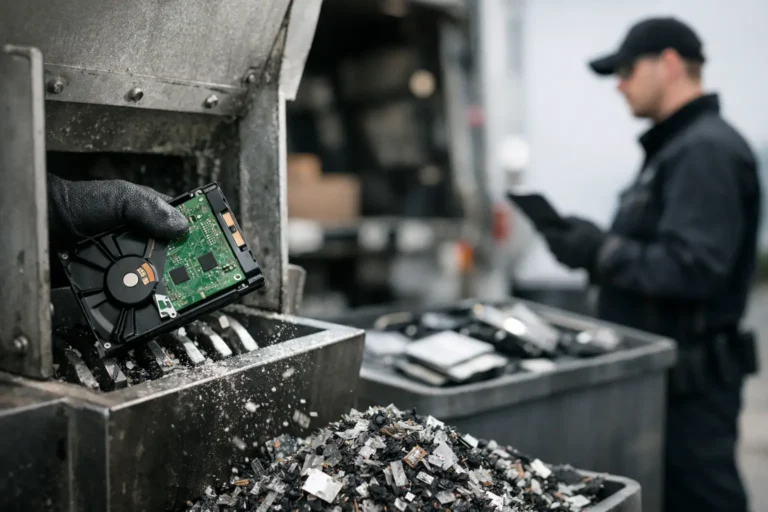
Data security is not guaranteed by the operating system alone. Before any refurbished device is redeployed or resold, storage media should be securely erased through a documented process. Where a device has a removable solid-state drive, this can also give organisations clear options for retention or destruction. Asset records should identify the device, its condition, its storage status and its next intended use.
Refurbished hardware: check the platform limits
With ChromeOS, the key lifecycle check is the model’s Auto Update Expiration date. ChromeOS devices receive updates for a defined period, and a low purchase price is poor value if that date is close. Buyers should confirm the exact model, not just the processor generation or screen size. Similar-looking Chromebooks can have very different remaining update support.
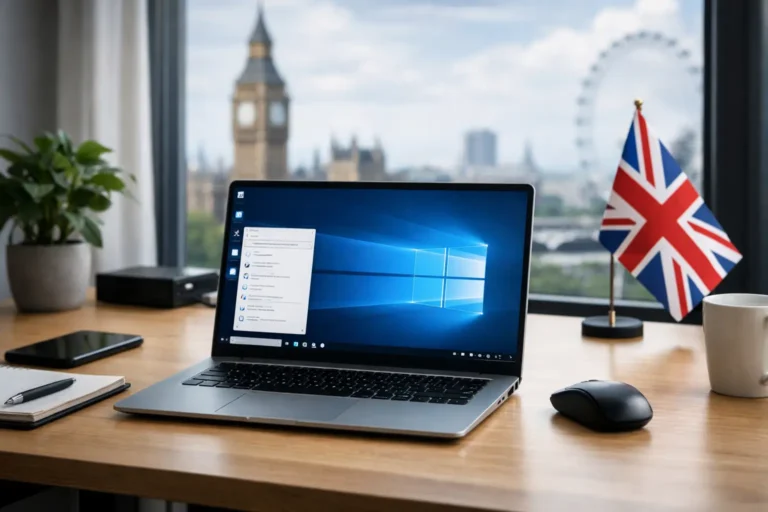
Windows buyers need to assess compatibility with the supported version they plan to run. Windows 10 reached the end of standard support on 14 October 2025, so a device intended for ongoing use should normally be suitable for Windows 11 or have a clearly managed alternative. Processor support, TPM 2.0 capability, memory, storage and driver availability all matter.
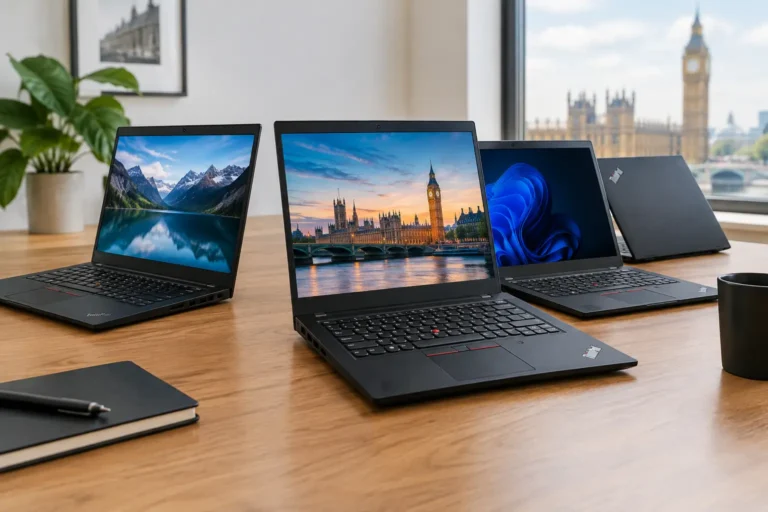
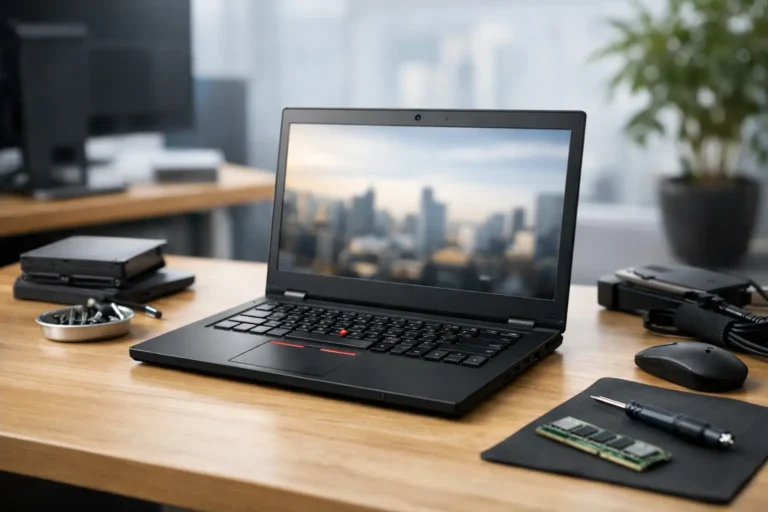
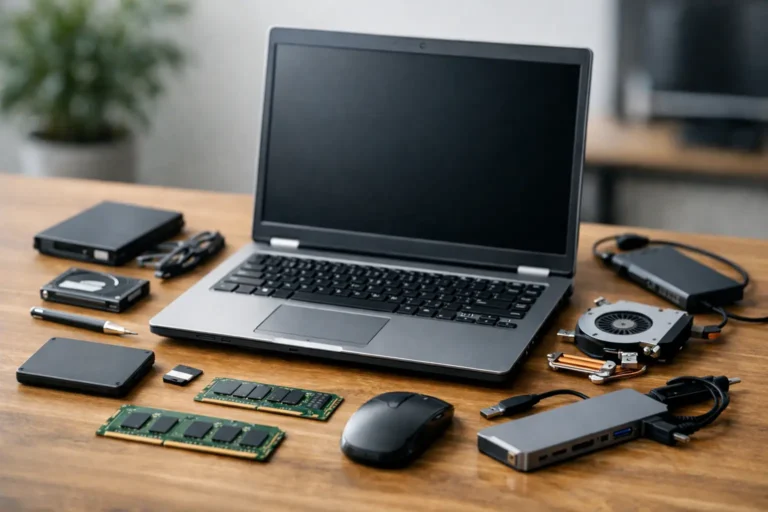
This is where business-grade refurbished hardware has an advantage. A later-generation Lenovo ThinkPad, Dell Latitude or HP EliteBook may offer replaceable storage, upgradeable memory and better driver support than an entry-level consumer laptop. Condition grading is relevant, but so are battery health, keyboard wear, webcam function, ports, charger compatibility and display quality.
ChromeOS Flex can extend the useful life of certain older PCs by turning them into cloud-focused devices. It can be useful for web access, digital signage or temporary workstations. It is not identical to ChromeOS on a Chromebook, however: feature support varies by hardware and it does not provide the same Android app experience. It should be validated against the intended use rather than treated as a universal answer for ageing laptops.
Education, remote work and shared use
Chromebooks remain a strong fit for education. They are straightforward for pupils to use, work well with browser-based learning platforms and can be centrally managed at scale. Their lower acquisition cost can also allow schools to hold spares, reducing disruption when a device is damaged or awaiting repair.
Windows laptops are often more appropriate for staff, sixth form students and specialist classrooms. They support broader teaching resources, administrative systems and desktop productivity work. A mixed estate can be entirely sensible: Chromebooks for student access, Windows laptops for teaching and operational roles.
For remote workers, the decision turns on connectivity and applications. A Chromebook is effective for cloud-first roles with stable internet access. A Windows laptop is more forgiving where staff travel, work offline, use locally stored files or depend on specialist software. Neither platform removes the need for clear identity controls, secure sign-in and a support route when users are away from the office.
Make the choice from the workload
Start with the applications people use every week, not the applications an organisation might use one day. Identify whether each role needs browser access only, desktop Microsoft applications, offline capability, specialist software, external displays or particular peripherals. Then select a device specification with enough memory, storage and remaining support life for the planned deployment period.
A practical procurement programme may use both platforms and still remain simple to manage. Standardise the models, document the approved use cases and buy from a refurbishment process that includes diagnostics, secure data erasure, battery testing, operating system configuration and transparent grading. Refurb X Connect can support this approach by helping turn retired hardware into dependable devices for their next role.
The best choice is the one that lets users complete their work without adding avoidable cost, risk or support demand. Test a small group of real users first. Their daily tasks will reveal far more than a specification sheet.