Laptop Restoration Service for Business IT
A laptop restoration service is not simply a fix for a device that will not power on. For organisations managing ageing fleets, it is a controlled route to recover usable hardware, protect information and avoid replacing equipment before its working life is genuinely over. The outcome should be clear: devices that are fit for redeployment, resale or responsible recycling, with their condition and data status understood.
For a business laptop, the practical question is rarely whether one part can be changed. It is whether the device can return to service reliably, at a sensible cost, and without creating a support burden for IT teams or end users. That requires a process rather than an ad hoc repair.
What a laptop restoration service should cover
Restoration starts with an assessment of the laptop’s condition, configuration and likely role after processing. An older Dell Latitude, Lenovo ThinkPad or HP EliteBook may still be well suited to office work, remote users, education or shared-device environments. A device with a failing motherboard, extensive liquid damage or obsolete performance may not justify further investment.
The first stage is secure intake. Asset details are recorded, devices are identified, and storage media is handled as a data-bearing component rather than an afterthought. For business equipment leaving an organisation, data erasure should be completed to an appropriate recognised standard before the device is tested for resale or redeployment. Where a drive cannot be securely cleared or is faulty, it should be removed and dealt with separately.
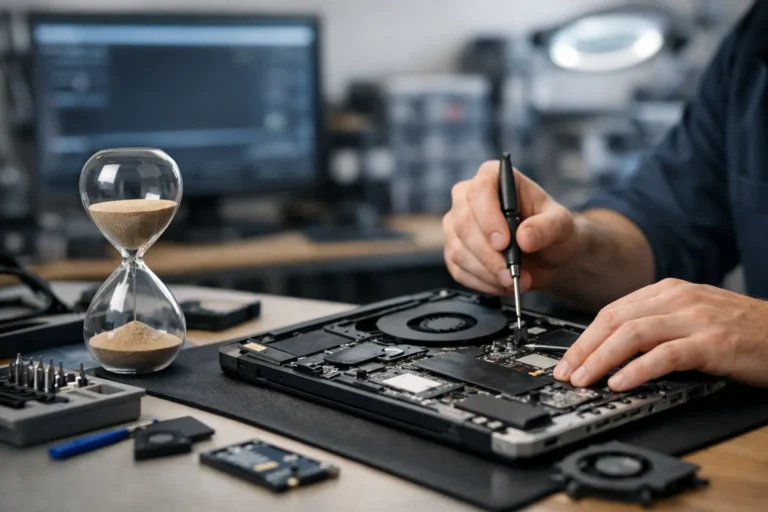
Hardware diagnostics then establish what can be recovered. This normally includes checks on the processor, memory, storage, display, keyboard, touchpad, webcam, ports, wireless connectivity, speakers, charging function and battery condition. The work is not limited to finding faults. It also identifies upgrades that make continued use worthwhile, such as replacing a mechanical hard drive with an SSD or increasing memory on a compatible model.
A professional process should also include cleaning, operating system installation, driver configuration and quality assurance. Windows laptops need activation, updates and a stable driver set. Apple Mac devices require their own compatibility checks, particularly where the latest supported macOS version affects security or application access. Chromebooks need assessment against their Auto Update Expiration date, because a fully working device may still be unsuitable for managed education use if support is nearing its end.
When restoration makes commercial sense
The strongest case for restoration is usually a uniform fleet of enterprise-grade devices. Business laptops are designed for serviceability and tend to have better parts availability than entry-level consumer models. If an organisation has dozens or hundreds of comparable units, a standard restoration specification can bring consistency back to the fleet without the cost of a full refresh.
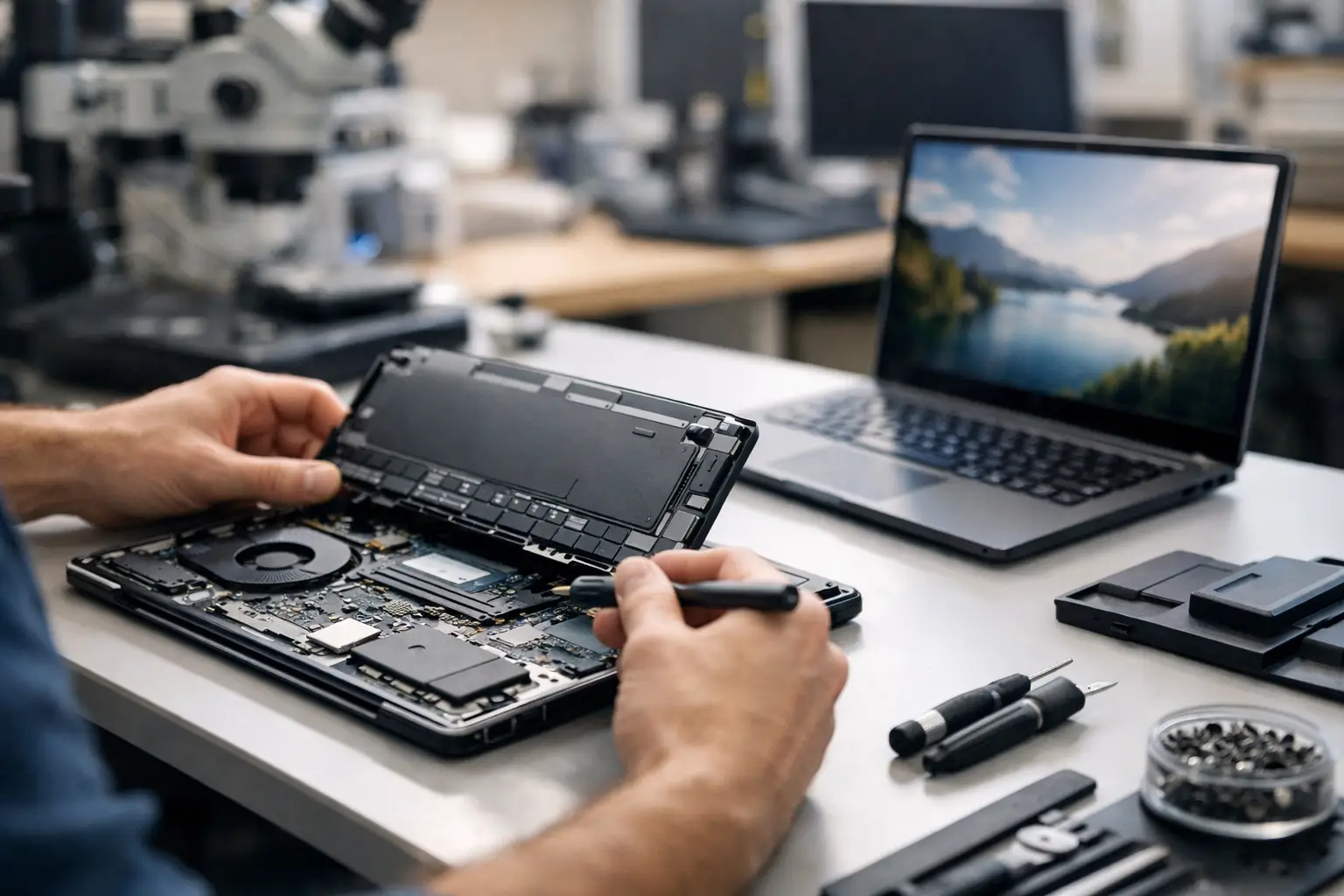
A typical example is a three- to five-year-old laptop with an intact chassis, working display and capable processor, but reduced battery endurance and slow storage. A replacement battery, SSD, fresh Windows installation and full testing can materially change its value and user experience. The restored device may then be redeployed to a colleague with lighter workloads, retained as a contingency unit or sold through a managed resale route.
The decision depends on specification, condition and intended use. A device that is adequate for browser-based work, Microsoft 365, video calls and administration may not suit design software, data analysis or demanding development workloads. It is better to define the target user profile before restoration begins than to apply the same upgrade path to every laptop.
Cost is also only one part of the calculation. A lower-cost restoration is less useful if the resulting device has poor battery health, lacks a usable webcam or cannot run the software required by its next user. Equally, replacing a fleet too early creates unnecessary capital cost and leaves recoverable value on the table.
The difference between repair and restoration
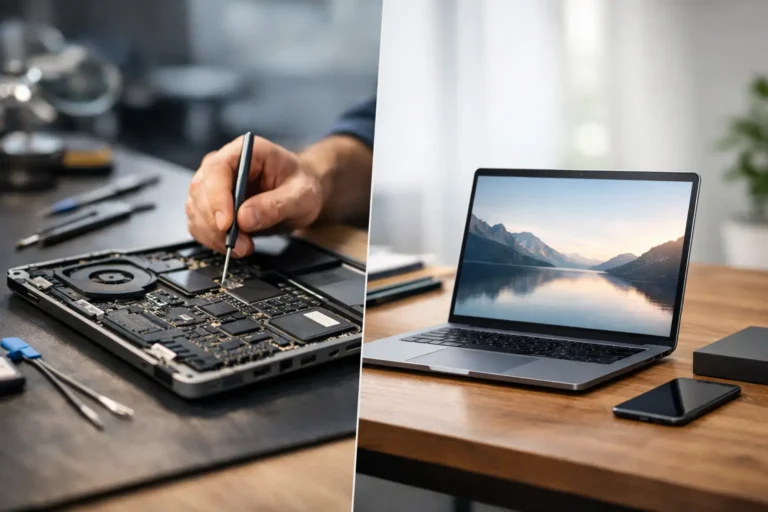
A repair resolves a specific fault. Restoration evaluates the laptop as a complete asset. It considers performance, usability, security, appearance and resale suitability together.
That distinction matters when devices are coming from staff leavers, office refreshes or lease returns. A laptop may power on and appear functional, yet still need secure erasure, battery testing, casing inspection, keyboard checks and software configuration before it can be assigned to another user. Without those controls, organisations can pass faults, inconsistent specifications and data risk further down the lifecycle.
Grading is part of this process when devices are intended for resale. Cosmetic wear should be assessed consistently so buyers understand whether a device is Grade A, B or another stated condition level. Grading should never replace functional testing. A clean-looking unit with an unreliable battery or intermittent USB port is not ready for resale simply because its exterior is presentable.
For buyers, this is why professionally refurbished equipment differs from an untested used laptop. The value is not just in the hardware. It is in the evidence that the device has been processed, configured and checked against a defined standard.
Data security must lead the process
Data protection is central to any laptop restoration service, especially where organisations handle employee records, customer information, financial data or public-sector workloads. Deleting files or resetting Windows is not sufficient for a business asset disposal programme. Data can remain recoverable on storage media unless the device has been properly erased or the drive has been physically managed.
A controlled workflow separates data handling from cosmetic and functional work. Devices should be tracked from collection or receipt, storage media should be identified, and erasure outcomes should be recorded. This gives IT teams a clear audit trail and reduces uncertainty when equipment changes hands.
Encryption does not remove the need for a documented process. BitLocker and FileVault provide valuable protection while a device is in service, but organisations still need to establish that storage has been cleared correctly before redeployment or resale. If a laptop cannot be accessed, its drive may require a different handling route.
Restoration, reuse and responsible IT procurement
Extending the useful life of laptops is a practical circular IT decision. It reduces demand for replacement devices, avoids premature e-waste and can help organisations manage procurement budgets more effectively. The environmental benefit is strongest when restoration results in real, sustained use rather than short-term storage.
For schools, refurbished laptops can support additional classrooms, loan schemes and staff devices where budgets need to stretch further. For businesses, restored equipment can provide reliable devices for temporary staff, remote working, training rooms or lower-intensity roles. Charities and community organisations may gain access to enterprise hardware that would otherwise be outside reach.
However, reuse is not automatically the right answer for every asset. Older devices that cannot meet security requirements, software compatibility needs or expected performance standards should not be forced back into service. A responsible lifecycle programme identifies what can be restored, what should be sold for parts or material recovery, and what should be recycled through an appropriate channel.
Choosing the right restoration partner
The useful questions are operational. Can the provider process devices at volume? Can they securely erase data, replace components, test batteries, install Windows, grade units and manage resale within one workflow? Can they report on serial numbers, specifications, outcomes and recovered value?
A coordinated partner reduces the need to send laptops to separate repairers, data-erasure providers and resale channels. It also creates a more consistent standard across a fleet. Refurb X Connect approaches restoration as part of the wider device lifecycle, from secure intake through refurbishment, testing, grading and onward use.
Before releasing devices, agree the required outcome. Some units may need to return to staff with a defined Windows image and upgraded storage. Others may be prepared for resale, with transparent grading and warranty support. A smaller group may be beyond economic restoration and should be processed responsibly.
The most useful laptop is not always the newest one. It is the one that meets the next user’s needs, has been prepared properly and carries a clear record of how it reached that point.