Best Ex Lease Laptops for UK Work and Study
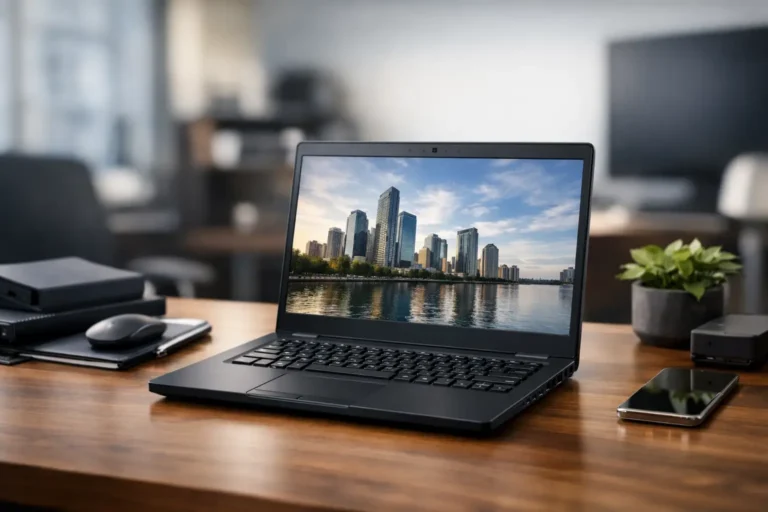
A three-year-old business laptop can be a better working machine than a new budget model. That is why the best ex-lease laptops remain one of the most practical choices for UK buyers who need dependable hardware without paying for unnecessary consumer features. They were originally specified for professional use, then returned after a managed lease period and prepared for a second lifecycle.
The difference is not simply age or price. A worthwhile ex-lease device should have a clear specification, verified condition, tested battery performance and a properly installed operating system. For a school replacing a trolley of devices, a business equipping remote staff or an individual buying for everyday work, those checks matter more than a glossy retail box.
Why ex-lease hardware is different
Large organisations commonly replace laptops on a fixed cycle, often after three or four years. The outgoing machines may still be fully capable, but fleet policy, warranty terms and standardisation requirements make replacement the sensible operational decision. This creates a supply of enterprise-class Lenovo ThinkPads, Dell Latitudes and HP EliteBooks that are designed for regular transport, long working days and manageable deployment.
Business laptops generally have advantages that are easy to miss when comparing a specification sheet. They tend to offer better keyboards, stronger hinges, serviceable components, useful port selection and security features such as TPM support, fingerprint readers or smart-card options. Many also support docking stations, which matters when staff move between home and office desks.
There are trade-offs. An ex-lease laptop may carry cosmetic marks, and its chassis may be heavier than a current ultra-portable consumer device. Integrated graphics are common, so these machines are not the right choice for demanding 3D design, high-end gaming or intensive video production. For office applications, browser-based work, accounting packages, coding, video calls and education workloads, however, their value is difficult to ignore.
Best ex-lease laptops by workload
There is no single best model for every buyer. The right choice depends on the software in use, the expected lifespan, portability requirements and whether the device will join an existing managed fleet.
General office, remote work and study
A 14-inch Lenovo ThinkPad T-series, Dell Latitude 5000 series or HP EliteBook 800 series is usually the sensible starting point. Look for an Intel Core i5 processor from the eighth generation onwards, 8GB of RAM as a minimum and a solid-state drive. That combination handles Microsoft 365, web applications, Teams calls and everyday multitasking comfortably.
For a device expected to remain in service for several years, 16GB of RAM provides more headroom. It is especially useful where users keep many browser tabs open, work with larger spreadsheets or run several business applications at once. A 256GB SSD is adequate for cloud-led work, while 512GB makes more sense for local files and offline datasets.
Mobile staff and frequent travelling
Weight, screen size and battery condition become more important here. ThinkPad X-series models, Dell Latitude 7000-series devices and HP EliteBook 1030 or 1040 models can offer a more compact format without abandoning business-grade features. A 13- or 14-inch display is often the better balance for work away from a fixed desk.
Do not assess battery life by the original manufacturer claim. Battery capacity declines with use and time. A professional refurbisher should test the battery and state condition clearly. If a machine will be used mainly with a charger or dock, a sound but lower-capacity battery may be acceptable. For staff working across client sites or students moving between lessons, stronger battery health deserves priority.
Creative, technical and data-heavy work
For heavier workloads, consider a mobile workstation such as a Lenovo ThinkPad P-series, Dell Precision or HP ZBook. These can provide higher-powered processors, larger memory configurations, dedicated graphics and better cooling. They are appropriate for CAD-adjacent work, engineering software, data analysis and certain media tasks, provided the required application is checked first.
These machines are larger, louder under load and often have shorter battery endurance than standard business laptops. They also cost more, even when refurbished. Buying one only makes sense when the workload genuinely needs it. A standard i5 business laptop is often the more efficient fleet choice for roles focused on documents, communication and cloud systems.
Apple Mac users
Ex-lease Apple MacBook models can be strong options for organisations already using macOS or individuals who require Apple-specific software. The key question is software support. Check the latest macOS version supported by the exact model and confirm that required applications, device management tools and security controls remain compatible.
Apple silicon MacBooks deliver excellent efficiency, but Intel-based MacBooks can still suit lighter workloads at the right price. As with any refurbished device, storage capacity, battery condition, keyboard layout and screen condition should be verified before purchase.
What to check before buying
The specification should be evaluated as a whole, not by processor name alone. An older Core i7 with 8GB of memory and a small ageing drive may be less useful than a newer Core i5 with 16GB RAM and a healthy SSD. Windows 11 compatibility is also a practical consideration for any device intended for continued use.
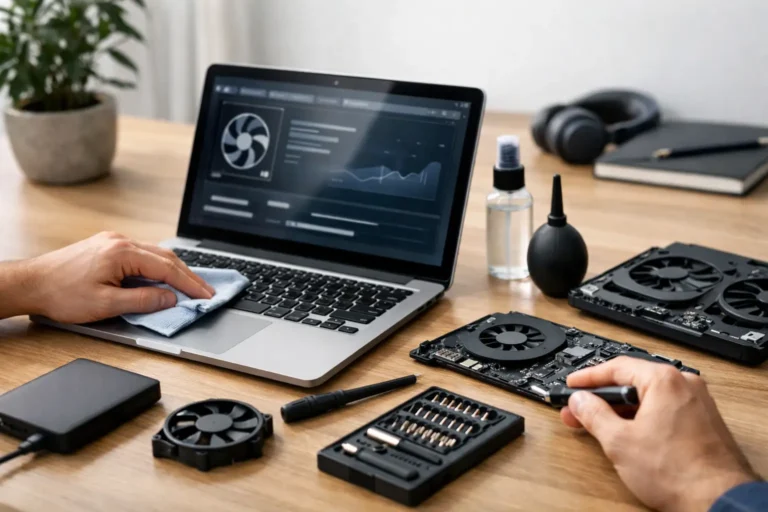
Ask how the laptop has been processed. Proper refurbishment is more than a wipe-down and a fresh installation. It should include secure data erasure, hardware diagnostics, storage testing, screen and keyboard checks, port testing, battery assessment and quality assurance. Faulty or worn components should be replaced where required, and the device should be configured with a legitimate operating system.
Condition grading needs plain language. Grade A, B and C labels are not universal standards, so the seller should explain what each grade means. A lower cosmetic grade can be an excellent value choice when the laptop will be used by field teams, in classrooms or at a fixed desk. For customer-facing staff, executive users or gifts, appearance may justify paying for a higher grade.
The following points should be clear before approval:
- the exact model, processor generation, memory and SSD capacity
- screen resolution, webcam presence and keyboard layout
- battery test result or stated battery condition
- cosmetic grade and any visible marks or defects
- Windows version, licence status and included charger
- warranty length, return process and support route
For fleet purchases, request consistency as well as quality. Mixed models can complicate driver management, docking compatibility, charger spares, user support and asset records. A matched batch with the same specification and grade is easier to deploy and maintain.
Data security is part of the value
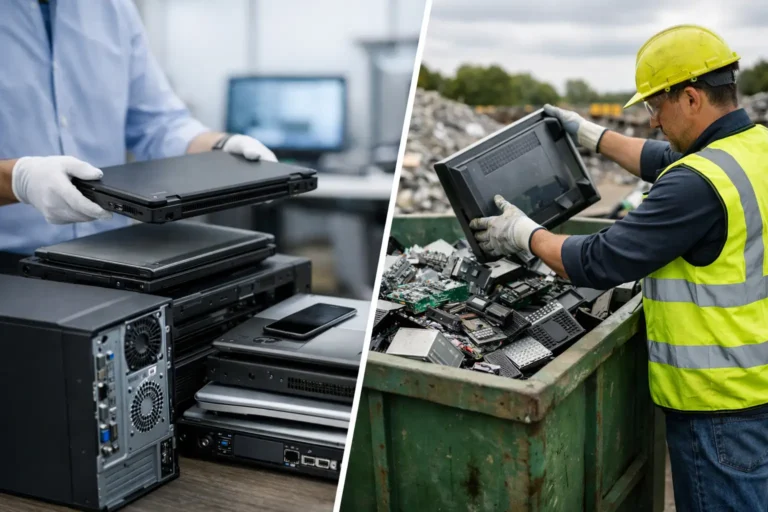
A laptop is only ready for resale after its previous data has been handled correctly. For organisations releasing devices at end of use, this means a documented IT asset disposition process and secure data erasure aligned with the sensitivity of the information held. Simply deleting files or reinstalling Windows is not a sufficient control.
For buyers, this process also brings reassurance. The device should arrive free of prior user accounts, management profiles and residual business data. It should be ready for a new Windows configuration, user enrolment and endpoint security policy.
Companies buying ex-lease equipment should treat it as part of normal IT procurement, not an exception. Record serial numbers, assign assets, apply encryption, update firmware and operating systems, and enrol the devices in the same management platform used for new hardware. Refurbished equipment can fit a controlled estate when procurement and deployment are planned together.
Price, warranty and total cost
The lowest upfront price is not always the lowest cost. A laptop with limited memory, a worn battery or an unsupported operating system may require early replacement. Equally, paying extra for specifications that users will never use reduces the financial benefit of refurbishment.
A good purchasing decision considers the expected role of the device, the time it needs to remain in service and the support available if a fault occurs. Warranty coverage is particularly valuable for schools and businesses that cannot absorb unpredictable downtime. Check whether the warranty covers parts and labour, how faults are reported and whether replacement options are available for batch orders.
Refurb X Connect approaches this through tested business hardware, transparent condition assessment and a defined route from device intake through data erasure, refurbishment and resale. That process reduces uncertainty for buyers who need hardware to arrive ready for work rather than ready for further troubleshooting.
Make the specification fit the next lifecycle
The strongest ex-lease purchase is not necessarily the newest or most expensive machine. It is the one that matches real work, can be supported for the required period and has been prepared with enough care to earn its next lifecycle. Start with the applications, set a minimum specification, verify the refurbishment process and choose condition based on use rather than appearance alone. That is how a previously leased business laptop becomes a reliable working asset again.