Review a Dell Latitude Refurbished Laptop
A Dell Latitude is rarely chosen for spectacle. It is chosen because it was designed to spend years moving between desks, meetings, home working setups and managed IT estates. If you are searching for a review Dell Latitude refurbished laptop, the useful question is not whether Latitude is a good name. It is whether a specific generation, specification and refurbishment standard will suit the work in front of you.
For UK buyers, a professionally refurbished Latitude can be one of the clearest routes to dependable business hardware without paying for a new device’s depreciation. The range is broad, however. A well-specified 5000 or 7000 series model can feel current and capable. An older, poorly configured unit can become a false economy quickly.
Dell Latitude refurbished laptop review: the short verdict
Dell Latitude laptops are a strong refurbished choice for office work, education, remote working and standard business deployment. They tend to offer practical port selection, repairable designs, familiar Windows support and enterprise-grade security features. Parts availability is also generally favourable compared with many consumer laptops.
The trade-off is simple: Latitude devices are bought for function, not premium display quality or ultra-light design at every price point. Lower-tier and older models may have dimmer screens, heavier chassis and batteries that need closer scrutiny. The badge alone is not the specification.
For most buyers, the best value sits in later Intel 8th-generation and newer models with at least 8GB RAM, a solid-state drive and Windows 11 compatibility. For a fleet, consistency matters as much as individual value. Matching models, chargers, memory configurations and screen sizes makes deployment and support easier.
What the Latitude range tells you
Dell’s Latitude family has long been aimed at managed workplace technology. That changes what matters in a refurbished purchase. You are more likely to find USB-C charging, docking compatibility, TPM security hardware, replaceable storage and service documentation than on an equivalent consumer device.
The 3000 series is usually the entry point. It can be a sensible choice for web-based work, Microsoft 365, email and classroom use, provided the processor generation is recent enough. Expect more plastic in the chassis and fewer premium features.
The 5000 series is often the practical middle ground. Models such as the Latitude 5400, 5410, 5420 and 5430 are commonly suitable for business users who need a 14-inch screen, useful ports and a machine that travels well without chasing the lightest possible weight. These are strong candidates for organisations standardising a mixed user estate.
The 7000 series is thinner and more premium, with models such as the Latitude 7400 and 7420 offering a more portable experience. They can be excellent refurbished purchases, but thin designs may offer less scope for memory upgrades and can command a higher price. Buy them when portability and presentation matter, rather than assuming the higher series number automatically creates better value.
Rugged Latitude variants are a specialist purchase. They make sense for field use where protection is required, but their size, weight and cost are difficult to justify for conventional office work.
Processor generation matters more than cosmetic age
A clean-looking laptop with a low price can still be the wrong device. The processor generation affects Windows support, speed, battery efficiency and the useful lifespan you can expect after purchase.
Intel 8th-generation Core processors are a meaningful baseline for many refurbished Windows laptops because they commonly provide four cores in mainstream mobile configurations and are supported by Windows 11. A Latitude 5400 with an 8th-generation Core i5, 8GB or 16GB RAM and a 256GB SSD remains a credible device for documents, browser-heavy workloads, Teams calls and line-of-business applications.
Older 6th- and 7th-generation machines can still be useful for ChromeOS Flex, Linux, light workloads or environments with specific legacy requirements. They should not be presented as a like-for-like Windows 11 solution. For buyers who need several years of supported Microsoft Windows use, choosing a supported processor is the safer operational decision.
Memory is the next check. 8GB is workable for light office use, but 16GB is preferable for users with many browser tabs, spreadsheets, video calls and several open applications. Storage should be SSD-based. A 256GB SSD is adequate for many roles, while 512GB gives more headroom for local files and software.
Screen, keyboard and ports: inspect the daily experience
A Latitude’s keyboard is one reason many users remain loyal to the range. It is generally comfortable, practical and designed for regular typing. Yet condition varies with the previous deployment. Check photographs and grading notes for shine on keycaps, touchpad wear and marks around the palm rest. These do not necessarily affect performance, but they affect how a device feels every day.
Screen specification deserves equal attention. Full HD, or 1920 x 1080, is the sensible minimum for a 14-inch or 15-inch business laptop. Some older Latitudes were supplied with lower-resolution panels that limit workspace and look noticeably dated. Touchscreen panels can be useful, but they are not essential for most business roles and may reduce battery life slightly.
Ports are a Latitude advantage, particularly on models from the 5000 series. HDMI, USB-A, USB-C and a headset socket remain useful for meeting rooms, external displays and older peripherals. Confirm whether USB-C supports charging and video output on the exact model, especially if you intend to use a dock. Docking standards vary between generations, and compatibility should be checked before purchasing multiple units.
Battery health is not a footnote
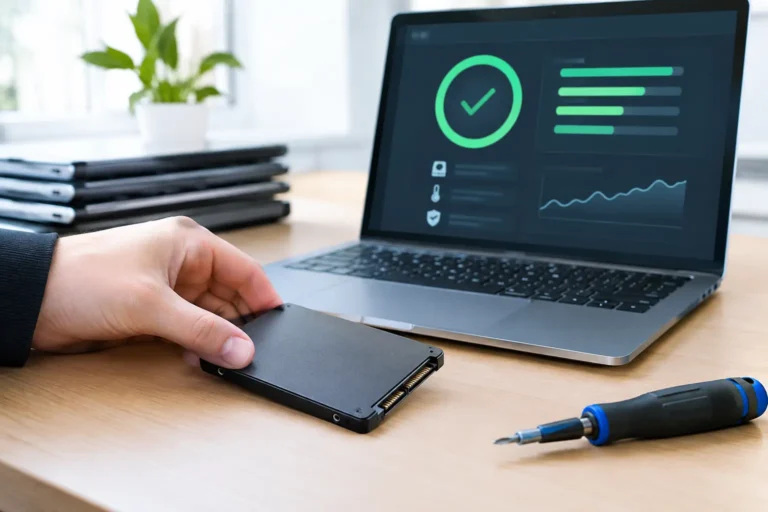
Refurbished laptop batteries are consumable components. A device can pass every hardware diagnostic and still disappoint if battery capacity has fallen significantly through use. A proper refurbishment process should include battery health testing and clear criteria for whether a battery is retained or replaced.
Do not judge battery life from Dell’s original marketing figures. Those figures were measured when the device was new and under controlled conditions. Real-world endurance depends on battery wear, screen brightness, video calls, browser use, mobile connectivity and the software running in the background.
Ask whether battery condition has been tested, whether a minimum health threshold applies, and whether the warranty covers a battery that fails prematurely. For office-based users who mostly work near power, a serviceable used battery may be acceptable. For mobile staff, students and frequent travellers, better battery health is worth paying for.
What professional refurbishment should include
There is a difference between a used laptop that has been switched on and a business device prepared for redeployment. The latter needs a process that addresses security, hardware condition and user readiness.
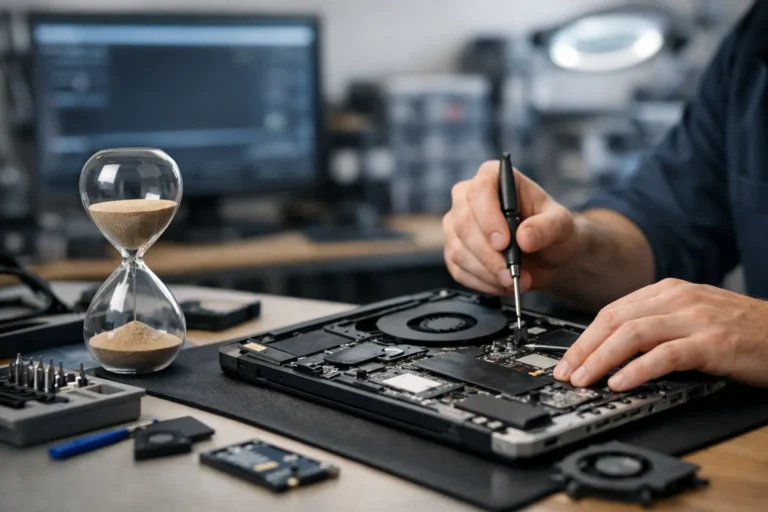
A credible refurbished Latitude should have its previous data securely erased, storage checked, key components tested, cooling inspected and the operating system installed cleanly. Ports, webcam, microphone, Wi-Fi, keyboard, trackpad, speakers and charger should all be part of quality assurance. Cosmetic grading should separate surface wear from functional defects rather than treating them as the same thing.
For organisations, data handling is central. A device leaving an IT estate may contain business, customer or staff information even after files appear to have been deleted. Secure data erasure and traceable asset handling are part of responsible IT asset disposition, not optional extras. Refurb X Connect approaches refurbishment as a managed device lifecycle process, from recovery and testing to redeployment and resale.
Warranty, grading and marketplace comparisons
A warranty is useful only when its terms are clear. Check its duration, who provides it, whether return postage is covered and how faults are handled. A low price with uncertain after-sales support can cost more in downtime than a slightly higher-priced device from a specialist refurbisher.
Grading should also be read precisely. Grade A commonly means light signs of prior use, while Grade B may include more visible marks or wear. Definitions are not identical across sellers. Review the stated standard rather than assuming a grade has a universal meaning.
Amazon Renewed can offer broad choice and fast delivery, but listings can vary in how much detail they provide on screen type, battery condition, keyboard layout and exact configuration. It can suit an informed single-device buyer who checks each listing carefully. Businesses, schools and charities usually benefit more from a supplier that can confirm consistent specifications, prepare devices in quantity and provide one point of accountability.
Who should buy one, and who should not?
A refurbished Dell Latitude is well suited to administrative teams, remote workers, students, charities and organisations replacing a fleet on a controlled budget. It is especially effective where reliability, Windows compatibility, ports and serviceability matter more than graphics performance.
It is less suitable for intensive 3D design, current-generation gaming, advanced video production or AI workloads that need dedicated graphics hardware. In those cases, a mobile workstation or a newer high-performance laptop is the more realistic choice. Equally, buyers who prioritise a vivid high-resolution screen and near-silent fan behaviour may prefer a premium consumer or Apple Mac option.
The sensible purchase is specific: choose a supported processor, enough memory, SSD storage, a Full HD screen where possible, verified battery health and a warranty that matches the role. A refurbished Latitude then stops being an ageing corporate laptop and becomes what it was designed to be – dependable hardware kept in productive use for longer.