WEEE Compliant Computer Disposal Explained
A stack of retired laptops in a cupboard can become a compliance problem faster than most teams expect. Once devices leave active use, the questions change. It is no longer about performance or warranty. It is about legal handling, secure data removal, asset tracking and whether any value can still be recovered.
For UK organisations, WEEE compliant computer disposal sits at the point where IT, data protection, sustainability and operations meet. If the process is loose, risk spreads quickly. If it is structured, disposal becomes part of a controlled device lifecycle rather than an end-of-line scramble.
What WEEE compliant computer disposal actually means
WEEE stands for Waste Electrical and Electronic Equipment. In practice, WEEE compliant computer disposal means unwanted computers and related IT equipment are collected, processed and documented in line with UK regulations, rather than being thrown away with general waste or passed on through informal channels.
That sounds straightforward, but the detail matters. A compliant process is not only about removing waste from site. It should also separate devices that can be reused, refurbished or redeployed from devices that are genuinely beyond economic repair. The difference affects cost, reporting and environmental impact.
For many organisations, the mistake is treating every retired device as waste. Some equipment should be disposed of. Some should be refurbished. Some should be harvested for parts. A proper WEEE process starts with that assessment.
Why disposal is not just a facilities issue
Old desktops, monitors, laptops and accessories often sit between departments. Facilities may arrange collection. IT may hold the asset register. Compliance may care about records. Security may be focused on data destruction. Finance may want to understand residual value.
That split is where disposal often breaks down. Equipment goes missing between storage and collection, serials are not reconciled, or data-bearing devices leave site without a clear audit trail. None of that looks serious until there is a gap in reporting or a question about where a device ended up.
WEEE compliant computer disposal works best when it is treated as a managed workflow. Devices are identified, categorised, sanitised, moved through a documented chain and either prepared for reuse or processed as waste. That approach reduces friction and creates accountability.
The legal and practical duties behind WEEE
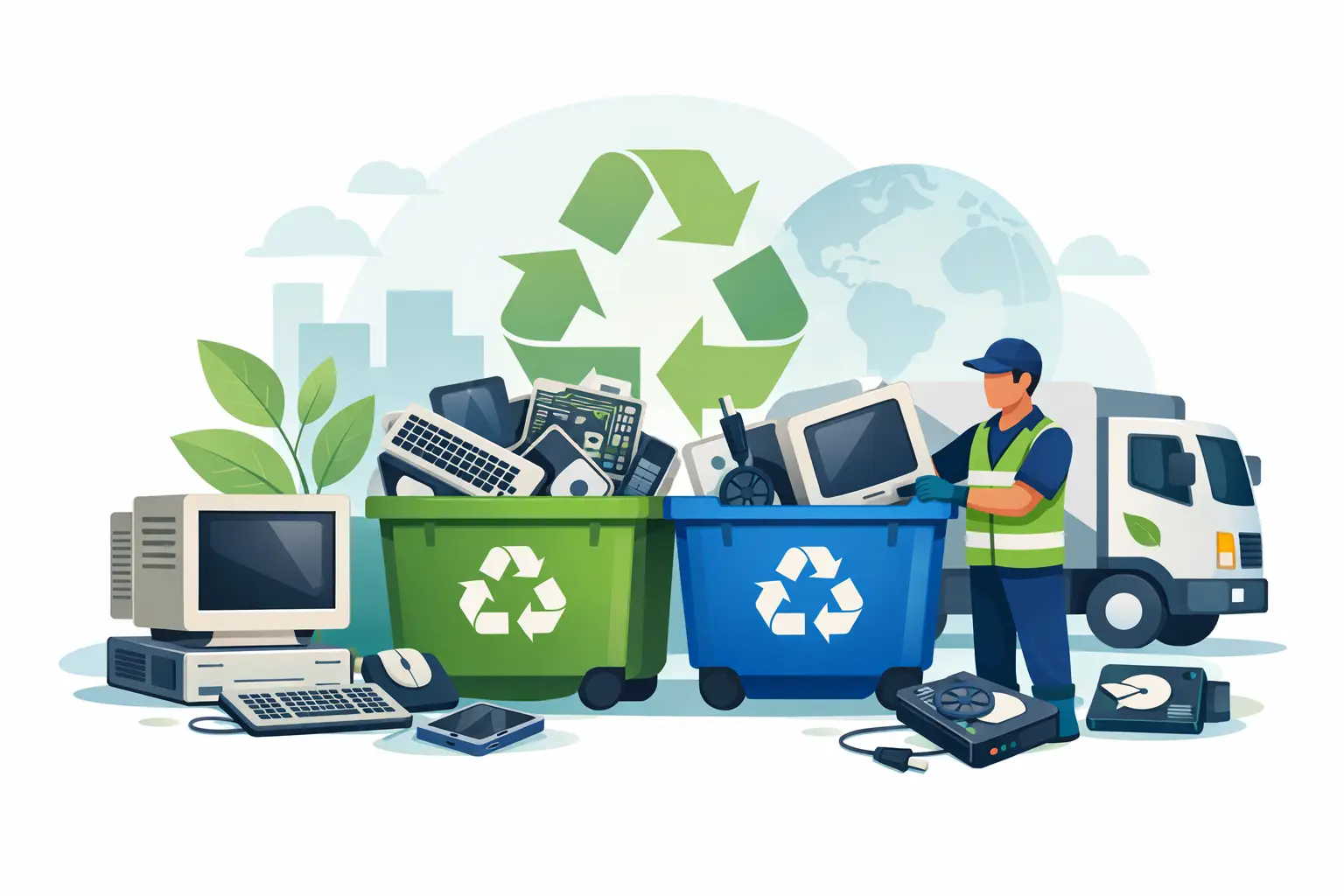
The UK WEEE regime is designed to keep electronic waste out of landfill and move it into approved recovery and treatment routes. For organisations disposing of computers, the key practical point is simple: do not send IT equipment into general waste streams or hand it to unverified operators.
You also need to think beyond the WEEE rules themselves. A computer is not just an electrical item. It may hold personal data, commercially sensitive files, user credentials or licensed software. That brings in wider obligations around secure handling and disposal.
So while people often ask whether a collector is “WEEE compliant”, the better question is whether the whole process is compliant. That includes collection, documentation, downstream treatment and data sanitisation. A provider can claim environmental handling, but if the chain of custody is poor, the disposal model is still weak.
WEEE disposal and data security must stay connected
One of the most common failures in computer disposal is treating data wiping as a separate exercise. It should not be separate. It should sit inside the disposal workflow from the start.
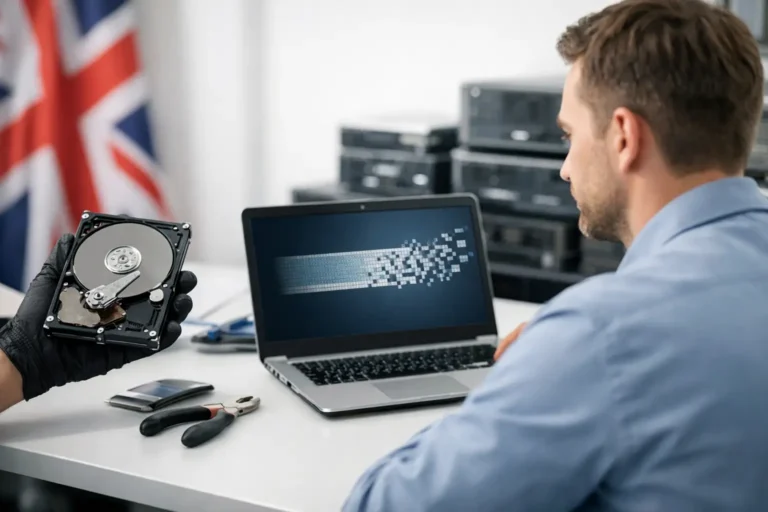
If a laptop is collected before it is logged properly, or a hard drive is removed without clear records, you create uncertainty. If a machine is suitable for refurbishment, data erasure needs to meet the required standard before the device is redeployed or remarketed. If the device is beyond reuse, physical destruction of the storage media may be more appropriate.
It depends on the asset type, the condition of the device and the sensitivity of the data. A school disposing of classroom laptops has a different risk profile from a financial firm retiring encrypted workstations, but both still need evidence. Good disposal is documented disposal.
Reuse first, waste second
The strongest WEEE outcomes usually come from moving devices up the value chain before recycling is considered. If a machine can be repaired, upgraded or refurbished safely, disposal in the narrow sense may be the wrong route.
This is where many organisations lose recoverable value. They write off whole batches because the refresh cycle has ended, not because the devices are unusable. A three-year-old business laptop with a healthy board, decent battery profile and wipeable storage may still be viable for internal redeployment, resale or managed refurbishment.
That does not mean every unit should be saved. Sometimes labour, parts cost and cosmetic condition make recovery uneconomic. Sometimes the specification no longer meets operational need. The point is to assess first. WEEE compliance should support responsible treatment, not force reusable hardware into the waste category.
What a compliant disposal process should look like
A credible process starts on site, before anything is moved. Devices should be counted, identified and matched to an asset list where possible. Data-bearing items need to be separated from peripherals and clearly controlled. Loose handling at this stage creates most of the later reporting problems.
The next step is secure collection and transport. That sounds basic, but it matters. A compliant route is not just a van turning up and taking pallets away. There should be a documented handover, a clear receiving point and traceable movement into processing.
After intake, devices should be triaged. Some will be suitable for refurbishment or parts harvesting. Others will go to approved treatment and recycling. Storage media should be sanitised or destroyed according to risk and intended outcome. Reporting should then close the loop, with records that show what was collected, what happened to it and what was recovered or recycled.
For organisations handling regular IT refreshes, this process should be repeatable rather than improvised. The more devices you manage, the more important standardisation becomes.
Choosing a provider for WEEE compliant computer disposal
Price matters, but cheap collection can be expensive if the process is vague. The better test is operational clarity. You should know who is handling the equipment, how data-bearing assets are controlled, whether reusable devices are assessed for refurbishment and what documentation you receive at the end.
A good provider will be direct about trade-offs. Not every unit will carry resale value. Not every screen is worth transporting individually. Not every damaged device should be refurbished. What you want is a partner that can sort those outcomes properly rather than defaulting everything into scrap.
This matters even more for businesses, schools and resellers managing volume. When disposal is connected to refurbishment capability, data handling and downstream logistics, the process becomes easier to control. That is the real benefit of an integrated model such as Refurb X Connect at https://refurb-x.co.uk – fewer handoffs, clearer accountability and better decisions on whether an asset should be disposed of, repaired or redeployed.
Common mistakes that create risk
The first is storing retired computers indefinitely. Once equipment piles up, records drift and accountability weakens. The second is assuming a wiped login screen means the device is safe. It does not. Proper sanitisation is a separate process.
The third is ignoring low-value items. Keyboards, docks, cables, small form factor PCs and monitors may not seem critical, but they still sit within the waste stream and should be handled correctly. The fourth is failing to reconcile what left site against what was actually processed. If the numbers do not match, you need to know why.
There is also a reputational issue. Organisations increasingly report on sustainability and asset recovery. If disposal is poorly managed, it undermines those claims.
A more useful way to think about end-of-life IT
Computer disposal should not start when the devices are already obsolete and boxed in a storeroom. It should start earlier, as part of lifecycle planning. If you know how assets will be collected, sanitised, assessed and routed at end of use, refresh cycles become cleaner and less costly.
That shift changes the outcome. You reduce waste leakage, protect data properly and recover more value from equipment that still has service life left. WEEE compliance then stops being a narrow legal task and becomes a practical operating standard.
The best disposal process is the one that keeps control all the way to the last serial number.