Review Refurbished HP EliteBook Before You Buy
A search for review refurbished hp elitebook often comes down to one question: can a used business laptop still be trusted for daily work? In many cases, yes. A professionally refurbished EliteBook can be a sensible purchase for remote workers, students, small teams and organisations refreshing a larger fleet, provided the condition, specification and refurbishment process are clear.
HP EliteBooks were designed for managed workplace use rather than short-term consumer ownership. That matters. Their chassis, keyboards, security features and serviceability generally make them better candidates for a second lifecycle than cheaper laptops that were never intended to be repaired or redeployed.
Refurbished HP EliteBook review: the practical verdict
A refurbished HP EliteBook is usually good value when it is from a recent enough generation, has an SSD, sufficient memory and a tested battery. It is less compelling when the listing relies on vague descriptions, uses an older processor without stating its Windows compatibility, or gives no meaningful detail about cosmetic grade and warranty.
For standard office work, browser-based platforms, Microsoft 365, video calls and light administrative workloads, an EliteBook with an Intel Core i5 processor, 8GB RAM and a solid-state drive remains capable. For heavier multitasking, multiple external displays, large spreadsheets or professional applications, 16GB RAM is the safer baseline. The condition of the battery and display can affect the ownership experience more than a small difference in processor speed.
The strongest value is often found in 13-inch and 14-inch models from the 800 series, such as the EliteBook 830, 840 and 850 ranges. The 14-inch format suits hybrid work particularly well: portable enough for travel, with enough screen space for documents and spreadsheets. The 15.6-inch 850 models are better suited to desk-led work where a larger display takes priority over weight.
Why EliteBooks work well in a second lifecycle
Enterprise hardware is built around predictable deployment, maintenance and security. EliteBooks commonly include stronger keyboard assemblies, business-focused ports, TPM security hardware, BIOS-level management options and durable hinges. Exact features vary by generation, so a model number matters more than the EliteBook name alone.
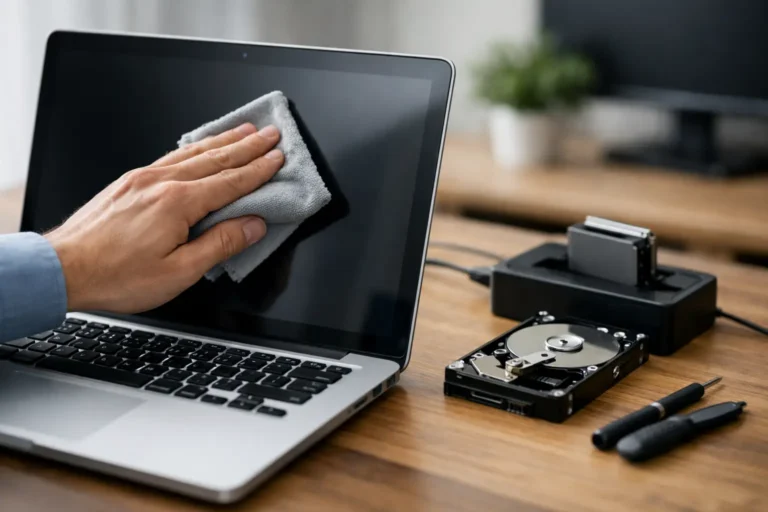
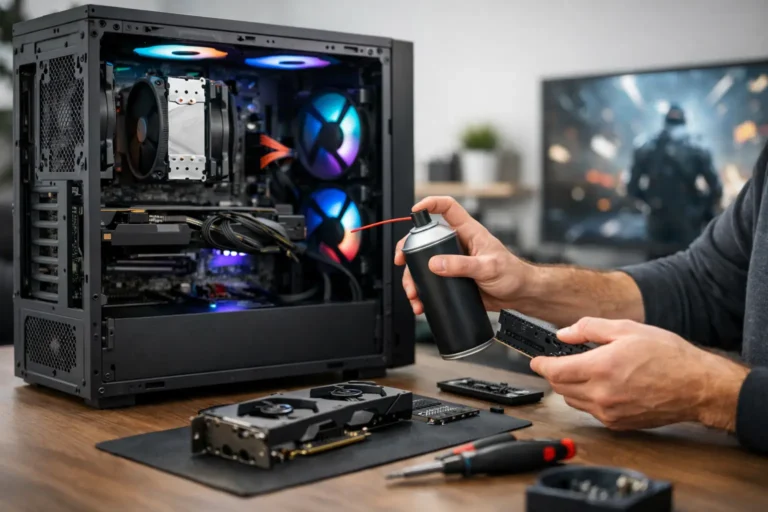
That enterprise design also makes parts replacement more practical. During a proper refurbishment process, a device should be assessed for hardware faults, storage health, charging function, keyboard operation, webcam performance, speakers, Wi-Fi, ports and display defects. Failed components should be replaced, not concealed by a quick reset and a fresh operating system installation.
For organisations, consistency is another advantage. Buying several units from the same EliteBook generation simplifies charger allocation, docking arrangements, peripheral compatibility and user support. A mixed fleet can be workable, but standardisation reduces friction when devices are issued, swapped or returned.
There is a sustainability case as well. Extending the useful life of business hardware reduces premature e-waste and makes better use of the materials already embedded in the device. That benefit only holds when the laptop is still fit for purpose. Redeploying equipment that cannot meet a user’s performance, security or battery requirements simply shifts the problem further down the line.
Specification matters more than the badge
Do not buy on the basis of processor branding alone. A Core i5 can describe several years of hardware with very different performance, graphics capability and operating system support. Ask for the full processor model, installed RAM, storage capacity, screen resolution and the generation of the EliteBook.
Processor and Windows support
For a device intended to run Windows 11, check eligibility rather than assuming it will be supported. Many later eighth-generation Intel Core models and newer are compatible, subject to the rest of the hardware configuration. Earlier systems may still be useful with an appropriate operating system plan, but they require more careful assessment for business deployment.
Windows licensing should be stated clearly. A professionally prepared machine should arrive with a legitimate, activated installation and current drivers. It should not require the buyer to source a licence, remove unwanted software or resolve basic hardware conflicts before work can start.
Memory and storage
An SSD is essential for a responsive experience. A 256GB SSD is adequate for general use with cloud storage, while 512GB provides more headroom for local files and applications. Avoid older hard-disk-based configurations unless the price reflects the upgrade work required.
Eight gigabytes of RAM is acceptable for focused office use. Sixteen gigabytes is a better long-term choice for busy browser sessions, Teams calls, data work and users who keep several applications open. Some EliteBooks allow memory upgrades; others have partially soldered or fixed memory, so this should be checked before purchase.
Display, keyboard and ports
Screen quality varies widely across used stock. Full HD is the practical minimum for most buyers. Check whether the panel is standard, touch-enabled or privacy-filtered, as privacy screens can look noticeably dimmer when viewed from an angle.
The keyboard is one of the reasons people choose an EliteBook, but it still needs inspection. Look for worn key legends, inconsistent keys, trackpad wear and signs of liquid exposure. Port selection also changes between generations. USB-C charging and DisplayPort capability are useful for modern desks, but do not assume every USB-C port supports every feature.
What refurbishment quality should look like
The word refurbished is not a universal standard. One seller may use it for a tested, cleaned, data-erased and warrantied laptop; another may use it for a device that has merely been powered on. The process behind the label is the real product.
A credible supplier should be able to explain the device grade. Grade A normally indicates light signs of use, while Grade B may show more visible marks that do not affect operation. Definitions can differ, so buyers should expect clear photographs or a written condition description rather than relying only on a grade label.
Battery health deserves direct attention. A used laptop battery is a consumable component, and a device can pass basic charging checks while delivering limited runtime. Sellers should state whether batteries are tested, whether a minimum performance threshold applies and whether the battery is covered by warranty. For users working away from a mains socket, this is not a minor detail.
Data security is equally central, particularly where hardware comes from corporate estates. Storage should be securely erased before resale, with a documented process appropriate to the media type. The next owner should receive a clean system without former user accounts, company management profiles or residual business data. This protects both the previous owner and the buyer.
Review refurbished HP EliteBook listings with these checks
Before committing, compare the listing against the work the laptop must do. A lower-priced model can become poor value if it needs an immediate RAM upgrade, replacement charger, new battery or operating system change. Conversely, a unit with modest cosmetic wear may be an excellent choice where performance, warranty and fleet consistency matter more than appearance.
Check the exact configuration, screen resolution, battery information, included charger, operating system, cosmetic grade and warranty terms. For business procurement, also ask whether identical or closely matched stock is available, whether serial numbers can be supplied for asset records and whether devices can be configured consistently before dispatch.
For larger orders, the process should extend beyond the laptop itself. Asset tagging, BIOS configuration, Windows setup, secure data handling and staged delivery can be more valuable than a marginal saving per unit. A refurbishment partner should reduce the operational work around a device refresh, not add to it.
Who should buy one, and who should not
A refurbished EliteBook suits buyers who need dependable workplace hardware without paying new-device pricing. It is particularly effective for office productivity, education, administration, remote roles and redeployment programmes. Its practical design also makes it a reasonable choice for users who prefer a traditional laptop with useful ports and a business-grade keyboard.
It may not be the right choice for demanding 3D design, current AAA gaming, advanced video production or workflows dependent on dedicated graphics. In those cases, assess a workstation-class device or newer hardware with the required GPU capability. Similarly, buyers wanting all-day battery life with minimal weight may prefer a newer platform, even if the initial cost is higher.
The best purchase is rarely the cheapest EliteBook listed. It is the one with a transparent specification, a defined refurbishment standard and enough remaining capability for the work ahead. That gives the device a credible second life and gives the buyer fewer surprises after deployment.