School Laptop Refresh Case Study: Better Value
A laptop refresh can fail long before a pupil opens a device. The usual causes are not dramatic: a budget stretched across too many priorities, unclear specifications, inconsistent batteries, missing chargers, or a rollout plan that overlooks old devices and the data held on them. This school laptop refresh case study examines a representative UK secondary school scenario and the decisions that made a refurbished route practical.
The school needed to replace an ageing mixed fleet used in classrooms, library sessions and home learning. Existing devices had become slow to start, batteries no longer lasted through the day, and staff were spending too much time resolving avoidable hardware issues. Buying new was considered, but the available budget would not cover the required number of devices without reducing specification or delaying other IT priorities.
The chosen route was a managed refresh using professionally refurbished business laptops. It was not simply a lower-cost substitute for new equipment. It was a procurement decision based on fit, condition, supportability and device lifecycle.
School Laptop Refresh Case Study: The Starting Point
The representative school had around 500 pupils and a laptop pool of 140 devices. The fleet included several generations of consumer notebooks alongside older business models. Some were capable of basic browser use; others struggled with current Windows updates and classroom software.
The IT lead set four requirements. Devices had to run Windows 11 where supported, start quickly, work reliably on the school’s existing Wi‑Fi, and remain usable for at least three further academic years. Equally, the school needed a clear process for removing data from outgoing laptops and a consistent standard for incoming stock.
The first temptation was to specify the newest available processor. That would have increased unit cost without necessarily improving the pupil experience. For browser-based learning platforms, Microsoft 365, document work and standard classroom applications, a well-configured eighth-generation Intel Core i5 business laptop with sufficient memory and solid-state storage was a more proportionate fit.
That distinction mattered. A refresh should be based on the workloads pupils and teachers actually use, rather than a specification race that consumes budget.
The Device Specification
The school selected a matched batch of refurbished 14-inch Lenovo ThinkPad and Dell Latitude laptops. These enterprise models were chosen because they are designed for managed fleets: parts are widely available, docks and chargers are easier to source, and the chassis, keyboards and hinges are generally better suited to repeated daily use than low-cost consumer devices.
Each unit was specified with an Intel Core i5 processor, 8GB RAM as a minimum, a 256GB SSD, webcam, Wi‑Fi, webcam and charger. Windows was installed cleanly and the laptops were prepared for the school’s own enrolment and configuration process.
A 14-inch screen was a deliberate compromise. Smaller devices would have been more portable, but pupils completing written work and staff moving between teaching spaces needed a display size that was comfortable for extended use. Larger 15-inch units were available, yet added bulk and reduced the number of suitable business-grade options within budget.
The school also retained a small number of higher-specification machines for media work, accessibility software and staff tasks. A single device type is operationally simple, but it is not always the best answer. A focused standard fleet with a limited specialist allocation often delivers better value.
Refurbishment Is a Process, Not a Label
The school did not treat “refurbished” as a condition description alone. It required documented preparation before devices reached site.
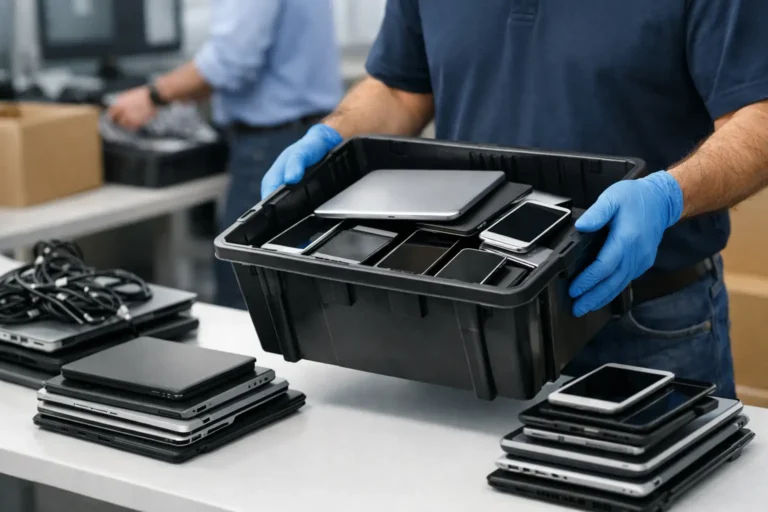
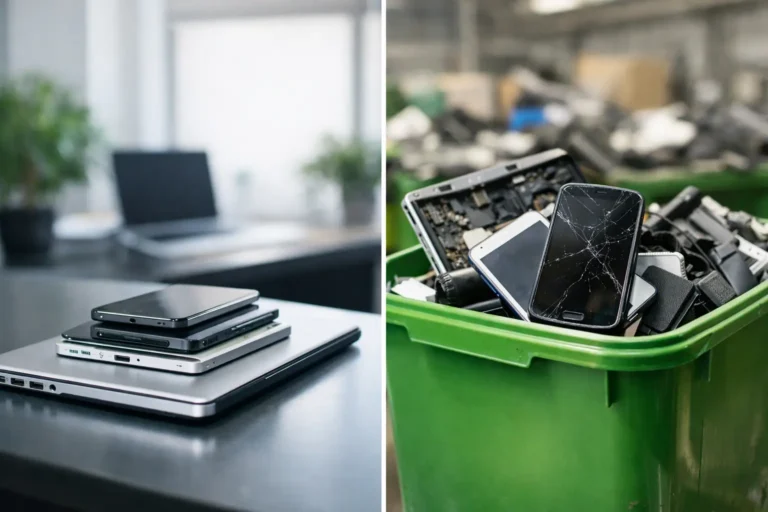
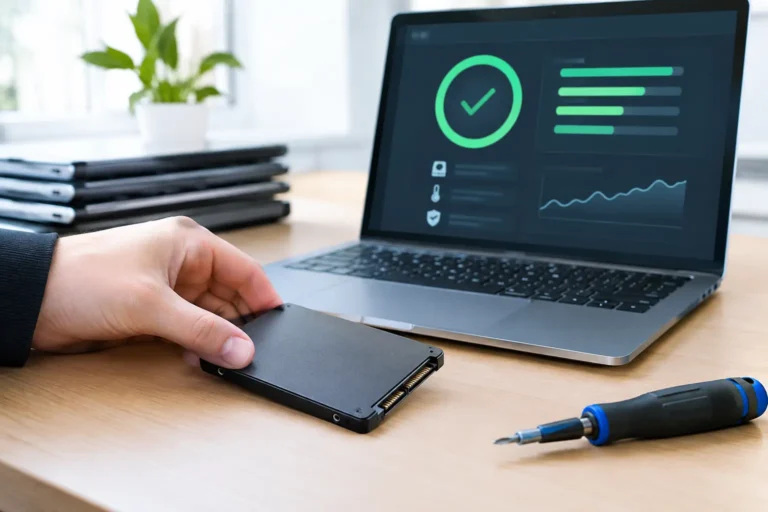
The outgoing fleet was collected for IT asset disposition. Storage devices were securely erased using a recognised data erasure process, with records retained for the school’s asset and compliance requirements. Devices suitable for reuse could then enter refurbishment; those beyond economic repair could be separated for responsible recycling and material recovery.
Incoming laptops were subjected to diagnostics covering core hardware functions, including storage, memory, keyboard, trackpad, display, ports, camera and wireless connectivity. Faulty or worn components were replaced where needed. Battery health was checked rather than assumed, because a laptop that performs well at a test bench can still create disruption if it requires charging halfway through each lesson.
The devices were then cleaned, graded and quality checked. Cosmetic grading was explained separately from functional condition. Minor marks on an A-grade or B-grade business laptop do not affect its ability to run classroom workloads, but schools should know what staff and pupils will receive. Clear grading prevents mismatched expectations at delivery.
This is where the refurbished route differs from buying untested used laptops in small batches. Consistency is valuable in a school fleet. It reduces troubleshooting time, makes replacement devices easier to manage and gives the IT team a predictable support position.
Cost Was Only One Part of the Case
The school’s refurbished purchase reduced the cost per usable laptop compared with a like-for-like new business fleet. That released budget for protective cases, spare chargers and a small contingency stock. Those items are easy to deprioritise at purchase stage, but they reduce downtime once devices are in circulation.
The larger financial benefit came from avoiding false economy. An older, lower-specification laptop may be cheaper upfront, yet cost more through slow performance, replacement batteries, incompatible operating systems or an early second refresh. The selected devices sat in the middle: modern enough for supported Windows use and standard education workloads, but mature enough in the market to provide strong value.
The school also avoided mixing too many models. A fleet of bargain devices from several manufacturers can look attractive in a spreadsheet, but it creates multiple charger types, different driver sets and inconsistent user experiences. Standardisation made the estate easier to support.
Rollout Without Classroom Disruption
Delivery was scheduled outside normal teaching hours. Before distribution, the IT team applied the school’s device naming convention, enrolled units into management software and tested access to Wi‑Fi, Microsoft 365 and printing. A pilot group of staff used a small batch first, allowing issues with policies or software deployment to be corrected before pupil rollout.
The school kept approximately 10 per cent of the batch as controlled spares during the first term. This was not waste. It was operational protection. A spare laptop can keep a lesson moving while a damaged keyboard, failed charger or configuration fault is resolved.
Staff were given a short handover document covering charging routines, storage expectations and the process for reporting faults. The aim was not to turn teachers into technicians. It was to ensure that minor issues reached the right support route quickly, with enough information to act.
Results After One Term
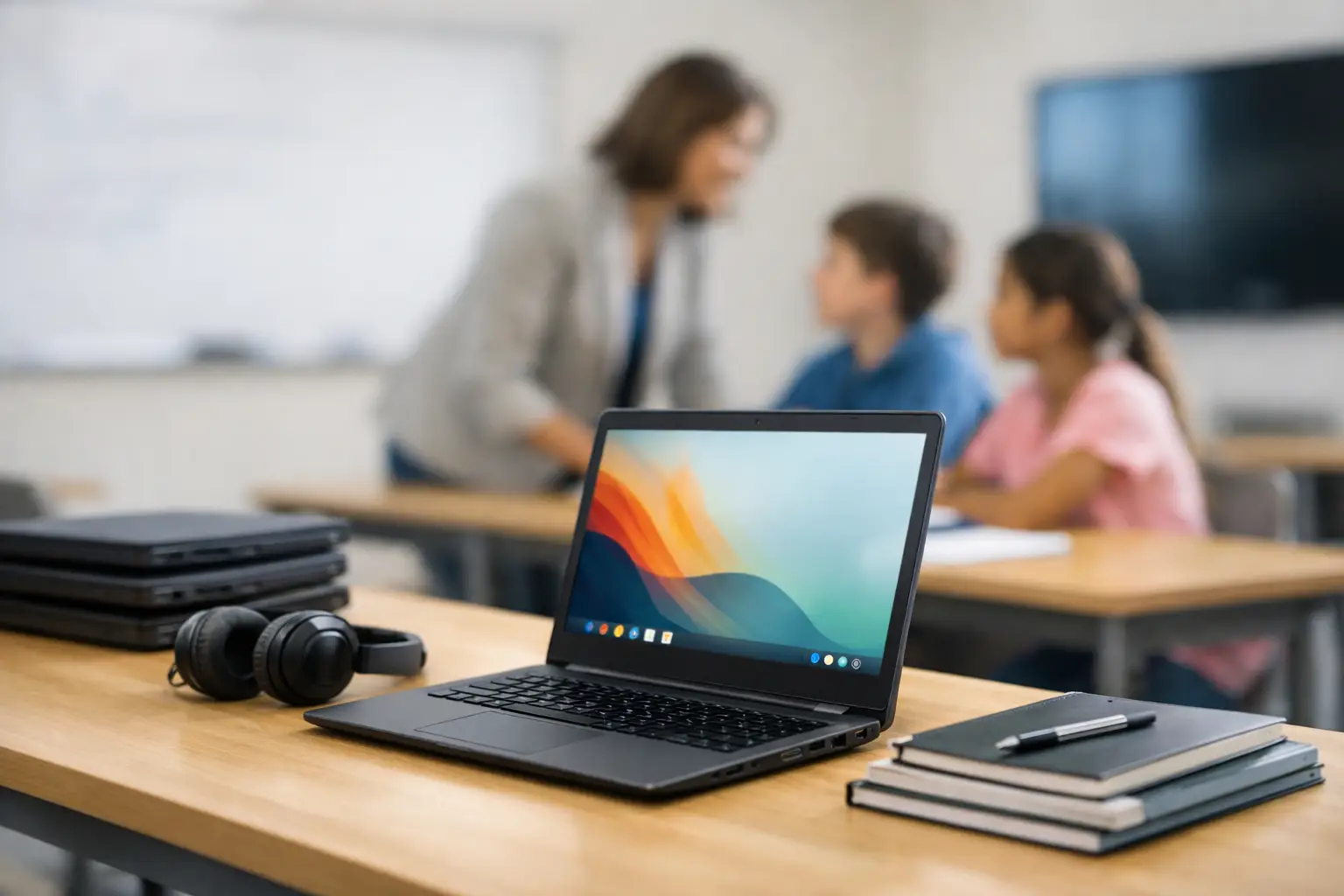
The immediate result was a more consistent classroom experience. Pupils could access the same applications and learning platforms without being assigned a device based on luck. Staff spent less time working around slow starts, unreliable batteries and missing chargers.
The IT lead also gained better visibility of the fleet. Asset records were clearer, device specifications were consistent, and outgoing hardware had been handled through a controlled data security process. This made the next lifecycle decision easier before it was urgently needed.
There were limits. Refurbished devices can show cosmetic evidence of prior use, and not every model will have the same remaining battery capacity as a new laptop. The answer is not to ignore those points. It is to specify acceptable grading, battery expectations, warranty cover and a realistic spare-device policy before procurement.
What This School Laptop Refresh Case Study Changes
A successful school refresh is not defined by whether every device is new. It is defined by whether the fleet meets teaching needs, can be managed efficiently, protects school data and remains financially sustainable.
For many UK schools, professionally refurbished enterprise laptops can meet that test. The right approach starts with workload requirements, then matches suitable hardware to a clear refurbishment, security and support process. Refurb X Connect can support that route through coordinated refurbishment, quality assurance and lifecycle handling.
The useful question for the next refresh is not simply, “What can we buy?” It is, “What fleet can we keep reliable, support properly and use with confidence for the years ahead?”