Laptop Upgrade vs Replacement: Which Pays Off?
A laptop that takes ten minutes to start is not automatically ready for disposal. Equally, a device with a cracked hinge, weak battery and an unsupported operating system is rarely saved by adding more memory. The laptop upgrade vs replacement decision comes down to the condition of the whole device, the work it must support and the cost of keeping it secure and productive.
For an individual, the decision may be about a faster machine for home working. For an IT manager, it may affect hundreds of devices, support workload, data security and the timing of a wider refresh. A clear assessment prevents money being spent on upgrades that only delay an inevitable replacement.
Start with the workload, not the fault
The first question is not whether a laptop can be upgraded. It is whether it can still meet the required workload for the remainder of its planned life.
A business laptop used for email, browser-based systems, Microsoft 365 and video calls has different requirements from one running large spreadsheets, design software, development environments or local virtual machines. A device that was adequate three years ago can become a source of lost time as software, browser tabs and security tools demand more processing power and memory.
Check the practical signs. Slow start-up, limited storage and browser lag can often be resolved. Repeated freezing under normal workloads, sustained fan noise, overheating or poor performance during video meetings may indicate a processor limitation or wider hardware wear. Those issues need a more cautious cost comparison.
It is also worth separating a user experience problem from a hardware problem. A clean Windows installation, removal of unnecessary startup applications and sufficient free storage can make a material difference. If performance remains poor after that baseline work, a hardware upgrade or replacement becomes easier to justify.
When a laptop upgrade makes sense
An upgrade is most effective when the laptop has a sound chassis, reliable keyboard and display, a healthy mainboard, and a processor that remains suitable for the role. It should also have meaningful support life remaining.
Memory and storage are the practical upgrades
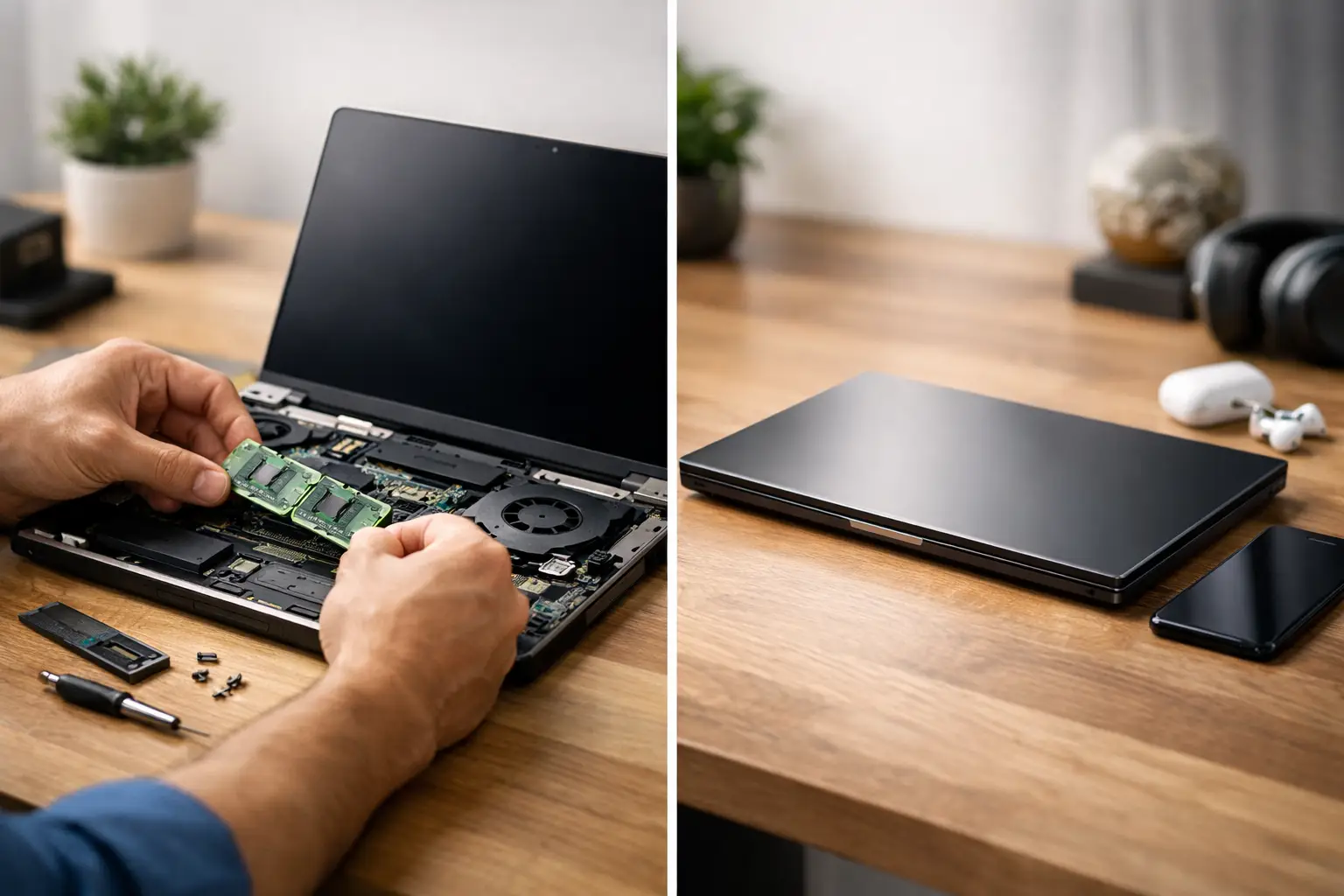
For many older business laptops, moving from a hard disk drive to a solid-state drive is the most noticeable improvement available. Start-up, application loading and file access become substantially quicker. Where the device already has an SSD but storage is close to capacity, a larger drive can reduce slowdowns caused by a nearly full system disk.
Memory upgrades can also be worthwhile. A device with 4GB of RAM may struggle with modern browser use and Teams meetings. Moving to 8GB or 16GB, where supported, can extend useful life for standard office tasks. The key qualifier is compatibility. Some modern laptops have soldered memory, making an upgrade impossible, while others use older memory types that are less economical to source.
Battery replacement is another valid route when the laptop is otherwise in good condition. Battery health matters most for mobile staff, classroom use and remote workers who need reliable time away from a charger. A replacement battery should be quality-tested and assessed alongside charging performance, not treated as a standalone fix.
Upgrade only when the platform is still viable
A fast SSD cannot compensate for an ageing processor that cannot support the applications or operating system your organisation relies on. It also cannot solve a failing display, loose power port or damaged chassis. Upgrading one component in a device with several emerging faults can create a false economy.
Windows compatibility is particularly relevant. Organisations should confirm that their devices can run a supported version of Microsoft Windows and receive current security updates. Extending the life of a laptop is positive only when it can remain managed, encrypted and protected within the organisation’s security policy.
For Apple Mac devices, repairability and component options vary sharply by model and year. Older Intel Macs may still serve specific roles, but their remaining operating system support and battery condition should be assessed before investment. Apple silicon models follow a different performance and support profile, so fleet consistency may matter more than a component-level upgrade.
When replacement is the better business decision
Replacement becomes the stronger option when faults are cumulative, performance is structurally limited or the device no longer fits the organisation’s security and management requirements.
A laptop nearing the end of operating system support should not be kept in service simply because it still powers on. Unsupported devices increase risk, complicate compliance and can add support effort for little operational return. The same applies to systems that cannot run required endpoint protection, device management tools or encryption reliably.
Physical condition matters too. Worn hinges, cracked casings, damaged screens, unreliable ports and persistent charging faults affect more than appearance. They disrupt users and can turn a low-cost upgrade into repeat intervention. For a fleet, inconsistency also has a cost: different chargers, different configurations and unpredictable failure rates make support harder to organise.
Replacement may also be the right answer where a device was never designed for the current role. A basic Chromebook can be effective for web-led education or simple frontline workflows, but it may not suit Windows-only applications. A lightweight consumer laptop may work for occasional use but be unsuitable for frequent travel, docking or intensive business use. Matching the replacement to the job is more valuable than buying the newest specification available.
Compare the full cost, not the purchase price
The headline cost of a new laptop can make an upgrade appear attractive. The reverse can happen when individual repair charges are compared with a professionally refurbished replacement. Neither figure tells the full story on its own.
Include the cost of parts, labour, configuration, data transfer, downtime and likely follow-up support. Then compare that with the cost of a replacement device that has been tested, securely prepared and supplied with a clear specification and warranty. For fleets, standardising on a small number of business-grade models can reduce deployment and support time over the next few years.
Professionally refurbished enterprise laptops are often useful in this calculation. Models from Lenovo, Dell and HP were commonly designed for replaceable components, docking, sustained workplace use and central management. A refurbished device can provide a newer generation processor, better battery performance and a more consistent user experience without the cost of purchasing new equipment.
This is not an argument for replacing every older laptop. A well-specified device with an SSD, adequate memory and several years of supported operating system life may deserve to stay in service. The decision should be based on the cost per productive year, not on age alone.
Use laptop upgrade vs replacement in fleet planning
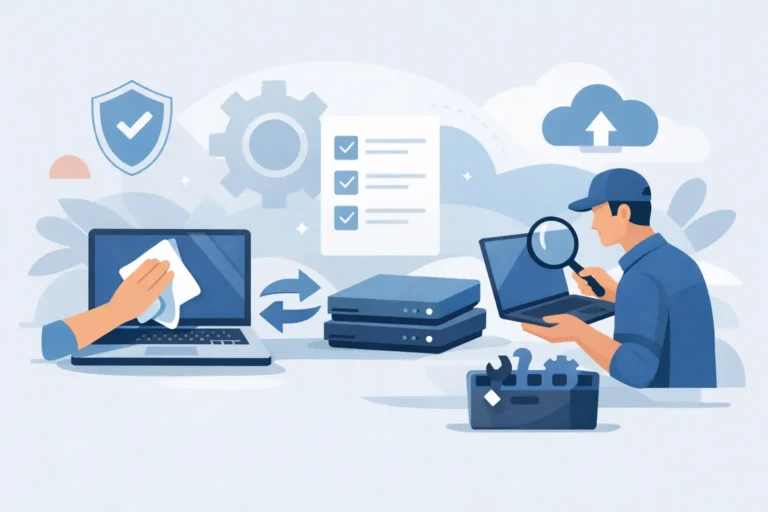
For organisations, the laptop upgrade vs replacement decision should form part of lifecycle management rather than being made only when a user reports a fault. Keep a simple device register with model, serial number, processor generation, memory, storage, battery health, operating system status, condition grade and assigned user.
This data makes patterns visible. If a group of laptops needs new batteries but remains secure and capable, a planned refurbishment programme may be sensible. If a particular generation is approaching operating system limits or generating repeated support tickets, a staged replacement plan is usually more efficient.
A staged approach can also protect budgets. Replace devices used by staff with demanding workloads first, then redeploy suitable refurbished laptops into lighter-use roles. Schools may direct higher-specification devices to staff and specialist classrooms while using dependable Chromebooks or standard laptops for browser-based learning. Businesses can reserve stronger machines for finance, creative work or technical roles and standardise general office users on a more cost-effective specification.
Data security changes the calculation
No replacement project is complete when the old device leaves the desk. It must be handled through a defined IT asset disposition process. Business data can remain on drives even after files appear to have been deleted, and retired devices may contain credentials, customer information or sensitive internal documents.
Secure data erasure, documented asset tracking and hardware testing should be part of the process. Devices that are suitable for reuse can be refurbished and redeployed or resold. Units beyond economic repair can be processed through appropriate recycling channels, with usable components recovered where possible.
This approach reduces e-waste and helps organisations recover value from technology that is no longer right for its original user. It also avoids the common gap between buying replacement equipment and knowing what happened to the outgoing fleet.
A practical decision rule
Upgrade a laptop when its core platform is healthy, its operating system remains supported, and a targeted change such as an SSD, memory or battery will clearly meet the user’s needs. Replace it when security support is ending, faults are multiplying, performance is limited by the processor or the cost of recovery approaches the value of a tested replacement.
The most useful next step is to assess devices by role and condition before a failure forces the decision. A planned upgrade can extend value. A well-chosen refurbished replacement can reset the device lifecycle. Both are better outcomes when the hardware, data and next use are considered together.