A Buyer’s Guide to Ex Lease Computers in the UK
A three-year-old business laptop can be a better working machine than a new entry-level model. It may have a stronger chassis, a better keyboard, more ports and a processor designed for sustained daily use. This guide to ex lease computers explains what those devices are, where the value sits and how to buy them with confidence.
What ex-lease computers are
Ex-lease computers are devices previously supplied to an organisation under a fixed-term IT leasing agreement. At the end of that term, the equipment is returned, replaced or redeployed. Many devices then enter the refurbished market after secure data erasure, testing and preparation for resale.
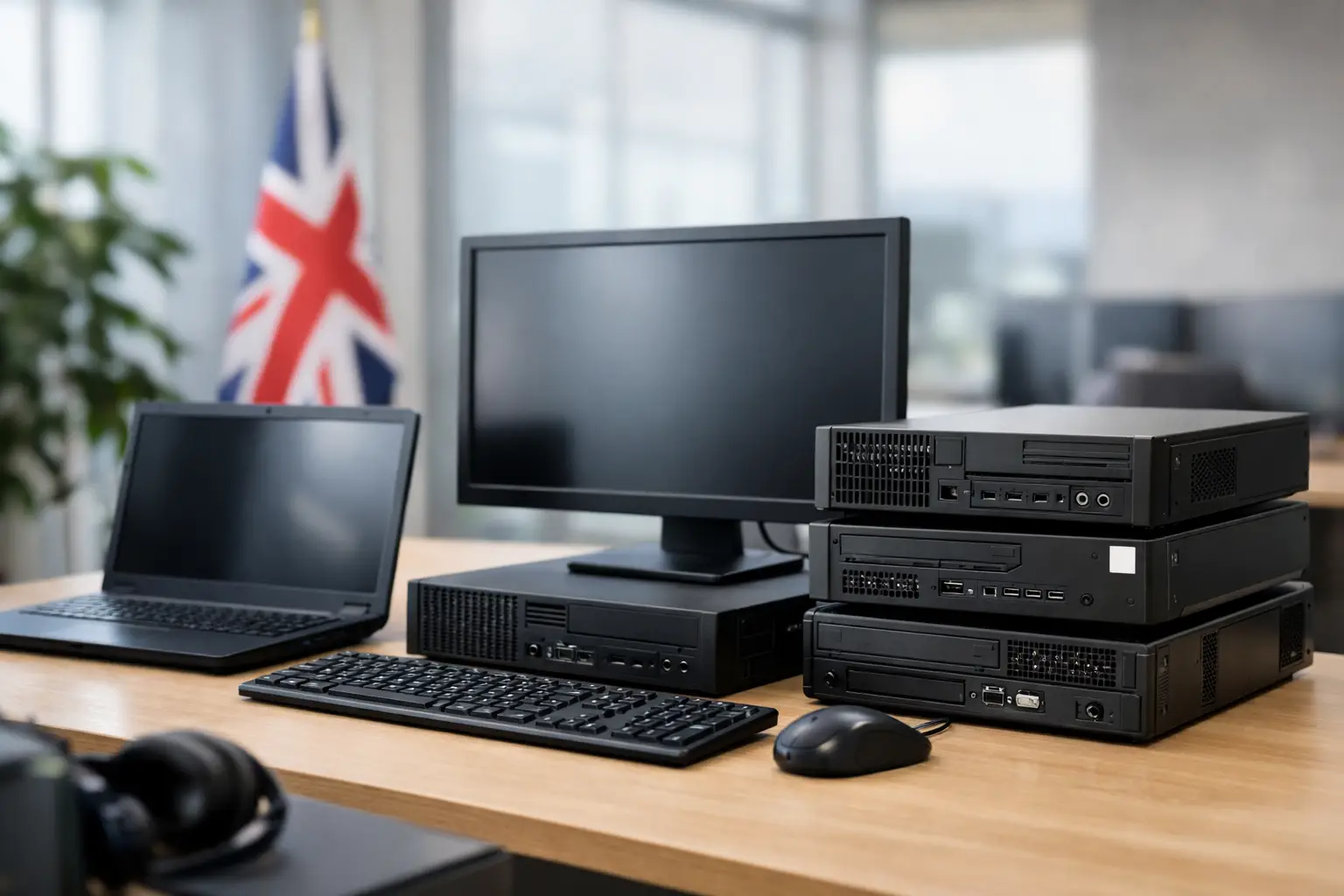
They are commonly business-class models from Lenovo, Dell and HP, along with Apple Mac hardware, Microsoft Surface devices, monitors and tablets. Typical examples include Lenovo ThinkPad laptops, Dell Latitude systems and HP EliteBook or ProDesk ranges. These product lines are made for managed fleets, so they usually offer serviceable designs, practical connectivity and consistent specifications across large estates.
Age alone does not decide whether a device is suitable. A well-specified laptop from a corporate refresh cycle can remain highly capable for office work, education, browsing, video calls and remote access. The deciding factors are processor generation, memory, storage, battery condition and the operating system it can support.
Why organisations choose ex-lease hardware
The immediate benefit is cost control. Refurbished enterprise equipment often costs substantially less than its equivalent new business device, allowing buyers to stretch budgets without dropping to consumer-grade hardware. For a school, charity or growing business, that can mean equipping more users with consistent machines rather than mixing models and specifications.
There is also an operational advantage. Business-class ranges are designed around fleet use. They tend to include familiar ports, sensible keyboard layouts, docking support and durable components. That matters when a team needs to connect monitors, use peripherals, work from different locations or replace a device without changing its whole setup.
Sustainability is another practical consideration. Extending the useful life of existing hardware keeps functioning equipment in circulation and reduces demand for newly manufactured devices. For organisations with environmental reporting or procurement targets, a structured refurbishment route can support circular IT objectives while reducing avoidable e-waste.
The trade-off is that refurbished stock is not always uniform. Availability changes with corporate refresh cycles, and cosmetic condition can vary even where specifications match. Buyers should therefore assess the device itself, the refurbishment process and the warranty rather than relying on a product name alone.
Guide to ex lease computers: start with the workload
The right specification depends on what users need to do, not on the newest processor badge. Start by separating lightweight productivity work from demanding workloads.
For email, browser-based systems, Microsoft 365, video meetings and document work, an Intel Core i5 or AMD Ryzen 5 system with 8GB of RAM and a solid-state drive is often sufficient. Where possible, 16GB of RAM gives more headroom for multitasking and extends the useful life of the device. A 256GB SSD is practical for many users, while 512GB may be more suitable where files are stored locally.
For heavier work such as large spreadsheets, local development environments, image editing or multiple external displays, prioritise 16GB of RAM, a higher-tier processor and suitable graphics capability. A workstation may be appropriate for specialist software, but it is unnecessary for general office roles and adds cost, weight and power use.
Chromebooks can work well for education and browser-led environments, provided the organisation’s applications and management approach are centred on cloud services. Apple Mac devices suit users already working within macOS, but confirm software compatibility, storage capacity and battery health before standardising across a team.
Windows support deserves close attention. Older machines may still perform well but may not meet the hardware requirements for the current supported version of Windows. If a device will be used in a managed environment, verify its compatibility before purchase. A low purchase price is poor value if the device creates an operating system support issue shortly afterwards.
Check the generation, not just the processor name
A listing that says “Core i5” is incomplete. Intel has used that name across many generations with very different performance, efficiency and Windows compatibility. Ask for the full processor model, such as i5-8250U or i5-10310U, then assess it alongside RAM, storage and the intended workload.
The same principle applies to SSDs, screens and batteries. An SSD is preferable to an older mechanical hard drive for responsiveness, but capacity and condition still matter. A Full HD display is generally the sensible minimum for productive desktop work, particularly on 14-inch and 15-inch laptops.
Refurbishment, grading and what they should mean
“Refurbished” should describe a defined process, not simply a used device that has been switched on. Professional preparation normally includes secure data sanitisation, hardware diagnostics, component checks, cleaning, operating system installation and functional quality assurance. Faulty or worn components should be replaced where required, and the finished device should be tested before dispatch.
Cosmetic grading is separate from technical condition. A Grade A unit may show little visible wear, while a Grade B device can have light marks or signs of prior use. Grading terminology varies between sellers, so descriptions should make clear what is cosmetic and what is functional. A lower cosmetic grade can be the sensible choice for a classroom, shared workplace or field-based role where appearance is not the priority.
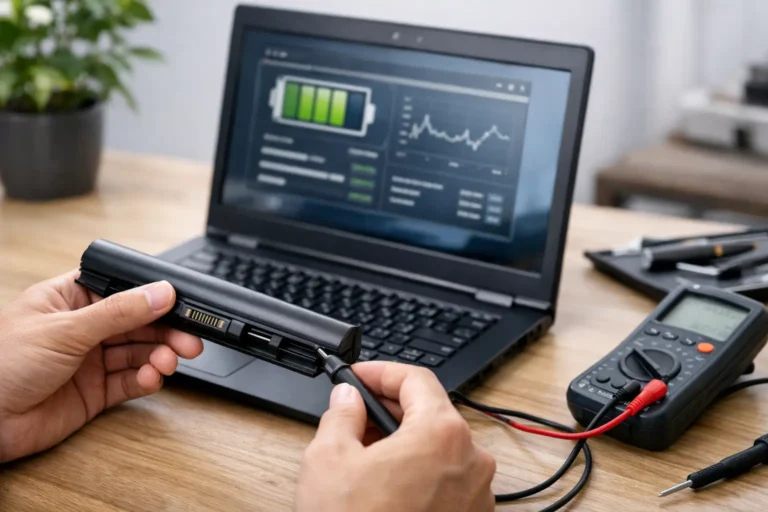
For laptops, battery health requires particular care. Batteries are consumable components and their remaining capacity will differ between units. Check whether the supplier tests battery condition, states a minimum standard or offers battery replacement options. Do not assume an ex-lease laptop will deliver the same unplugged runtime as a new one.
Screens, keyboards, trackpads, cameras, speakers, Wi-Fi and ports should all be tested. If you are buying multiple devices, ask how consistency is managed across the batch. Matching specifications, chargers, keyboard layouts and operating system configurations can reduce support effort after deployment.
Data security is part of the purchase decision
A credible ex-lease supply chain starts before the device reaches the buyer. Corporate equipment may previously have held business, employee or customer information. Secure data erasure is therefore a core refurbishment control, not an optional extra.
For organisations disposing of hardware, request evidence that data-bearing storage has been sanitised to an appropriate standard and that devices are traceable through the process. For purchasers, choose a supplier able to explain how drives are erased, how failed drives are handled and what records are available. This is especially relevant for public sector bodies, schools, charities and businesses with formal information governance requirements.
Security should continue after delivery. Change local passwords, apply updates, enable encryption where appropriate and enrol devices into your normal management platform. For a company fleet, standardise BIOS settings, endpoint protection and user access controls before issuing equipment.
Buying one device versus buying a fleet
An individual buyer can focus on condition, specification, battery health and warranty. A business buyer has a wider set of questions: Can the supplier provide a consistent batch? Are serial numbers recorded? Is asset tagging available? Can machines be configured with Windows, applications or management tools before delivery?
For larger orders, define the minimum acceptable specification before requesting stock. Include processor generation, RAM, storage, screen size, keyboard layout, charger type, cosmetic grade, operating system and warranty term. This avoids receiving a mixed estate that is harder to support and replace.
A practical purchasing brief should also allow for spares. Ordering a small number of matching contingency devices can reduce downtime when a machine is damaged or a new starter joins. It is often more efficient than sourcing a different model later.
Refurb X Connect supports this lifecycle approach through professionally prepared business IT hardware, from secure processing and refurbishment through to reliable redeployment.
Warranty, returns and realistic expectations
A warranty shows that the seller stands behind the tested condition of the equipment, but read what it covers. Clarify the warranty length, the process for reporting a fault, whether return carriage is included and how battery issues are treated. A clear returns process matters too, especially for individual purchases where a device may not suit the intended use.
Expect minor cosmetic wear on many ex-lease devices. Expect the core functions to work properly. Those are different standards, and a good supplier will communicate both without ambiguity.
The best ex-lease computer is rarely the cheapest listing. It is the device that matches the workload, has a clear refurbishment record, fits your operating system plan and comes from a supplier prepared to remain accountable after it arrives. Buy to that standard and older enterprise hardware becomes a controlled, capable part of your IT estate rather than a short-term compromise.