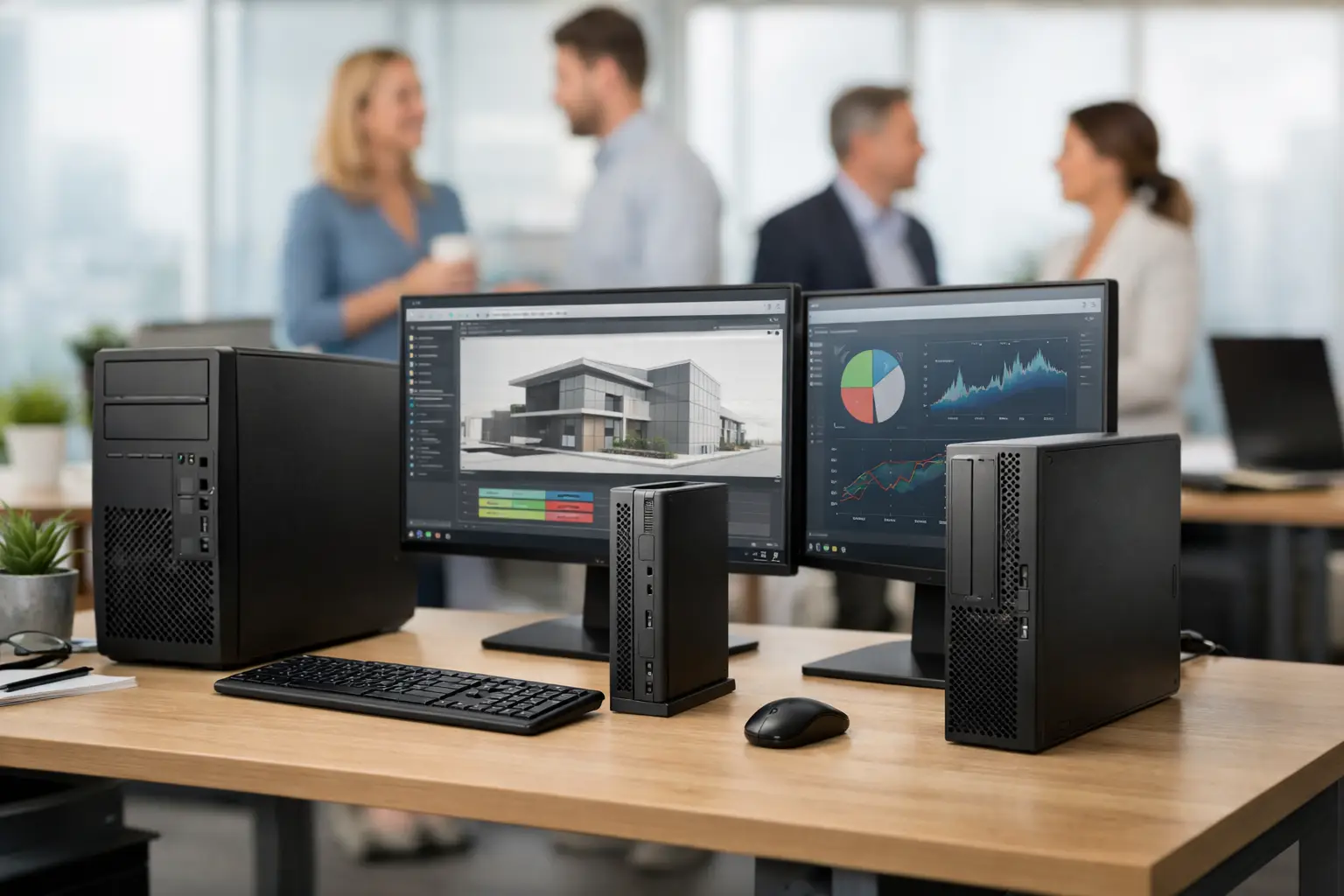
Best Refurbished Workstation PCs for UK Teams
A workstation that is slow to open a large drawing, render a scene or process a dataset costs more than its purchase price. It interrupts delivery, frustrates skilled users and often leads to an unplanned replacement. The best refurbished workstation PCs offer a more controlled route: enterprise-grade hardware, sensible specifications and a lower capital cost than an equivalent new system.
For UK teams, the right choice is rarely the newest processor or the largest graphics card. It is the configuration that fits the workload, supports the software in use and arrives with a clear refurbishment and warranty standard.
What separates a workstation from a standard desktop?
Business desktops are designed for everyday office applications, browser-based work and video calls. Workstations are configured for sustained technical workloads. They commonly use higher-core-count processors, dedicated professional graphics, larger memory capacity and expansion options for additional storage, capture cards or specialist peripherals.
That does not mean every user needs one. A finance team working in spreadsheets may be better served by compact business desktops with fast solid-state storage and sufficient memory. A design, engineering, media or data user can benefit from the greater headroom of a workstation, particularly where files are large or applications place consistent load on the processor and GPU.
Older workstation platforms can still be highly capable. A refurbished system with a modern SSD, 32GB or 64GB of RAM and a suitable graphics card can outperform a newer entry-level office PC in the applications that matter to technical teams.
Best refurbished workstation PCs by workload
There is no single best option for every organisation. The strongest purchase is based on software requirements first, then balanced around processor, graphics, memory and storage.
Dell Precision for configurable fleet deployments
Dell Precision towers are common in enterprise refresh cycles, which makes them a practical refurbished choice. Models such as the Precision 5820, 7820 and 7920 offer strong component access, multiple storage bays and broad configuration options. They suit organisations that need to standardise several systems while retaining room for future memory or storage upgrades.
A Precision 5820 with a Xeon W processor, 32GB RAM, NVMe storage and an NVIDIA Quadro or RTX professional GPU is a sensible starting point for CAD, Adobe Creative Cloud work and demanding multitasking. Dual-processor models such as the 7920 are more relevant for heavily threaded rendering, simulation or virtualisation tasks. They are powerful, but consume more power and take up more desk or floor space, so they should not be bought simply because they are available.
HP Z workstations for design and technical software
HP Z-series systems, including the Z4, Z6 and Z8 ranges, are established options for professional applications. The Z4 is often the most balanced choice for a single technical user. It can support substantial RAM, professional GPUs and fast storage without the cost or physical footprint of a dual-processor platform.
For specialist workloads, check software certification rather than assuming more graphics power will help. Some CAD applications rely more on single-core processor performance, while others benefit from GPU acceleration. A professional NVIDIA Quadro, RTX A-series or AMD Radeon Pro card may offer better driver support and application stability than a consumer gaming card, even where headline performance figures appear similar.
Lenovo ThinkStation for compact power
Lenovo ThinkStation systems are well suited to organisations with limited desk space or a preference for tool-less service access. The ThinkStation P520 is a capable single-processor tower for mainstream professional use, while higher-specification P720 and P920 models can support greater memory capacity, multiple GPUs and more demanding compute workloads.
Small-form-factor ThinkStations are useful where a full tower is unnecessary, but their limitations should be understood. Compact systems may have lower-wattage graphics options, less internal expansion and tighter thermal capacity. They are an efficient answer for 2D CAD, technical administration and lighter creative work, not a substitute for a large workstation running sustained GPU rendering.
Apple Mac workstations and creative environments
For teams committed to macOS, refurbished Apple hardware can be a cost-effective route into professional creative workflows. Intel-based Mac Pro systems offer internal expansion, while Mac Studio systems provide efficient performance in a compact format. The better choice depends on whether the workflow relies on PCIe expansion, replaceable storage or macOS software optimised for Apple silicon.
Check application compatibility carefully. Some legacy plug-ins, virtualisation tools and specialist peripherals may require Intel-based hardware. Conversely, current versions of creative applications can perform exceptionally well on Apple silicon. A device should be selected for the required software estate, not for brand preference alone.
Specifications that matter most
Processor choice depends on the work. For 2D CAD and many Adobe applications, strong single-core speed is often more valuable than a high processor core count. For rendering, code compilation, simulation and virtual machines, more cores can reduce processing time substantially. Xeon and Intel Core processors can both be appropriate; Xeon platforms are useful where ECC memory, large RAM capacity or enterprise expansion is required.
Memory is usually the first area where a workstation falls short. 16GB is acceptable for lighter design work, but 32GB is a more reliable baseline for professional multitasking. Consider 64GB or more for large assemblies, 4K editing, data analysis, virtual machines and concurrent creative applications. Buying a platform with spare memory slots provides a straightforward upgrade path.
Storage should include an SSD for Windows, applications and active projects. NVMe SSDs offer a noticeable improvement when opening large files, managing media caches or working with datasets. High-capacity hard drives still have a place for local archives, but they should not be the only storage device in a production workstation.
Graphics should be selected against the applications used. Do not overspecify a GPU for work that is processor-led, and do not rely on integrated graphics for workflows that require certified drivers, multiple high-resolution displays or GPU-accelerated rendering. Confirm the card’s output ports, power requirements and compatibility with the intended monitor setup.
What professional refurbishment should include
A workstation is only as dependable as the process behind it. These systems often come from managed business environments, where they may have been used intensively but maintained to a defined lifecycle. That makes provenance and testing more important than cosmetic appearance alone.
A professionally refurbished workstation should undergo secure data erasure before resale, followed by hardware diagnostics. Storage health, memory stability, processor temperatures, ports, networking, graphics output and power delivery all need checking. Faulty or degraded components should be replaced, not merely worked around.
Windows should be correctly installed, activated and configured for the supplied hardware. For organisations, the distinction between Windows Home and Windows Pro matters. Windows Pro supports business features such as BitLocker, Remote Desktop hosting and domain or organisational management options. Where a device will join an existing estate, confirm edition, licensing position and compatibility with your management tools before purchase.
Cosmetic grading should also be transparent. Surface marks or light wear may be acceptable in a back-office or studio environment if the system has passed full functional testing. For client-facing use, consistency of appearance across a fleet may carry more weight. Grade is not a measure of performance, but it should be clear before the order is placed.
Questions to ask before buying refurbished workstations
Start with the applications, version numbers and file types used each day. Ask whether the software vendor specifies a certified GPU, minimum VRAM, a preferred operating system version or a particular processor class. This avoids buying a system that looks powerful but is poorly matched to the workload.
Next, consider the operational environment. A single workstation for an individual specialist can be configured precisely. A group of ten users benefits from standardised specifications, common images and a consistent warranty process. Standardisation makes deployment, support and replacement simpler.
It is also worth checking physical requirements: desk footprint, noise, display connections, Wi-Fi needs and whether users require front-access USB-C. Older enterprise workstations can be excellent value, but port selection may differ from newer devices. Adapters are possible, though native connectivity is usually cleaner for long-term use.
Finally, establish what happens after delivery. A clear warranty, defined support route and accurate component specification reduce risk. Refurb X Connect approaches refurbishment as part of a device lifecycle, not as a one-off sale: assess the hardware, restore it properly, redeploy it with confidence and plan the next refresh before equipment becomes a constraint.
When a refurbished workstation is not the right answer
A workstation is not automatically the economical choice. If users work mainly in cloud applications, Microsoft 365 and browser-based platforms, a standard refurbished business desktop will usually provide better value and lower energy use. Equally, a very old dual-processor system may be inexpensive to buy but costly to run and less capable than a newer single-processor workstation.
For remote users, portability may matter more than expansion. A refurbished mobile workstation with a 15-inch or 16-inch display, dedicated graphics and a docking setup can be more appropriate than a tower. The trade-off is higher heat, shorter battery life under load and less upgrade flexibility.
The right workstation should make demanding work feel routine. Start with the software, allow enough memory and fast storage, and buy through a refurbishment process that is specific about testing, grading and support. That is how used enterprise hardware becomes dependable working equipment rather than a false economy.