IT Lifecycle Management for Device Fleets
A laptop refresh can fail long before the first replacement arrives. Devices may be ordered without a standard specification, old equipment may sit untracked in cupboards, and data-bearing assets can leave the organisation without clear evidence of erasure. IT lifecycle management brings these decisions into one controlled process, from initial procurement to secure retirement and resale.
For businesses, schools and public sector teams, the objective is not simply to keep devices running. It is to give every asset a defined purpose, a known owner, a usable working life and a responsible exit route. When that process is joined up, organisations reduce avoidable purchasing, minimise operational disruption and recover more value from hardware that still has a second-life market.
IT lifecycle management starts before purchase
The lifecycle begins with a specification, not a purchase order. A fleet needs devices that suit the work being done now, while retaining enough performance and supportability for the expected service period. Buying the lowest-cost model can be a false economy if storage, memory, battery capacity or processor performance become limiting within a year or two.
A useful specification sets a baseline for processor generation, RAM, storage type, screen size, ports, webcam requirements and operating system compatibility. It also considers repairability. Business-class Lenovo, Dell and HP laptops are commonly designed for fleet servicing, with accessible components and widely available parts. That can make a practical difference when a battery, keyboard, screen or SSD needs replacement.
Standardisation matters as much as the individual device. A small number of approved models makes deployment, support, accessory purchasing and redeployment easier. It also gives the organisation a clearer view of residual value when equipment reaches the end of its first assignment.
The right refresh cycle depends on usage. A finance team using browser-based systems may retain capable laptops longer than a design team working with demanding applications. Schools may prioritise durable, manageable devices and predictable battery performance. There is no universal replacement date, but there should be a documented decision point based on condition, security requirements, software compatibility and user need.
Deployment should create a clean asset record
A device is only manageable if it can be identified. At deployment, record the serial number, asset tag, model, specification, assigned user or location, purchase date, warranty status and operating system. The asset record should also show whether a device is owned, leased, loaned or held as spare stock.
This is the point to apply a standard configuration. Windows devices should receive the required operating system version, security updates, user profiles, encryption settings and approved applications. Apple Mac devices, Chromebooks and tablets need the same discipline, even where their management tools differ. Consistent configuration reduces support time and makes a later handover far less complicated.
For remote workers, logistics are part of deployment. A device posted directly to a colleague still needs an asset assignment, accessories record and clear return process. Missing chargers, docks and monitors may appear minor, but they affect replacement cost and resale value at scale.
Maintain, repair or replace based on evidence
Devices do not move through their lifecycle in a straight line. A laptop with a degraded battery may be suitable for repair and continued use. A machine with recurring faults, outdated processor support or insufficient memory may be better redeployed to a lighter workload or retired. The decision should be based on condition and economics rather than habit.
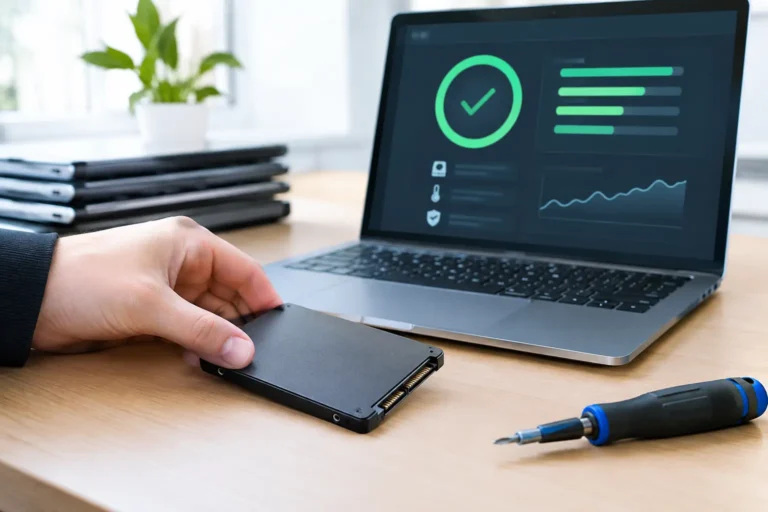
A practical assessment looks at physical condition, battery health, screen quality, keyboard and trackpad function, storage health, charging performance, ports, webcam and wireless connectivity. It should also confirm that the device can run the required operating system and security controls. For Windows hardware, compatibility with supported Microsoft Windows versions is a material factor, especially as older systems approach end of support.
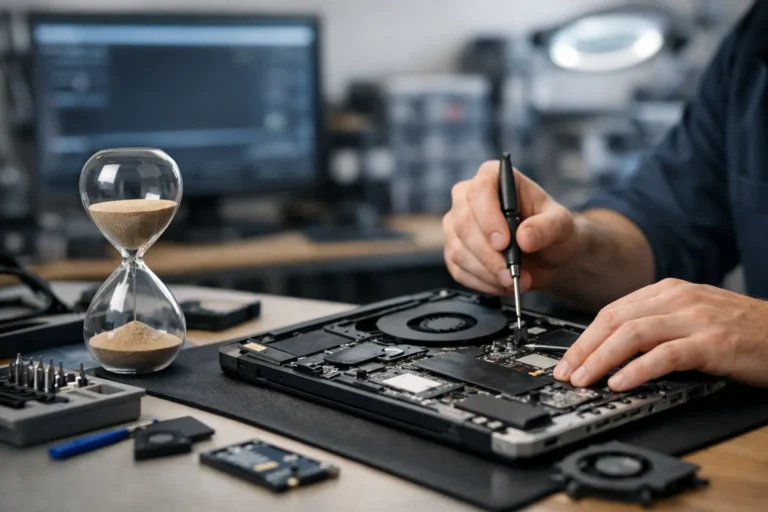
Repair can extend useful life when the core hardware remains capable. Replacing an SSD, adding RAM or fitting a new battery can be proportionate on a quality business laptop. It is less sensible where the repair cost approaches the value of an equivalent refurbished replacement, or where the device is likely to generate further support issues.
This is where professionally refurbished equipment can improve procurement decisions. A tested, graded business laptop may provide the performance needed for standard office, education or remote-working use without the cost of buying new. The condition grade should be transparent, and the device should be checked for functional quality rather than treated as an unverified used purchase.
Secure retirement is a control, not an afterthought
When a device leaves active use, it may still contain business data, saved credentials, personal information or confidential documents. Removing files manually or reinstalling an operating system is not enough to prove that data has been erased. Retirement needs a documented chain of custody and a secure, auditable data-erasure process appropriate to the storage media.
Collect devices through a controlled return route, then reconcile them against the asset register. This prevents equipment disappearing into informal storage or being passed on without authorisation. Each asset should be assessed for reuse, refurbishment, parts recovery or recycling.
Hardware that is suitable for onward use should be securely erased, tested and refurbished before resale or redeployment. This typically includes diagnostics, component checks, cleaning, replacement of failed parts where required, operating system installation and final quality assurance. Battery condition deserves particular attention on portable equipment. A laptop can be cosmetically tidy but still offer a poor user experience if its battery health is weak.
Devices with faults that are not commercially viable to repair can still contribute value through reusable components. Equipment that has reached its genuine end of life should enter a responsible recycling route. The goal is to prevent e-waste while ensuring assets are handled in a way that protects organisational data and accountability.
Refurbishment creates a second deployment cycle
A retired device is not automatically obsolete. Many enterprise laptops, desktops and monitors retain useful life after their first owner upgrades. Once correctly processed, they can be redeployed internally for lower-intensity roles, supplied to another organisation or made available to individuals who need dependable technology at a more accessible price point.
That outcome depends on quality control. Refurbishment should not mean a quick clean and a reset. It requires a consistent process that identifies faults, verifies key components and grades appearance honestly. A refurbished device should be selected according to its intended role. A compact desktop may suit a reception position, while a higher-specification laptop is more appropriate for multitasking, video meetings and mobile work.
For fleet managers, resale also changes the total cost of ownership calculation. Residual value is affected by model, age, condition, specification, charger availability and market demand. Keeping assets complete, traceable and well maintained throughout their active life protects that value at retirement.
Refurb X Connect supports this process across the hardware lifecycle, connecting secure collection, refurbishment, testing, grading and resale into a single operational route.
Measure the lifecycle, not just the purchase cost
A useful lifecycle programme tracks more than how many devices were bought. It should show how long devices stay in service, how often common faults occur, how many assets are redeployed, what value is recovered at retirement and how much equipment avoids disposal.
These measures expose weak points. High battery replacement rates may suggest a model or usage issue. Large volumes of unreturned remote-working equipment may indicate that offboarding needs tighter controls. A low resale return may show that equipment is being retained too long, stored poorly or sent for disposal before its value is assessed.
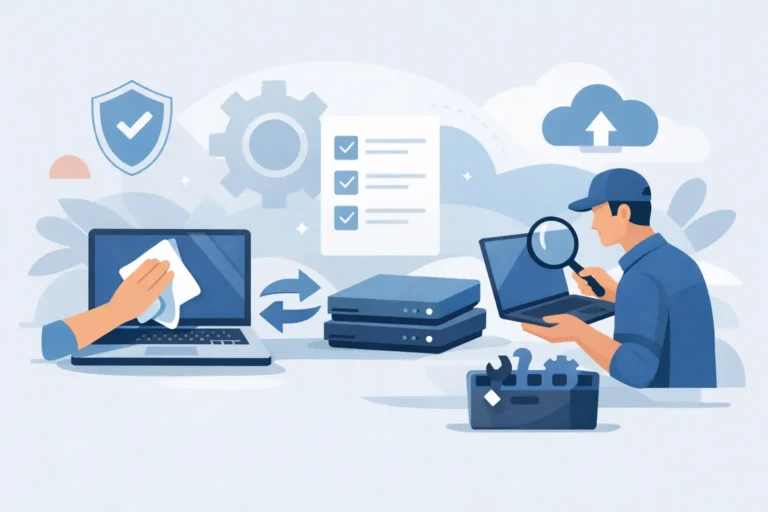
The most effective IT lifecycle management is quiet and routine. Devices arrive ready for work, remain visible while assigned, receive proportionate maintenance and exit through a controlled process. Start by reconciling the assets already in circulation. That single view makes every later decision easier, from the next refresh plan to the last recovered pound of value.