PC Refurbishment Service for Smarter IT Lifecycles
A laptop refresh should not begin with a replacement order. For many organisations, a capable device is removed from service because of an ageing battery, a damaged keyboard, missing storage or an inconsistent Windows installation – not because its processor has reached the end of its useful life. A professional pc refurbishment service identifies what can be recovered, handles data correctly and returns suitable hardware to productive use.
That changes the economics of an IT refresh. Instead of treating every outgoing device as waste and every incoming device as a new purchase, organisations can manage a controlled lifecycle: collect, erase, assess, restore, redeploy, resell or recycle. The result is less disruption, more value recovery and a clearer record of what happened to each asset.
What a PC refurbishment service should deliver
Refurbishment is not the same as a quick repair or a cosmetic clean. A device may look presentable while carrying a weak battery, an unreliable drive, outdated firmware or an operating system that has not been properly configured. Equally, a working laptop may not be suitable for resale until its data has been erased, its condition graded and its components tested against a defined standard.
A proper process starts with identification. Serial numbers, specifications and physical condition are recorded so that an organisation can understand its returned estate. This is particularly useful when devices have been issued across remote teams, classrooms or multiple sites and records have become incomplete over time.
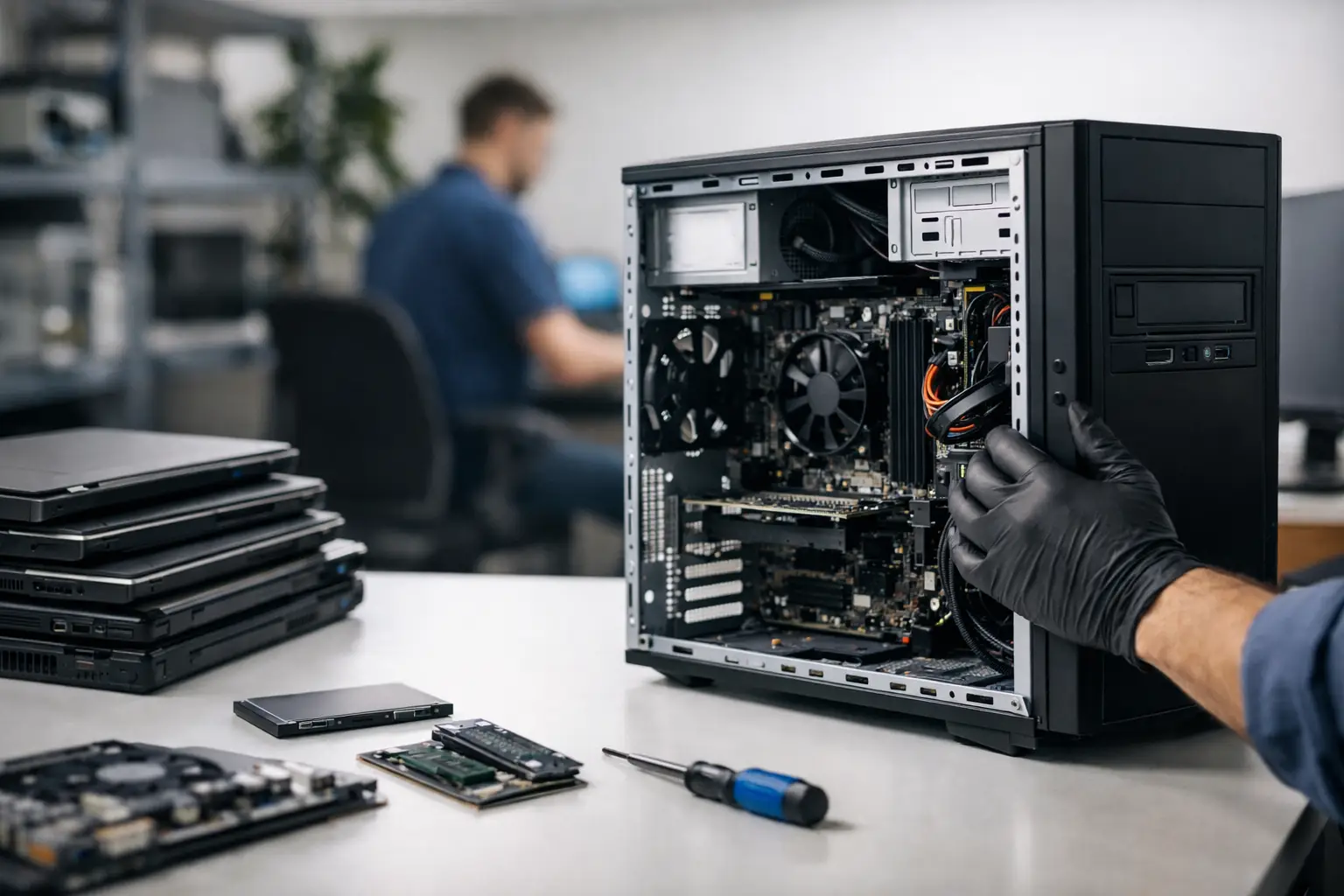
The hardware is then assessed. Diagnostic testing should establish the condition of the processor, memory, storage, display, keyboard, trackpad, ports, webcam, speakers, Wi-Fi and charging system. On portable devices, battery health needs separate attention. A laptop can pass basic functional tests yet deliver poor real-world use if it loses charge rapidly.
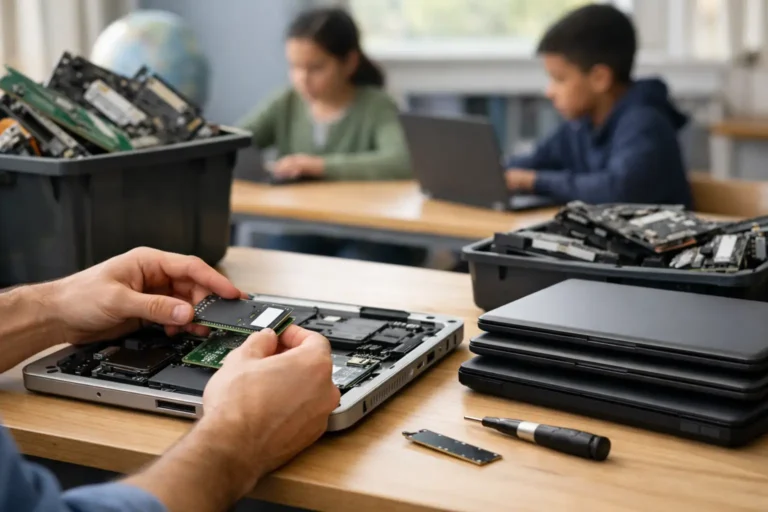
Where replacement is worthwhile, components are fitted and the device is retested. This can include SSD upgrades, RAM upgrades, replacement batteries, keyboards, chargers and screens. The right decision depends on the device class and intended role. Adding an SSD to a later-generation business laptop can produce a noticeable improvement for office work, browser-based platforms and remote working. Spending heavily on a low-specification machine with limited Windows support usually does not.
Data security comes before resale value
The first question for any outgoing device is not its resale price. It is whether the data has been controlled.
Business laptops and desktops can contain customer information, staff records, cached credentials, browser sessions, local documents and access to cloud services. Deleting folders or reinstalling Windows is not a sufficient data-erasure policy. Storage must be handled through a documented process appropriate to the media type, whether that is a hard disk drive, SATA SSD or NVMe SSD.
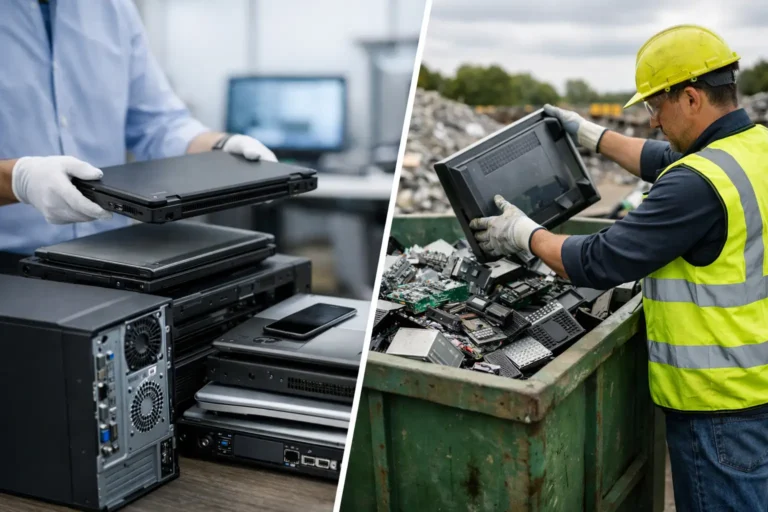
A dependable refurbishment partner should be able to support a clear chain of custody from collection through to final disposition. For devices that can be reused, data is securely erased before technical work and resale preparation proceed. For storage that cannot be erased or is not suitable for reuse, physical destruction or controlled recycling may be the correct route.
This discipline matters even when devices are staying within the same organisation. A laptop moving from one employee to another should not carry old profiles, residual files or unmanaged software. A clean Windows installation, current drivers and sensible configuration create a known starting point for the next user.
Refurbishment and IT asset management work together
Asset management often becomes difficult at the point devices leave day-to-day use. Equipment may sit in cupboards, be held by former staff, or wait for a decision while its resale value drops. A structured refurbishment programme gives those assets a route forward.
Each unit can be categorised: suitable for internal redeployment, suitable for resale, suitable for parts recovery, or ready for responsible recycling. That makes budget planning more accurate. It also prevents organisations from buying entry-level replacements when their existing estate contains devices that could support another year or two of productive work.
For schools, charities and public sector teams, this can be especially valuable. A consistent pool of refurbished business laptops can support loan schemes, staff devices, exam preparation, digital inclusion projects or temporary capacity without requiring a full new-device rollout. The devices still need to meet the demands of the user and the applications in use, but a blanket replacement policy is rarely the most efficient answer.
Not every device should be refurbished
Refurbishment is practical, not automatic. Age, specification, condition and supportability all matter.
A durable Lenovo ThinkPad, Dell Latitude or HP EliteBook with a modern-enough processor, upgradeable memory and an SSD may be an excellent candidate for redeployment. The same applies to business desktops that can be fitted with additional memory or faster storage. These systems were designed for managed environments and often have stronger serviceability than consumer hardware.
Apple Mac hardware needs a separate assessment. MacBooks can retain strong demand, but repairability, battery condition, storage capacity and supported macOS versions affect the outcome. Microsoft Surface devices may also be useful for specific roles, although component access can be more restricted than on conventional business laptops.
Chromebooks suit another set of decisions. They can be cost-effective for browser-led education and light administration, but automatic update expiry and the needs of the intended software environment must be checked before deployment. A Chromebook that is mechanically sound may still be unsuitable if its support window is too short for the planned use.
Older devices can have a role in parts recovery even when they are not economical to restore as complete units. Reusable screens, memory, chargers and other components can support repairs elsewhere, reducing waste and avoiding unnecessary purchases. The key is to make that decision after inspection, not from assumption.
Quality is more than a grade
Device grading is useful because it sets expectations about appearance. Grade A, B or C descriptions generally distinguish cosmetic condition, such as marks on lids, wear on palm rests or light screen blemishes. They should not be confused with functional quality.
A Grade B laptop can be a highly reliable work device if it has passed the same hardware and battery checks as a Grade A unit. Conversely, excellent cosmetics do not compensate for a failing SSD or weak charging port. Buyers should understand both the functional standard and the visual grade before committing to refurbished stock.
For business procurement, consistency matters as much as individual device quality. A batch of laptops should have compatible specifications, matching chargers where possible, properly licensed Windows installations and predictable condition. This reduces the workload for internal IT teams and makes support easier after deployment.
Refurb X Connect approaches this as an end-to-end device lifecycle task rather than a collection of separate repairs. Secure erasure, diagnostics, component replacement, operating system preparation, quality checks and grading need to connect in one controlled workflow. When they do, the next owner receives equipment with a clear purpose and known condition.
How to plan a refurbishment programme
Start with the intended outcome. Are devices needed for internal redeployment, staff home working, resale through trade channels, or a mix of all three? The answer determines the specification threshold, cosmetic requirements and level of investment per device.
Next, establish a practical baseline. For standard Windows workloads, assess processor generation, memory capacity, SSD health, battery performance and Windows compatibility. For creative, engineering or specialist applications, graphics capability, display quality and storage requirements may be more important. Avoid upgrading by habit. Upgrade because the device will meet a defined role afterwards.
It is also sensible to separate devices by condition early. A mixed collection of laptops may contain a recoverable core, units needing minor work and machines that are best processed for parts or recycling. This avoids spending time on low-value repairs while stronger assets wait unused.
Finally, keep the documentation. Records of asset identifiers, erasure status, repairs, configuration and final destination support governance and make future refresh cycles easier to manage. They also give finance and procurement teams a more accurate picture of recovered value.
Refurbishment works best when it is planned before devices become a storage problem. Treat used IT as an asset stream with different outcomes, and the right hardware can return to work with less cost, less waste and far less uncertainty.