Device Buyback vs Recycling: Which Fits Your IT?
A three-year-old business laptop is not automatically e-waste. It may still have resale value, useful components and a viable second life in education, remote work or a smaller organisation. The decision between device buyback vs recycling determines whether that value is recovered or lost, but it must never compromise data security or responsible handling.
For UK organisations managing refresh cycles, the right route is usually based on device condition, specification, quantity and the quality of the asset record. Buyback and recycling are not competing goals in every case. A well-managed IT asset disposition process often uses both.
Device buyback vs recycling: the practical difference
Device buyback means transferring eligible equipment to a specialist purchaser for an agreed value. The buyer assesses the devices, securely processes them, refurbishes viable units and returns them to the market. This can apply to business laptops, desktops, Apple Macs, tablets, monitors and selected enterprise hardware.
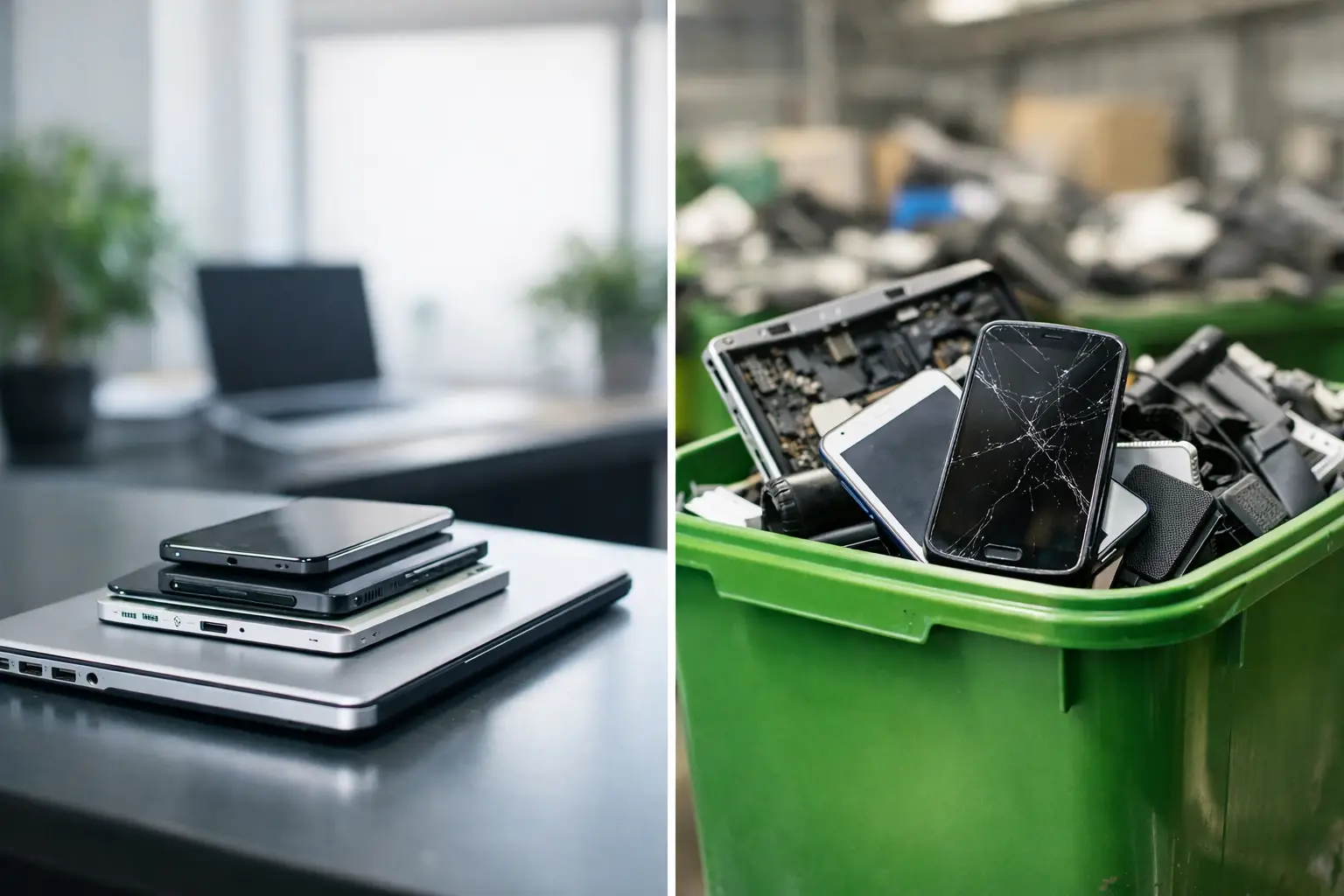
Recycling is the appropriate route for equipment that cannot be reused economically or safely. Devices may be dismantled so materials and components can enter approved recovery streams. Recycling prevents IT hardware from entering general waste, but it does not usually generate the same return as a device suitable for refurbishment.
The difference matters because reuse normally preserves more of the value already invested in a device. A laptop with a sound chassis, working display, healthy battery and supported operating system may only need secure erasure, diagnostics, cleaning and minor component replacement before it is fit for resale. Sending that device directly for material recovery ends its useful life early.
That said, buyback is not a reason to retain weak or unreliable equipment. A device that fails testing, has major physical damage or cannot meet current performance expectations may be better recycled. The best outcome is based on evidence, not assumptions.
When device buyback makes commercial sense
Buyback works best when devices are consistent, traceable and still relevant to the second-hand market. A fleet of similar Dell Latitude, Lenovo ThinkPad or HP EliteBook laptops is generally easier to assess and process than a mixed batch of ageing consumer machines with unknown histories.
Age is only one factor. Specification often has a greater effect on residual value. Devices with modern processors, sufficient memory, solid-state storage, usable batteries and Windows compatibility are more likely to be suitable for refurbishment. Apple Mac hardware can also retain value strongly, provided it is not activation locked and has no serious faults.
Quantity affects operational efficiency. A structured collection of 100 clearly labelled laptops, with chargers and an asset list, is simpler to value than the same number of devices spread across multiple sites with incomplete records. This does not mean smaller quantities have no value. It means the collection, audit and processing costs need to be proportionate to the likely recovery.
For finance and IT teams, buyback can offset part of the cost of a refresh programme. It can also reduce storage pressure. Retired devices held in cupboards are not generating value, and they remain an information security responsibility until they are processed correctly.
What affects a buyback offer
A realistic offer is usually based on model, age, configuration, cosmetic grade, functional status and demand. Chargers, docking equipment and original accessories may improve the overall return. Missing drives, cracked screens, keyboard faults, liquid damage and poor battery health can reduce it.
Transparency matters here. A credible buyback process should explain whether pricing is fixed, subject to inspection or based on a grading schedule. It should also set out what happens when a device does not match its declared condition. Clear acceptance criteria prevent disputes after collection.
When recycling is the responsible option
Recycling is appropriate when a device is beyond cost-effective repair, unsuitable for secure reuse or too old for practical deployment. Examples include laptops with extensive board damage, swollen batteries, severely damaged displays, obsolete systems and equipment with unavailable replacement parts.
It is also the right route for components that have no sensible resale path. Faulty power supplies, damaged cables, broken peripherals and non-working storage devices can be separated for compliant material recovery after data handling requirements are met.
Recycling has an environmental role, but it should not be treated as a catch-all disposal label. The key question is whether the device can be safely reused after professional assessment. If the answer is no, recycling keeps materials in circulation and reduces the risk of inappropriate disposal.
A mixed estate will often need a mixed outcome. Some machines may be bought back for refurbishment, some may be harvested for usable parts, and others may be recycled. That is normal lifecycle management, not a failed buyback programme.
Data security comes before either route
Whether devices are sold, donated, refurbished or recycled, data must be addressed first. Deleting files, resetting Windows or removing a user profile is not enough for business assets. Data can remain recoverable on storage media unless it has been erased using an appropriate process or the media has been physically destroyed.
Start with an accurate asset register. Record serial numbers, assigned users, device type, storage configuration and location. Where practical, confirm whether each device contains an internal drive, removable storage, a SIM card or an embedded management profile. This creates a clear chain from collection to final outcome.
For reusable devices, professional data erasure allows the hardware to remain in circulation while providing an auditable record of the process. For failed or sensitive drives, physical destruction may be the better choice. The correct method depends on the device, the data classification and your organisation’s policies.
Apple devices require extra checks. Find My and Activation Lock must be removed before resale. Enterprise Windows devices should be released from management platforms, and organisations should consider BIOS or firmware passwords, Autopilot registration and other deployment controls. A device can be technically functional yet unusable for a new owner if these steps are missed.
Ask for documented evidence, not a verbal assurance. A processing partner should be able to account for devices received, confirm data sanitisation or destruction outcomes, and identify exceptions. This is as relevant to a small office handover as it is to a multi-site education refresh.
A decision process that avoids value loss
The most effective time to plan disposal is before new equipment arrives. Waiting until retired devices are stacked in storage creates rushed decisions, missing accessories and weak asset records. Include end-of-life handling in the procurement and refresh plan.
First, group equipment by model and condition. Separate working laptops from clearly faulty units, then identify devices with visible damage, absent chargers or uncertain storage status. Do not rely solely on staff recollection, particularly across large fleets.
Next, establish the security requirements. Decide which devices can be erased for reuse and which storage media need destruction. Confirm ownership and management status, especially for Apple Macs, Chromebooks and devices enrolled in enterprise systems.
Then seek an assessment that distinguishes reuse from recycling. A single quoted figure may look straightforward, but it can hide assumptions about grading, logistics or fault rates. A clear report showing buyback-eligible devices, low-value devices and recycling-only hardware provides a more useful basis for approval.
Finally, retain the documentation. Asset lists, collection records, erasure reports, grading outcomes and recycling evidence support internal governance. They also make the next refresh cycle easier because the organisation has a reliable record of what happened to the previous fleet.
The circular IT outcome is not one route
The strongest device lifecycle programmes do not force every asset into resale or recycling. They prioritise reuse where it is secure, viable and economically sensible, then use responsible recycling for the remainder. This reduces e-waste while keeping expectations realistic about old, damaged or unsupported hardware.
For organisations, the benefit is more than environmental reporting. A controlled process reduces data risk, improves visibility of retired assets and recovers value that can support future IT spend. For schools, charities and smaller businesses, professionally refurbished equipment can also create access to capable technology at a lower cost.
Refurb X Connect approaches retired IT as an asset stream requiring assessment, secure processing and a clear final destination. The useful question is not simply whether to sell or recycle a device. It is whether each device has been given the right next step, with its data, value and material impact properly accounted for.
Before your next refresh, review what is sitting unused and start with the asset record. A clear inventory turns a difficult disposal task into a controlled decision.