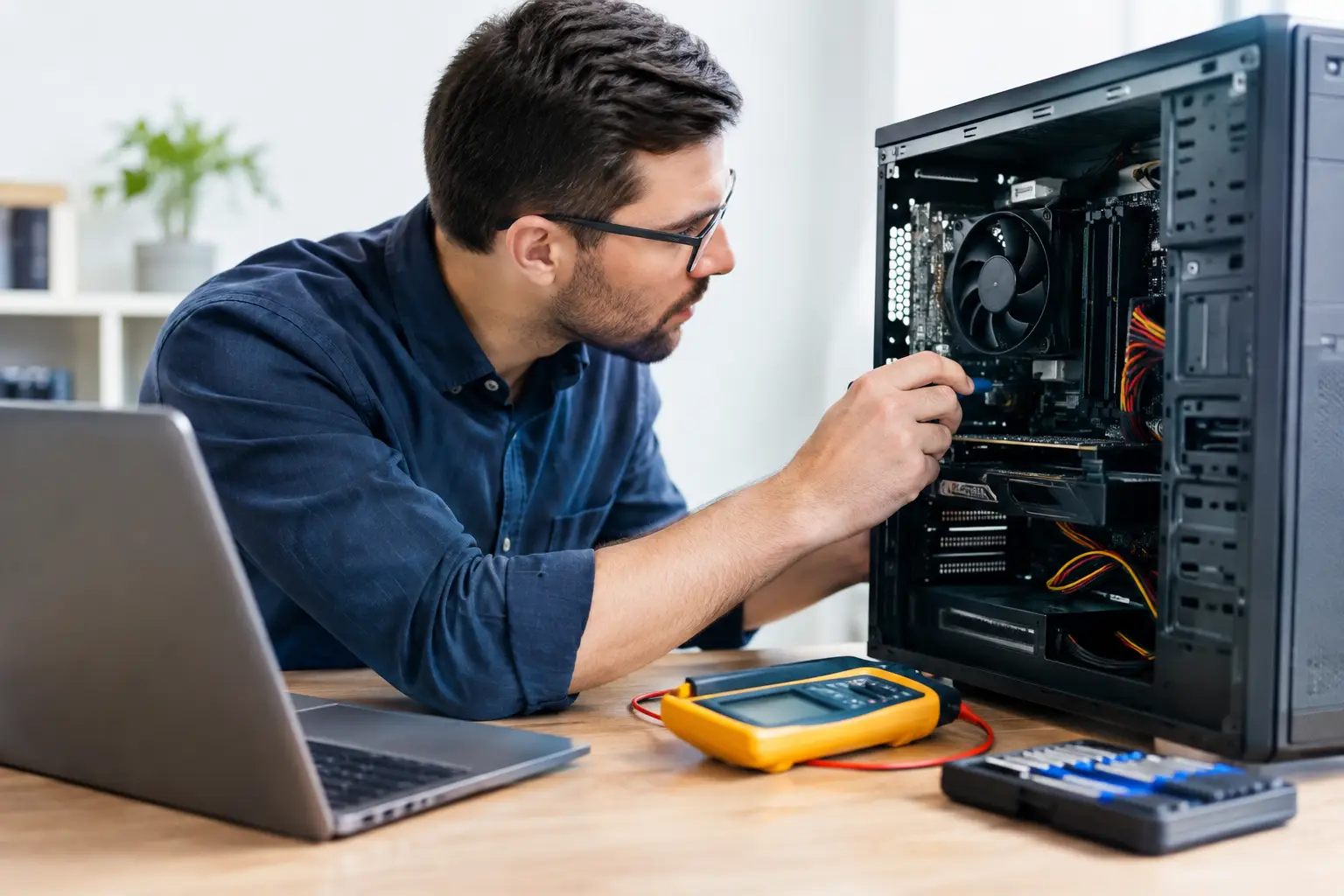
Computer Hardware Diagnostics That Protect Value
A laptop can look clean, boot into Windows and still be the wrong device to redeploy. A weak battery, failing SSD, thermal fault or intermittent memory error may only appear under load. Computer hardware diagnostics turn that uncertainty into a recorded decision: refurbish, upgrade, redeploy, resell or responsibly retire the device.
For organisations managing IT refreshes, diagnostics are not a repair-shop afterthought. They are the control point between receiving used equipment and releasing a device that another employee, pupil or customer can rely on. Done properly, they protect data, prevent avoidable returns and preserve the value still held in enterprise hardware.
Computer hardware diagnostics start with a clear intake
The process begins before a device is switched on. Each asset needs an identifier, model confirmation and a condition record that connects the physical unit to its diagnostic results. Serial numbers, asset tags, specifications and visible condition should be captured at intake. This matters when devices arrive in volume, often with mixed configurations from several users or departments.
A Dell Latitude may share a product name with another unit while carrying a different processor, memory capacity, storage type, display specification or battery condition. Assuming every device in a batch is identical creates errors in grading, pricing and redeployment planning. Diagnostics establish what is actually present, rather than what an old asset register suggests should be present.
Power-on checks then reveal the first practical issues. Technicians look for BIOS or firmware locks, charging behaviour, display faults, keyboard response, trackpad operation and port damage. These are basic checks, but they can quickly separate devices suitable for straightforward processing from those requiring component replacement or further investigation.
Data security comes before refurbishment decisions
A working drive is not automatically a reusable drive. Any asset leaving an organisation must follow a controlled data-erasure process, with outcomes recorded against the device. This applies whether the equipment will be redeployed internally, supplied to a school, sold through a resale channel or passed on for parts recovery.
Diagnostics support this work by identifying installed storage, detecting failed or inaccessible drives, and confirming whether removable media is present. A device that cannot boot may still contain recoverable data. Equally, a system with a healthy-looking Windows login screen may have multiple internal drives or an M.2 SSD that is easy to overlook without a structured inspection.
Firmware security also needs attention. BIOS passwords, Computrace or equivalent persistence settings, Apple Activation Lock and device management enrolment can affect whether hardware can be safely reused. These are not cosmetic details. A laptop that remains tied to a former owner or organisation can become unusable at the point of deployment.
What a meaningful diagnostic test covers
Effective diagnostics combine automated testing with physical inspection. Software can report drive health, memory errors and sensor readings quickly, but it cannot reliably assess a loose hinge, damaged USB-C port or uneven keyboard wear. The strongest process uses both.
A typical test programme covers the components that influence reliability, usability and residual value:
- Processor stability and thermal behaviour under sustained load.
- Memory capacity, configuration and error testing.
- SSD or hard-drive health, capacity, performance and error indicators.
- Battery health, charge acceptance and discharge performance.
- Display, webcam, speakers, microphone, keyboard, touchpad and wireless connectivity.
- USB, HDMI, charging and docking ports, plus Ethernet where fitted.
The results need interpretation. A battery at 78% of its original capacity may be acceptable for a desktop-replacement laptop used mainly on mains power, but not for mobile staff working across client sites. A 256GB SSD may be sufficient for a Chromebook or a browser-led role, while a design or data-heavy user may need more capacity. The test tells the team what is true; the intended use determines whether it is acceptable.
Battery testing is a deployment decision
Battery condition is one of the most misunderstood parts of refurbished laptop quality. A device can charge, show no warning messages and still deliver limited runtime. Battery health testing measures more than whether the battery is detected. It compares current full-charge capacity with original design capacity, checks cycle information where available and observes charging stability.
This is especially relevant in education and hybrid working. A pupil using a laptop throughout the school day or an employee travelling between meetings needs predictable runtime. For fixed desks, a lower-capacity battery may be less significant if the device is priced and described accordingly.
Replacement is not always the right answer. Some batteries are cost-effective to replace; others may not justify the additional spend on an older platform. The decision should account for device age, expected remaining service life, availability of suitable parts and the role the device will perform. Clear grading prevents a battery limitation becoming a surprise after purchase.
Fault isolation prevents wasteful replacement
A diagnostic result should lead to a specific action, not a vague label such as “faulty”. A laptop that shuts down under load could have a degraded battery, blocked cooling path, failing fan, poor thermal transfer, unstable memory or motherboard-level damage. Replacing parts without isolating the cause increases cost and creates unnecessary waste.
The same principle applies to performance complaints. Slow startup might be caused by a mechanical hard drive, insufficient RAM, a near-full SSD, operating system corruption or unwanted background software. In many business-class Lenovo, Dell and HP systems, an SSD and memory upgrade can materially extend useful life. On the other hand, persistent errors in a platform that is already approaching operating system support limits may make redeployment a poor choice.
This is where diagnostics support the circular economy in practical terms. They identify equipment that can return to service with targeted work, while avoiding investment in units unlikely to deliver dependable use. Extending lifespan is valuable only when the device remains suitable for its next owner.
Quality assurance needs repeatable evidence
A completed repair or upgrade is not the end of the process. The device should be tested again after component replacement, then checked through a clean operating system installation and final quality assurance review. Windows installation, driver validation, updates and basic usability checks help reveal issues that a component test alone may not expose.
For Apple Mac hardware, this may include checks around battery condition, storage health, display quality, keyboard operation and account-lock status. For Chromebooks, it includes verifying the device can be securely reset and remains within its Auto Update Expiration period. A low acquisition cost does not offset a short remaining support window for a school or managed fleet.
Final records should connect the original diagnostic finding, work completed and release outcome. That traceability is useful for warranty support, stock control and recurring-fault analysis. If a certain model repeatedly needs a particular repair, procurement and refurbishment teams can adjust parts stock, pricing or acceptance criteria.
Diagnostics improve IT asset management
For businesses, diagnostics turn surplus equipment into a clearer financial and operational picture. Rather than treating a collection of old laptops as one undifferentiated batch, an organisation can understand which assets are suitable for staff redeployment, resale, donor parts or secure retirement.
That improves refresh-cycle planning. Devices with healthy storage, acceptable batteries and supported operating systems may serve well in lower-demand roles. Higher-specification units can be prepared for users who need more memory, processing power or portable battery life. Equipment with limited commercial value may still provide tested components that keep equivalent devices working.
This approach also reduces friction in managed IT procurement. Buyers receive a device described by tested specification and grade, not assumption. Sellers gain a defensible basis for valuation. IT teams avoid spending time diagnosing the same faults after devices arrive on desks.
Refurb X Connect applies this discipline across the device lifecycle: test the asset, establish its condition, protect data, complete the necessary work and release hardware with a clear outcome.
The most useful question is not whether a used device powers on. It is whether its tested condition matches the job it is about to do. Make that decision from evidence, and refurbished IT becomes a dependable part of the fleet rather than a compromise.