Top Benefits of Device Redeployment for IT Teams
A three-year-old business laptop is not automatically end-of-life equipment. For many organisations, it is a capable asset sitting in storage while budgets are spent on new devices. The top benefits of device redeployment come from treating that hardware as part of a managed lifecycle: assess it, securely erase it, refurbish what is viable and place it back into the right role.
Redeployment is not simply passing an old laptop to another colleague. Done properly, it is a controlled IT asset management process. Devices are collected, recorded, data-sanitised, tested, repaired where required, configured and issued with a clear purpose. This approach can reduce unnecessary purchasing while giving IT teams more control over the equipment already in their estate.
Lower hardware spend without lowering standards
The most immediate benefit is cost control. Redeploying suitable laptops, desktops, tablets and monitors delays or reduces the need for new hardware purchases. That matters when organisations are managing refresh cycles across large fleets, opening temporary workspaces or equipping new starters at short notice.
A refurbished business-class device can often meet the needs of administration, browser-based work, video calls, document management and many education workloads. A Dell Latitude, Lenovo ThinkPad or HP EliteBook that has been professionally tested may still have considerable useful life after its first allocation.
The key is not to redeploy every device regardless of condition. A device with recurring faults, poor battery health or insufficient specification may cost more in support time than it saves. A structured assessment separates equipment that is suitable for another deployment from equipment that should be upgraded, harvested for parts or prepared for resale.
Faster provisioning for changing teams
New equipment supply can involve lead times, supplier availability and inconsistent specifications. Redeployed devices held in a managed stock pool give IT teams a practical alternative. Once a device has passed diagnostics and quality assurance, it can be prepared with the required operating system, security settings and user configuration.
This is particularly useful for temporary staff, remote workers, contractors, seasonal demand and replacement devices. Instead of waiting for a new order, IT can issue a configured laptop from available stock. Consistency also improves when redeployed devices are standardised around approved models, memory configurations and Windows versions.
There is a limit. Highly specialised users may need newer processors, dedicated graphics, larger memory capacity or specific ports. Redeployment works best when devices are matched to the role rather than allocated on a first-come basis. A capable device for a finance or support role may not be the right choice for CAD, video production or data-intensive development.
Better control of data security
An unmanaged drawer of retired laptops is a data risk. Devices can retain user files, browser data, saved passwords, local copies of cloud content and business information long after someone has left the organisation. Redeployment creates a clear point at which that risk must be addressed.
Before a device is reassigned, storage media should be securely erased using an appropriate, auditable process. The method should reflect the organisation’s security policy, the device type and whether the storage is being retained, reused or destroyed. Simply deleting user profiles or reinstalling Windows is not a substitute for secure data erasure.
Once sanitised, the device can be reinstalled and configured as a managed endpoint. This gives the new user a clean environment and allows the organisation to apply current security policies, encryption, endpoint protection and update controls. It also removes the confusion that occurs when a previous user’s data, settings or software remain on the device.
For schools, charities, public sector teams and businesses handling personal or commercially sensitive data, documented erasure and traceable asset records are central to responsible redeployment. The device’s history should not disappear just because it changes hands internally.
A longer working life for enterprise hardware
Business-grade hardware is designed for repeated daily use. Its value is not limited to its first owner or first assignment. Components such as RAM, SSDs, batteries and keyboards can often be assessed and replaced where this makes commercial and technical sense, extending the practical life of the device.
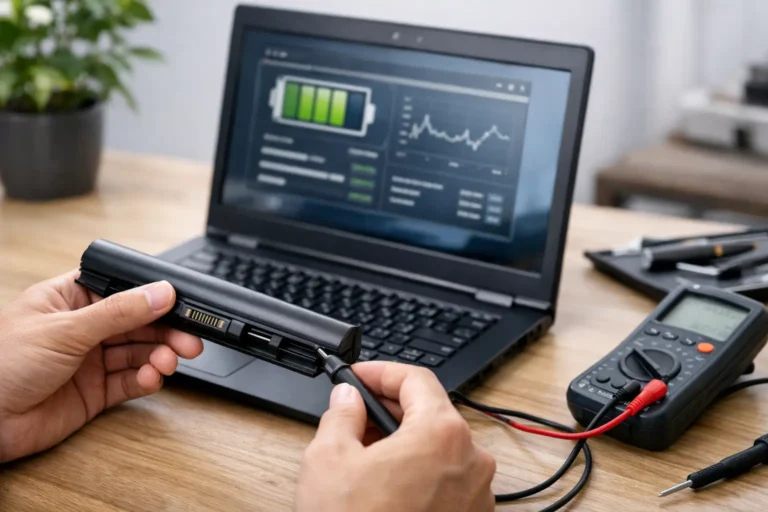
A laptop may be slow because it has an ageing mechanical drive rather than because its processor is obsolete. Replacing that drive with an SSD and fitting appropriate memory can make a material difference to everyday performance. Battery health testing is equally useful, especially for mobile workers who need predictable run time away from a desk.
This does not mean every repair is justified. Repair decisions should consider device age, model availability, labour, parts cost, expected lifespan and warranty requirements. A sound redeployment programme uses evidence rather than sentiment. The aim is dependable equipment, not keeping hardware in service beyond its sensible life.
Reduced e-waste and a more credible IT sustainability plan
Extending the usable life of technology reduces demand for replacement units and keeps functional equipment in productive use for longer. That supports a more circular approach to IT, particularly where an organisation operates hundreds or thousands of devices across multiple sites.
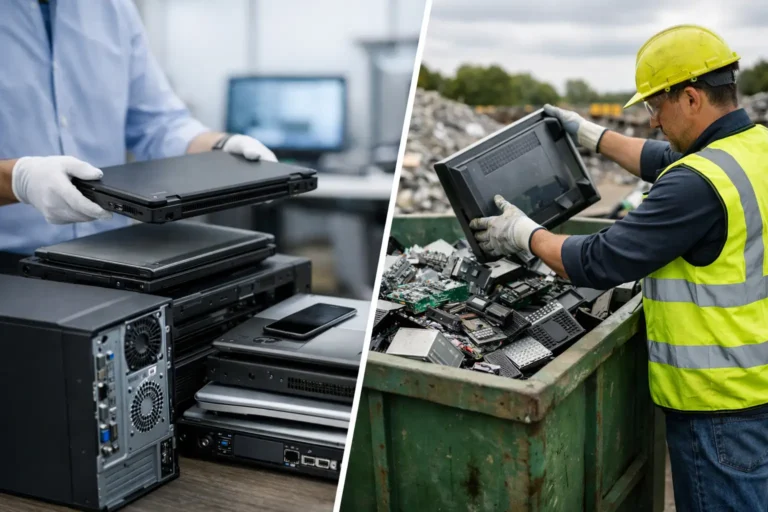
E-waste reduction is not only about avoiding disposal. It is about making better decisions at each stage of the device lifecycle. Equipment that is still suitable can be redeployed. Devices that no longer match internal requirements may retain resale value in the refurbished market. Equipment with no viable reuse route should be processed responsibly, with data security and material recovery considered from the outset.
For organisations reporting on environmental targets, redeployment can provide a practical measure of progress. Asset records can show how many devices were returned to service, how long they remained in use and how much equipment avoided premature replacement. The quality of that reporting depends on the quality of the underlying asset data.
Stronger asset visibility across the fleet
Redeployment exposes gaps in asset management. When IT teams cannot confidently identify a device’s model, serial number, condition, location, assigned user or software status, returning it to service becomes slower and riskier. A disciplined redeployment process improves visibility because every device has to be accounted for before it can be issued again.
This matters during staff exits, office consolidations, refresh programmes and mergers. Rather than treating returned equipment as a mixed collection of unknown devices, organisations can classify assets by condition and next action. Some can return to the main fleet. Others may suit training rooms, loan pools or lower-demand users. Others may be prepared for resale to recover residual value.
Clear grading helps set realistic expectations. Cosmetic marks may be acceptable for a back-office loan laptop but less appropriate for client-facing roles. Functional performance, battery condition and screen quality should be assessed separately from appearance. A transparent grading process prevents surprises for users and reduces avoidable support requests.
The top benefits of device redeployment depend on process
Redeployment delivers value when it is repeatable. Ad hoc reuse can create inconsistent hardware, missing chargers, unsupported operating systems and unclear ownership. A defined process makes the difference between a useful asset pool and a costly pile of ageing equipment.
Start with a clear return route for leavers and replaced devices. Record the asset, assess condition, securely erase data and run diagnostics. Then decide whether the device should be refurbished for internal reuse, upgraded for a specific role, sold through an approved route or removed from service. Reissued devices should receive the same care over configuration and testing as newly purchased equipment.
Compatibility should be checked before allocation. This includes Windows support, driver availability, battery performance, docking requirements, display connections and the organisation’s endpoint management tools. Chromebooks, Apple Macs and Windows laptops each have different lifecycle considerations, so a single rule for all hardware rarely works well.
A professional refurbishment partner can reduce the operational burden where internal IT teams do not have the capacity to process returned equipment at scale. Refurb X Connect supports the practical stages that matter: secure erasure, diagnostics, component replacement, testing, grading and preparation for reuse or resale.
Give every device a defined next step
Device redeployment is most effective when it is planned before the refresh cycle begins. Set standards for which models can be reused, the minimum acceptable specification, battery thresholds, data-erasure evidence and the roles suited to redeployed equipment. That gives procurement, IT and finance a shared basis for decisions.
A device that has completed its first assignment still has a choice ahead of it. With proper assessment and controlled refurbishment, it can become a reliable tool for another user rather than an overlooked asset in storage.