Asset Recovery Planning Guide for UK IT Teams
A laptop refresh can create more risk than value if retired devices are left in cupboards, sent to mixed waste, or passed on without verified data erasure. This asset recovery planning guide sets out how UK organisations can turn surplus IT into a controlled process: protecting information, recovering resale value and keeping capable equipment in use for longer.
The objective is not simply to remove old hardware. It is to make a clear decision on every device, backed by an auditable chain of custody. For IT teams, schools, charities and multi-site organisations, that discipline reduces operational noise at the point a fleet is replaced.
Start asset recovery planning before the refresh
Asset recovery works best when it is included in the procurement and refresh plan, not treated as an end-of-life task. By the time replacement devices arrive, an organisation should already know which assets will be redeployed internally, refurbished for resale, retained for parts, or recycled through an appropriate route.
Start with a current asset register. It should identify the make, model, serial number, asset tag, processor generation, memory, storage type, screen condition, battery condition where relevant, assigned user and location. Record whether the device is owned, leased or subject to a return agreement. A device that looks surplus may still carry a contractual obligation.
This data also makes value forecasting more credible. A three-year-old business laptop with an SSD, sufficient memory and an intact display may be suitable for refurbishment and resale. An older unit with a damaged chassis, obsolete specifications or a failed mainboard may have limited resale potential but still contain recoverable components. Do not assume that age alone decides the route.
Set the scope and ownership
Name one internal owner for the recovery programme, usually an IT asset manager, IT lead or operations manager. That person does not need to process every device, but they should control the timetable, approvals, asset data and final reporting.
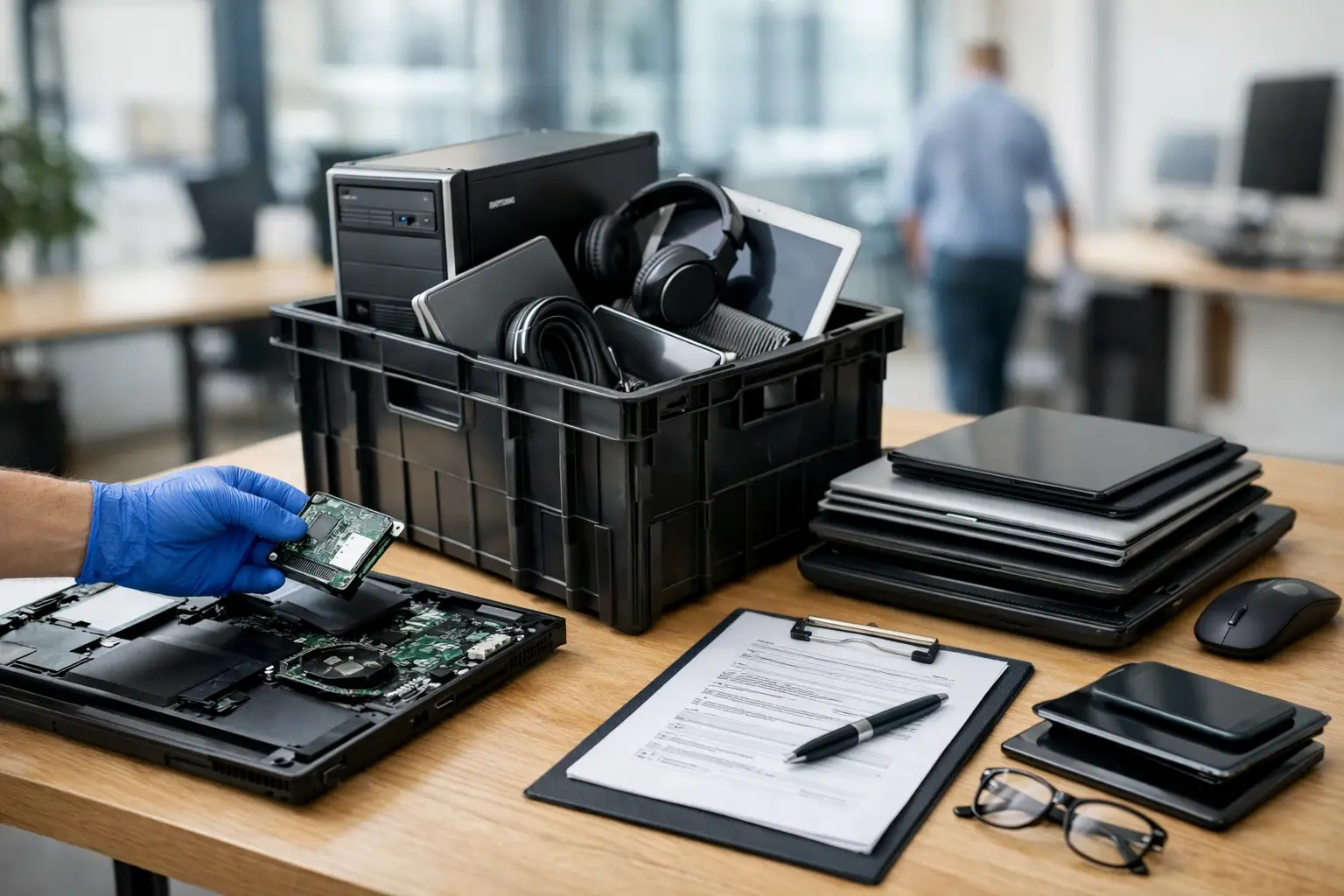
Define which equipment is included. Most programmes cover laptops, desktops, tablets, monitors, docking stations, chargers and mobile workstations. Peripheral equipment can be worth collecting too, but only where it can be identified, tested and handled economically. Shipping low-value accessories separately can cost more than they return.
Agree the decision criteria in advance. Useful categories are redeploy, refurbish and resell, retain for spares, recycle, or return to a lessor. This avoids an ad hoc process where technicians make inconsistent decisions under pressure.
Treat data security as the first gate
No device should enter reuse or resale until its data has been handled under a defined policy. Removing a user profile, resetting Windows or formatting a drive is not a sufficient control for business hardware. Organisations need a repeatable erasure method, evidence that it was completed, and a process for exceptions such as failed or encrypted drives.
For each asset, document the serial number, storage media details, erasure outcome, date and operator or service provider. A certificate tied to the individual device creates a usable audit trail. It matters for data protection, internal governance and customer assurance, particularly where devices have been used by staff, pupils, patients or service users.
Encryption changes the risk profile but does not remove the need for procedure. If BitLocker, FileVault or device management controls are in place, record the encryption status and recovery-key process before collection. A locked device with unknown credentials may be harder to test, redeploy or resell. It may also require a different treatment route.
Failed drives need special handling. If a drive cannot be securely erased, it should not travel through a standard resale workflow. Physical destruction or another approved destruction method may be appropriate, with evidence retained against the asset record. The trade-off is straightforward: the device may lose resale value, but the organisation retains control over data risk.
Grade devices on condition and commercial potential
Once data has been cleared, hardware assessment can begin. Professional grading is more than a visual check. It combines functional testing with an honest record of cosmetic condition, component health and likely market demand.
A suitable assessment checks power and charging behaviour, display quality, keyboard and trackpad operation, ports, webcam, speakers, Wi-Fi, storage health, battery performance and operating system activation. Desktop systems need equivalent checks for memory, storage, video output and power stability. Apple Mac devices, Windows laptops and Chromebooks each have different management and configuration considerations, so the test process should match the platform.
Cosmetic grading should be consistent. Light marks may be acceptable for a lower grade device, while screen pressure marks, cracked plastics, missing keys or hinge faults affect usability and value more materially. Clear grading helps prevent disputes later because the condition of the asset is recorded before it changes hands.
The strongest recovery outcomes often come from common enterprise models from Lenovo, Dell and HP. These machines are usually repairable, have available parts and remain useful for office work, remote working and education. However, demand fluctuates by specification. A modest processor with 8GB of memory and an SSD may still be a viable budget device, while a machine with unsupported software requirements may require an upgrade or a different route.
Decide what to repair
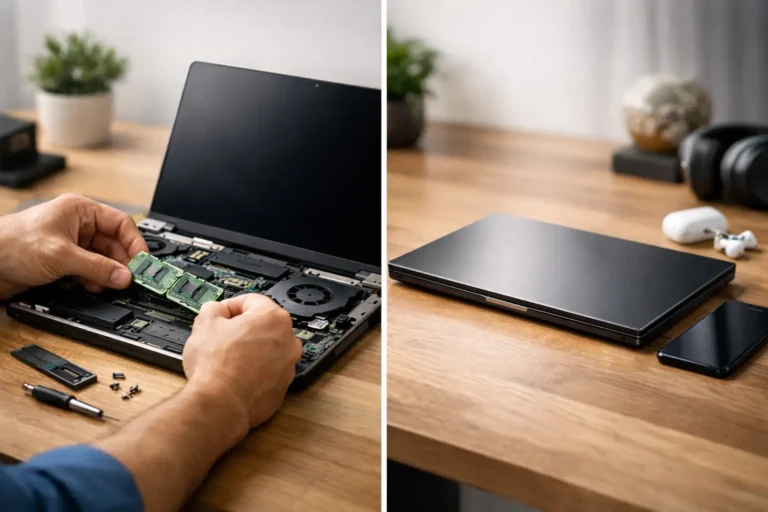
Repair should follow a commercial and environmental test, not an automatic rule. Replacing a worn battery, SSD, keyboard or charger can extend a device’s useful life considerably. Replacing several major components in an older device may not be proportionate, especially if the final specification remains limited.
Consider the total cost of refurbishment: diagnostics, parts, labour, software installation, quality assurance, packaging, warranty exposure and transport. Then compare that with the likely resale value or the value of redeploying the device internally. A device with a small fault can be an excellent candidate for refurbishment; a device with multiple faults may be better used for tested parts or responsible recycling.
Plan logistics and chain of custody
A recovery plan is only reliable if devices can move from users to processing without disappearing from the register. Collection should be scheduled, labelled and reconciled. For remote workers, provide clear instructions for return packaging, chargers and any accessories required. For large office or school collections, use a handover count at the point of collection.
At every transfer, record who released the equipment, who received it, the quantity and the asset identifiers. Serial-level tracking is preferable for laptops, tablets and desktop units. It protects both parties if an item is later queried and makes it easier to identify devices that are missing, duplicated or incorrectly assigned.
Keep operational data separate from assumptions. If 300 laptops are expected but 286 are collected, report 286 as collected and investigate the difference. Do not close the project because the bulk collection is complete. The final reconciliation is where asset registers become accurate again.
For organisations with multiple sites, phased collections can be safer than one large event. They reduce disruption, allow problems to be corrected early and make it easier to manage staff departures, late returns and equipment discovered after a local clear-out.
Require reporting that supports governance
The final deliverable should be more useful than a single collection note. A good asset recovery report reconciles received assets against the original register and shows the outcome of each device. It should distinguish erased, refurbished, resold, redeployed, recycled and destroyed storage media.
The most useful reports also record recovered value, refurbishment actions, hardware specifications and any exclusions. This information improves future refresh planning. If a particular laptop model consistently needs battery replacements after three years, procurement teams can factor that into lifecycle cost. If a fleet retains strong resale value after four years, a longer refresh cycle may be worth assessing.
Environmental reporting has value too, but it should be specific. Count devices reused or refurbished, identify equipment directed to recycling, and retain supporting records. Avoid broad sustainability claims that cannot be tied to actual asset outcomes. Reuse is generally preferable where hardware remains fit for purpose, but secure processing and realistic condition assessment must come first.
Use recovery data to improve the next cycle
Asset recovery is a feedback loop. The data from one programme should influence device standards, user policy, warranty choices and future purchase volumes. Standardising a smaller number of enterprise models can simplify imaging, parts supply, grading and resale. It can also make internal redeployment faster when a team needs additional equipment at short notice.
This does not mean every organisation should buy only the highest specification device or extend every fleet for the same period. Schools may prioritise repairability and low replacement cost. A design team may need higher-performance Apple Mac or Windows workstations with a shorter practical cycle. The right plan reflects user requirements, software support, security controls and the residual value of the hardware.
Refurb X Connect approaches recovery as a connected lifecycle process: identify, secure, assess, refurbish and return value. The handovers matter as much as the hardware work. When each device has a recorded route, surplus IT stops being a storage problem and becomes a manageable operational asset.
The next time a refresh is approved, start the recovery plan on the same day. A clear asset register, secure erasure standard and agreed decision route will make the eventual collection calmer, quicker and easier to account for.