ITAD vs IT Recycling: Which Fits Your Fleet?
A laptop refresh can leave an IT team with 50 devices, or 5,000, that are no longer needed but still carry company data and residual value. The ITAD vs IT recycling decision determines whether those assets are tracked, sanitised, refurbished and resold, or sent directly into a materials recovery route. They are related services, but they solve different operational problems.
For UK businesses, schools and public sector organisations, the distinction matters most when devices hold user data, remain commercially viable or need to be accounted for in an asset register. A low-cost collection route can look efficient until missing serial numbers, uncertain data handling or lost resale value create extra work later.
What ITAD means in practice
IT asset disposition, usually shortened to ITAD, is the managed retirement of business technology. It is a process rather than a single end point. A provider receives retired devices, identifies them, records their condition, manages data sanitisation and determines the most appropriate next use for each asset.
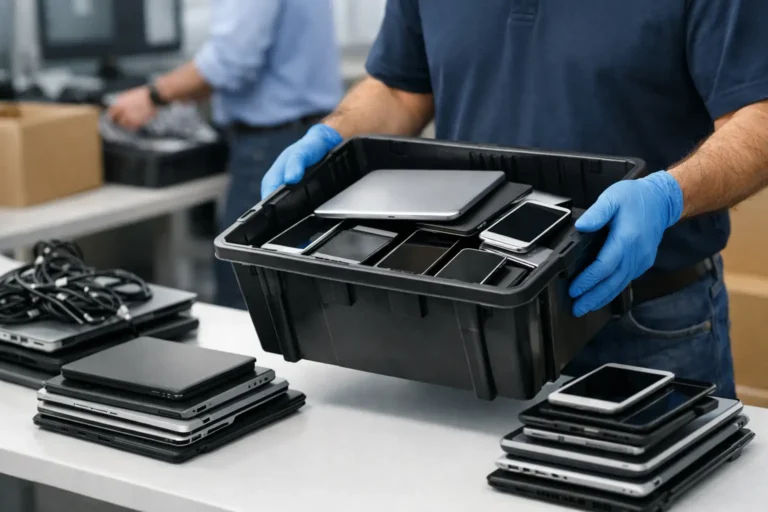
For a fleet of Dell Latitude laptops, Lenovo ThinkPads, HP desktops or Apple Macs, ITAD commonly starts with collection planning and a documented chain of custody. Devices are then checked against a manifest, with serial numbers and asset tags reconciled. This is vital where an organisation needs to show that every item issued to a member of staff, classroom or department has been handled correctly at end of life.
Data-bearing storage is assessed separately. Where a drive is functional and suitable for reuse, it can be securely erased using an appropriate verified method. The outcome should be evidenced at device or drive level, rather than recorded as a broad statement that a batch was cleared. Where erasure cannot be verified, physical destruction may be the right control.
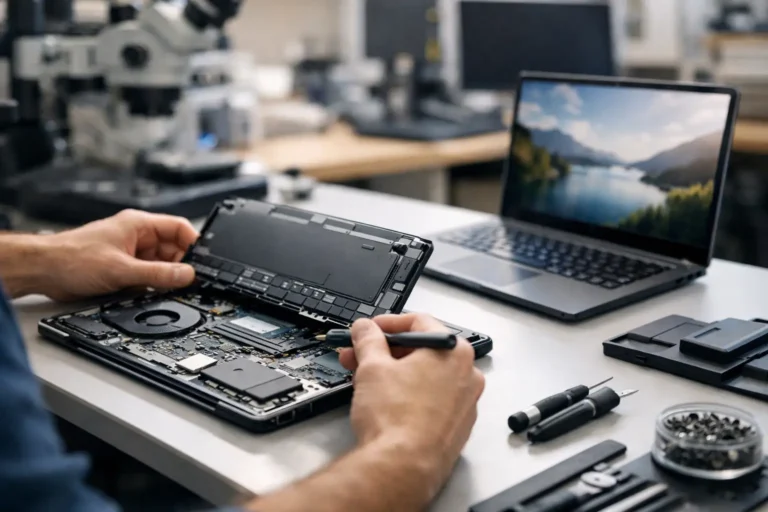
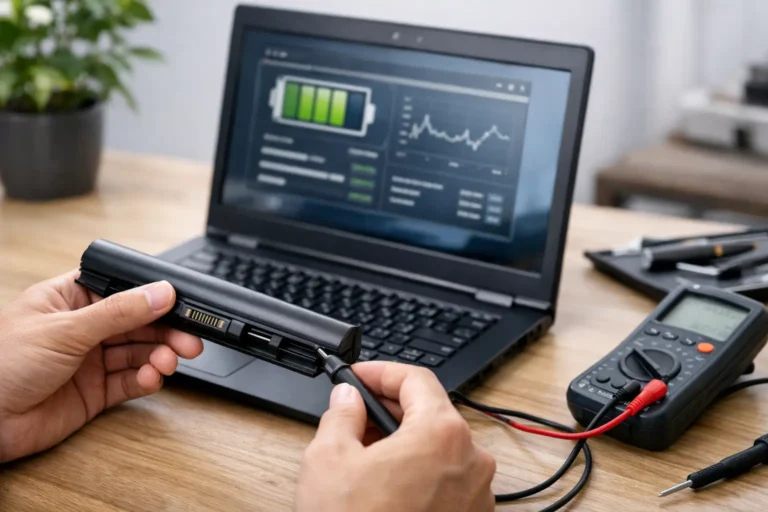
The hardware is then graded and tested. A viable device may receive replacement parts, a fresh Windows installation, battery health checks and cosmetic grading before resale or redeployment. Equipment that cannot meet a useful quality standard is separated for compliant recycling.
ITAD vs IT recycling: the core difference
IT recycling focuses on the recovery and safe treatment of materials from unwanted electronics. This may include separating metals, plastics, glass, circuit boards and batteries so they can enter appropriate downstream processing. It is necessary for devices that are damaged beyond economical repair, obsolete, incomplete or unsuitable for reuse.
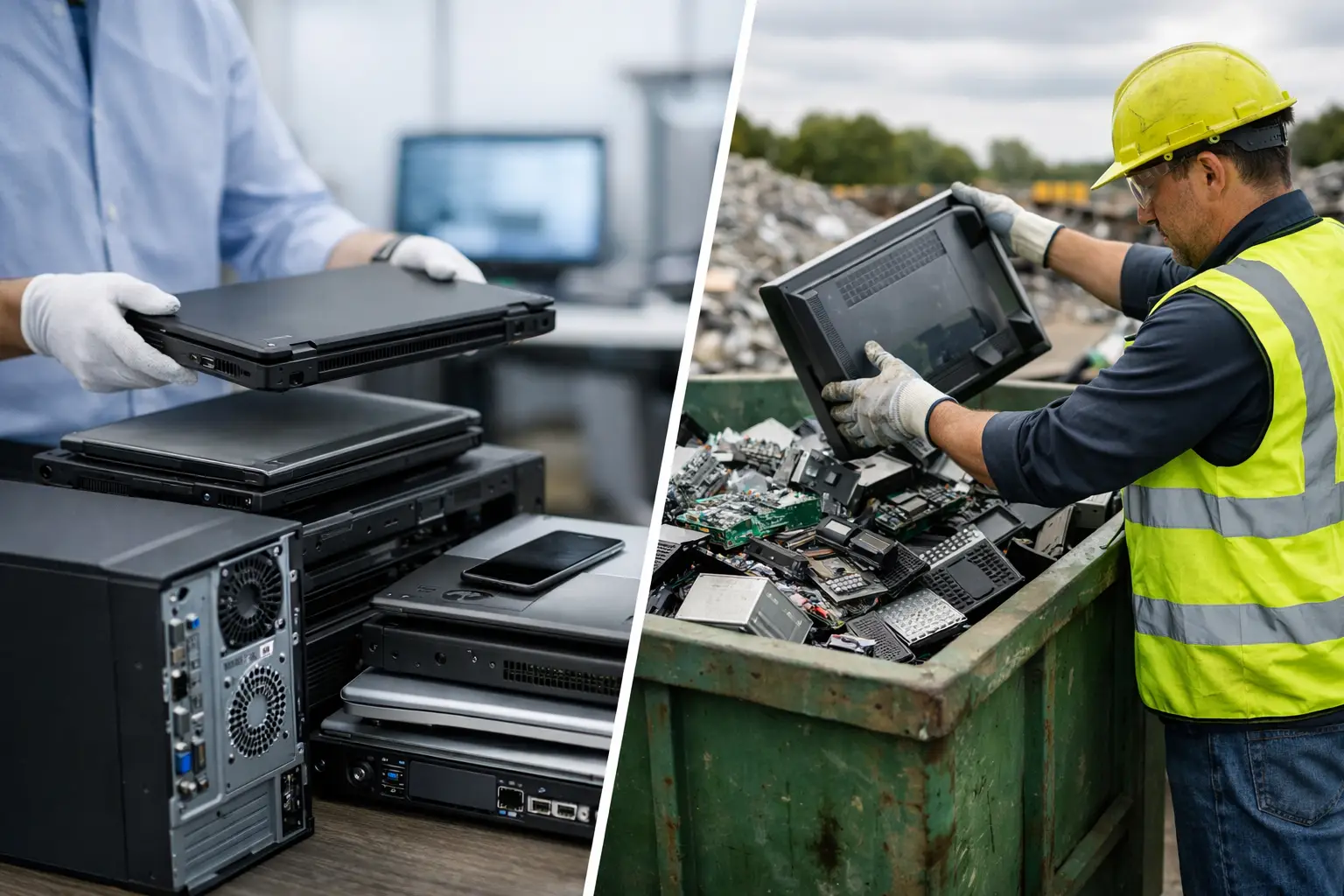
ITAD has a wider remit. It considers data security, asset accountability, reuse, resale, redeployment and recycling as part of one lifecycle process. Recycling can be an outcome within an ITAD programme, but it is not automatically a substitute for ITAD.
Consider a three-year-old business laptop with a working display, acceptable battery condition and an SSD containing employee data. Recycling it immediately may recover material value, but it bypasses the opportunity to erase the drive, refurbish the machine and return it to productive use. A managed ITAD route can create resale value while keeping the device traceable.
Now consider a laptop with a swollen battery, liquid damage and a non-functional mainboard. Refurbishment may not be safe or commercially sensible. After appropriate data handling and component assessment, recycling is likely to be the correct route. The objective is not to force every asset into resale. It is to make a documented, evidence-led decision for each device category.
Data security is the dividing line for many fleets
A retired device is not low risk simply because it no longer connects to the corporate network. User profiles, browser data, locally stored documents, saved credentials and application caches can remain on internal drives. Hybrid and remote working have made this harder to control, particularly when devices return from homes, regional offices and leavers.
An ITAD process should treat data as a separate workstream from hardware value. The provider needs to identify storage media in laptops, desktops, tablets and removable drives, then apply a suitable disposition method. Secure erasure is often preferable for reusable drives because it supports refurbishment. It must, however, be verifiable. A failed erase should not be treated as a minor exception.
For organisations with governance requirements, the evidence is as important as the technical action. Clear reporting can connect device serial numbers, processing status and data-erasure or destruction records. That information helps IT, procurement, finance and information security teams answer different questions from the same asset set.
A recycling-only arrangement may still include data destruction, but the scope needs checking carefully. Ask whether each storage device is identified, whether the service provides auditable records and what happens when a drive is missing or cannot be processed. General assurances are not a replacement for a reconciled report.
Value recovery changes the financial case
Recycling generates value mainly from recoverable materials. With modern enterprise hardware, that value is usually modest compared with the potential value of a tested, professionally refurbished laptop or desktop. A device does not need to be nearly new to remain useful. Many organisations, charities, students and home workers need dependable technology rather than the latest specification.
ITAD creates the conditions for value recovery. Devices can be sorted by model, processor generation, memory, storage, screen condition, battery health and charger availability. Those details influence whether an item is suitable for resale, parts harvesting, redeployment or recycling.
The commercial outcome depends on the fleet. Recent business laptops with consistent specifications are easier to process and resell than a mixed batch of aged consumer devices. Apple Mac hardware may retain value for longer, while older Windows laptops may still be suitable for education or entry-level office use if they meet current software requirements. Chromebooks need particular attention to auto-update support before any reuse decision.
Value recovery should not be overstated. Secure logistics, diagnostics, replacement components and warranty preparation all carry costs. A good ITAD assessment accounts for those costs openly rather than assigning every working device an unrealistic residual value.
When IT recycling is the right answer
Recycling is the right route when reuse would compromise safety, reliability, compliance or economic sense. Devices with severe damage, unsupported operating systems, failed storage media or unavailable proprietary parts may be better processed for materials and usable components.
It is also the appropriate final destination for equipment that has passed through an ITAD assessment but cannot be refurbished to a reliable standard. That sequencing matters. It prevents usable technology from becoming e-waste too early, while ensuring unsuitable items do not re-enter the market with hidden faults.
A responsible process also considers peripherals. Monitors, docking stations, keyboards, power supplies and cables are often ignored during a refresh, despite having reuse or recovery potential. Separating these items at collection improves both reporting and downstream handling.
Choosing the right route for your organisation
Start with the purpose of the disposal project. If the priority is clearing a small volume of obsolete, damaged equipment with no resale potential, recycling may be sufficient. Confirm the data-handling process and retain the relevant records.
If the project involves a managed refresh, an office closure, a school device replacement programme or a large return of remote-worker equipment, ITAD is normally the stronger fit. It gives the organisation a controlled route from collection to data sanitisation, refurbishment, resale and recycling where required.
The most useful questions are practical. Can every device be identified? Are there drives that require verified erasure or destruction? Is there a realistic reuse market for the models involved? Does the organisation need reporting for finance, compliance, sustainability or asset management? The answers will determine the service scope.
Make retirement part of lifecycle management
The best time to plan device disposition is before the next procurement cycle, not after retired equipment starts collecting in cupboards. Keep a current asset register, record device specifications at issue, retain chargers where possible and define return procedures for leavers and remote staff. These small controls make later collection, testing and value recovery far more efficient.
Refurb X Connect approaches retired business IT as a managed resource, not a pile of unwanted hardware. The aim is to extend the useful life of viable devices, protect data throughout the process and route the remainder responsibly.
Before approving a collection, create a clean inventory of what is leaving your control. That single step gives you a firmer basis for secure processing, realistic recovery expectations and a retirement route that matches the condition of your fleet.