How to Check Refurbished Laptop Battery Health
A refurbished laptop can look excellent on the outside and still disappoint the moment it comes off charge. Battery condition is one of the easiest areas to overlook and one of the most expensive to fix later. If you are comparing stock, approving devices for staff, or buying for personal use, knowing how to check refurbished laptop battery health gives you a much clearer view of real value.
Battery health is not just about whether the laptop turns on without the charger. What matters is capacity, charge behaviour, cycle count, thermal stability and whether the battery data makes sense for the age and class of the machine. A three-year-old business laptop with an original battery will rarely perform like new, but it can still be perfectly viable if the health data is honest and the runtime suits the job.
How to check refurbished laptop battery health before you buy
Start with the simplest question: what battery standard is the seller working to? Some refurbishers grade batteries against a minimum percentage of original design capacity. Others only confirm that the battery holds charge. Those are not the same thing. A device that technically charges and discharges may still offer poor runtime in day-to-day use.
If the seller provides a battery report, compare two figures first: design capacity and full charge capacity. Design capacity is what the battery was built to hold when new. Full charge capacity is what it can hold now. If the current figure is significantly lower, wear is already advanced. As a rough guide, anything around 80% or above is usually acceptable for many refurbished devices, especially in business fleets. Once it drops much further, the trade-off becomes harder to ignore unless the machine will mainly stay on mains power.
Cycle count also matters, but only in context. A battery with 250 cycles and weak capacity may have aged badly. Another with 400 cycles and stable capacity may still be usable. Different battery chemistries and laptop models age differently, so cycle count is a clue rather than a verdict.
The next check is practical runtime. Report data is useful, but actual use tells you more. If possible, test the laptop away from power for 20 to 30 minutes during normal tasks such as web browsing, document work and video playback. Watch how quickly the percentage drops. A sudden fall from, say, 40% to 15% is a warning sign. So is a laptop that shuts down before reaching low-battery thresholds.
Check system battery reports, not just the taskbar
The battery icon in the corner tells you charge level. It does not tell you battery condition. For that, use the operating system’s reporting tools.
On Windows
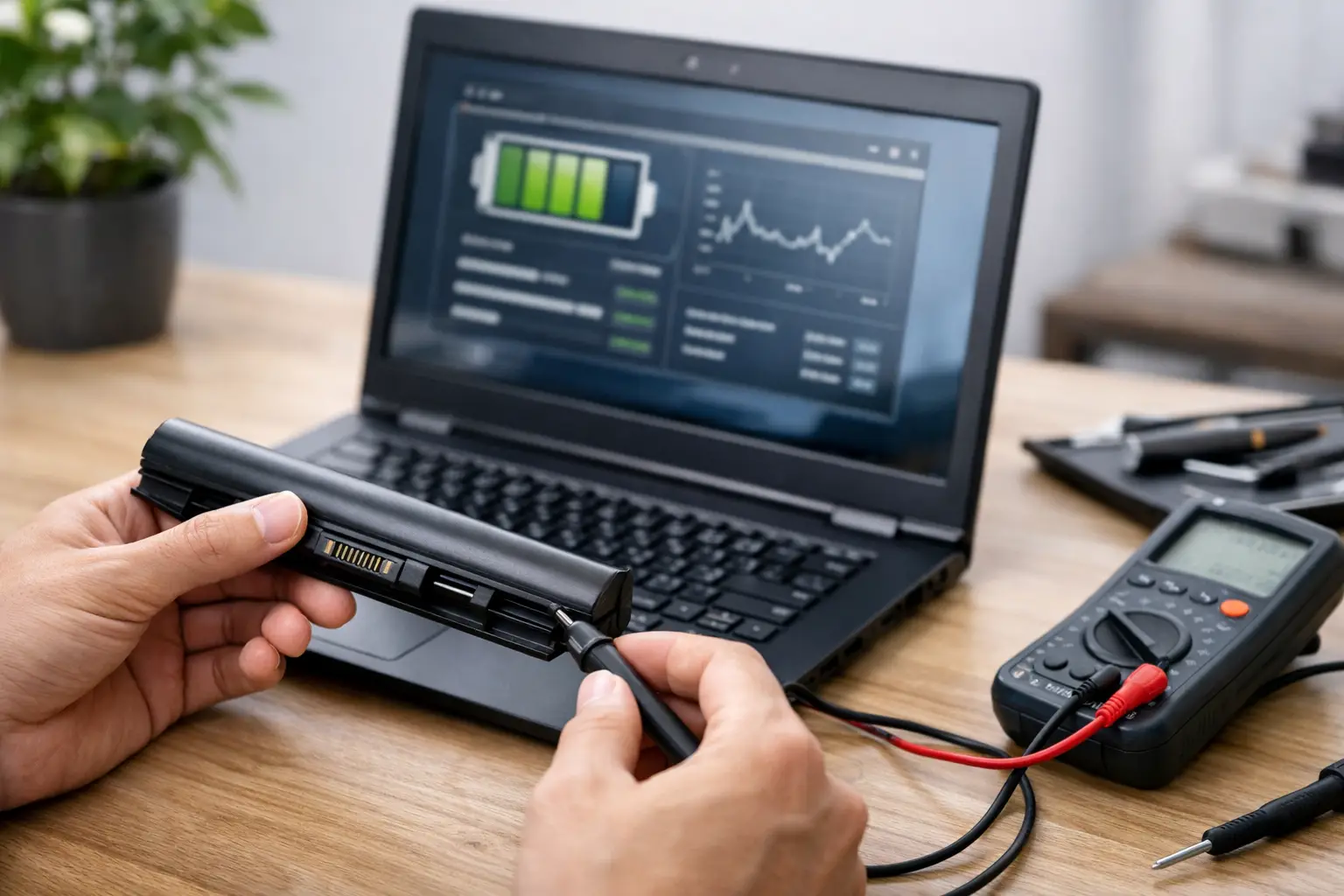
Windows can generate a battery report that shows design capacity, full charge capacity, recent usage and battery life estimates. This is one of the most useful checks on a refurbished laptop because it gives structured data rather than a sales description. If you are reviewing multiple machines, the report also makes comparison easier.
Pay close attention to consistency. If the report shows very low recent battery life estimates but the seller claims excellent runtime, ask why. If the full charge capacity is far below design capacity, the battery is worn even if the laptop still functions normally on charge.
On macOS
MacBooks provide battery condition information in system settings, along with cycle count on many models. Apple hardware tends to expose battery data clearly, which makes checking simpler. A normal condition status is a positive sign, but still pair that with cycle count and real runtime. Condition labels are broad. They do not tell you everything about how the battery behaves under load.
On Linux
Linux users can check battery details through system power settings or terminal tools, depending on the distribution. For technical buyers and IT teams, this can be enough to verify wear level and current charge behaviour. The principle stays the same: compare present capacity against original capacity and validate with a live discharge test.
Physical signs that battery health may be poor
A battery can fail gradually in software data or more visibly in the hardware itself. Both matter.
Check the chassis for swelling, separation or pressure marks. If the trackpad feels raised, the base panel does not sit flush, or the keyboard has an unusual bulge, stop there. Battery swelling is a safety issue, not just a performance issue. On older laptops, inspect screws and covers as well. Distortion around the battery area can suggest previous battery stress.
Heat is another clue. Some warmth is normal during charging or heavier use. Excessive heat while idling, especially around the battery zone, can point to battery degradation or charging issues. The charger behaviour matters too. If the laptop repeatedly starts and stops charging or only charges at specific cable angles, that may be a power circuit problem rather than a battery issue, but it still affects usability.
Listen for fan behaviour during battery use. If the system ramps up aggressively during light tasks and battery drain is also poor, there may be background processes involved, but inefficient power behaviour should still be investigated before purchase or redeployment.
How to interpret battery health on a refurbished laptop
This is where many buyers either overreact or miss the real issue. A refurbished battery does not need to be perfect. It needs to be fit for purpose.
For a field engineer, student, or hybrid worker moving between sites, strong battery health is central. A lower-cost laptop with weak runtime may become false economy if it needs a replacement battery within months. For a school lab, reception desk, or fixed office setup where devices stay plugged in most of the day, battery wear may be less critical provided it is safe and stable.
That is why battery health should always be assessed against use case. A refurbished ultrabook sold for mobile work should meet a higher battery expectation than a desktop replacement machine used mostly on a dock. The right result depends on what the device is expected to do.
There is also a difference between original battery wear and replacement battery quality. If the battery has already been replaced, ask whether it is an OEM part or a compatible third-party unit. A well-fitted quality replacement can perform well. A poor one may report inaccurate charge levels, age quickly, or create charging faults. Good refurbishment is not just about fitting a battery. It is about verifying performance after fitting.
Questions worth asking the seller
If battery information is vague, ask for specifics. You are looking for measurable answers, not reassurance.
Ask for current battery health as a percentage of design capacity. Ask whether the battery is original or replaced. Ask whether the machine has been tested off mains power and for how long. If you are buying in volume, ask whether there is a battery threshold across the batch or whether battery condition varies by unit.
For business and education buyers, consistency matters almost as much as headline quality. One laptop at 88% health and another at 56% may both be called refurbished, but they will not behave the same in deployment. This is where a structured refurbishment partner adds value – the process is controlled, not improvised.
Common warning signs after purchase
Sometimes battery problems only appear once the laptop is in regular use. Early warning signs are usually clear.
Watch for rapid percentage drops, charging that stalls below 100%, shutdowns at 20% or 30%, or battery drain that seems excessive during sleep mode. Also note whether the battery takes an unusually long time to charge or loses a large amount of charge overnight when not in use.
Software can affect this. Background sync, poor power settings and browser load all influence battery life. Even so, software-related drain tends to be explainable and repeatable. Battery wear tends to show up as inconsistency, weak capacity and unstable charge readings.
If you manage multiple devices, compare behaviour across similar models. That helps separate model-specific limitations from isolated battery faults.
When battery health is acceptable and when it is not
There is no single pass mark for every refurbished laptop. Still, some decisions are straightforward.
If the battery is swollen, unstable, or shuts down unpredictably, it is not acceptable. If the charge capacity is heavily degraded and the laptop is being bought for mobile use, it is probably not acceptable either unless the price clearly reflects a battery replacement being needed.
If battery health is moderate but stable, the cycle count is reasonable, and real-world runtime fits the intended role, the laptop may still be a sound buy. Refurbished does not mean new. It means assessed, restored and sold with known condition. The key is whether the battery condition has been checked properly and presented honestly.
A good buying decision usually comes from combining three things: software health data, a short live battery test and clear seller standards. Miss one of those, and you are relying on guesswork.
Battery health is rarely the most visible part of a refurbished laptop, but it often decides whether the device feels dependable six weeks later. Check the numbers, test the behaviour and judge it against the job the laptop actually needs to do.