Best Laptops for Remote Workers at Every Budget
A remote-working laptop is judged at 08:55 on a video call, not by a showroom spec sheet. The best laptops for remote workers start quickly, hold a useful charge, run collaboration tools without hesitation and remain dependable through years of travel, home use and desk-based work.
For many UK buyers, a professionally refurbished business laptop is the sensible starting point. Enterprise devices were designed for managed fleets, with stronger chassis, serviceable components, practical ports and security features that consumer models often omit. A three-year-old premium business machine can be a better working tool than a new low-cost laptop, provided it has been correctly tested, configured and graded.
What remote work actually demands
Remote work is not one workload. A finance user working in browser-based systems needs a different device from a designer editing large files, while a school administrator may prioritise durability, keyboard comfort and Windows compatibility. Start with the applications, the number of displays required and where the device will spend most of its time.
For everyday work involving Microsoft 365, Teams, Zoom, web applications and moderate spreadsheets, an Intel Core i5 or AMD Ryzen 5 processor from a recent business generation remains a strong baseline. Pair it with 16GB of RAM and a 256GB SSD at minimum. This configuration gives Windows room to run video calls, browser tabs and background security tools together without the slowdowns that make remote work feel unreliable.
Storage is often underestimated. A 256GB SSD is adequate for cloud-first work, but 512GB is safer for users who keep local files, offline mailboxes, photographs or project data. SSD condition also matters. Professional refurbishment should include diagnostics that check drive health, not simply a fresh Windows installation.
A webcam, microphone and wireless performance deserve equal attention. Most laptops can join a call; the better choices do so consistently, with clear audio and stable Wi-Fi. If calls are central to the role, consider models with 1080p cameras or budget for a separate USB webcam. This is usually a better result than selecting a laptop solely for its integrated camera.
Best laptops for remote workers by use case
Refurbished Lenovo ThinkPad T14 or T14s
The ThinkPad T14 range is a practical choice for organisations and individuals who need a capable Windows laptop without paying for unnecessary premium features. It is widely used in enterprise fleets, which makes it readily available through established refurbishment channels and easier to standardise across a team.
Look for an AMD Ryzen 5 or Ryzen 7 model, or an Intel Core i5 specification, with 16GB RAM and a 256GB or 512GB SSD. The keyboard remains one of the range’s strengths for long writing and spreadsheet sessions. USB-C, HDMI and USB-A ports reduce dependence on adapters, while the compact 14-inch format travels well.
The trade-off is that specifications vary significantly by generation. Some units have soldered memory, so buyers should confirm the installed RAM before purchase. Screen quality also differs between configurations. For regular document work, a Full HD IPS display is the sensible minimum.
Refurbished Dell Latitude 5420 or 5430
Dell Latitude models are built around business use: manageable, repairable and familiar to IT teams. The 5420 and 5430 are particularly well suited to hybrid staff who move between home desks, offices and client sites. They commonly support USB-C docking, allowing a single connection for power, monitors and peripherals.
A Core i5 model with 16GB RAM is more than sufficient for most administrative, sales and professional-services roles. The Latitude is not the lightest option, but it is a sensible balance of performance, port selection and long-term usability. Buyers should check the battery test result and whether a suitable charger is included, rather than assuming all refurbished listings are equivalent.
For organisations replacing several devices, choosing the same Latitude generation can simplify driver management, docking compatibility and support. Consistency is often more valuable than chasing marginal specification gains across a mixed fleet.
Refurbished HP EliteBook 840 G8 or G9
The HP EliteBook 840 is another reliable 14-inch business platform. It is well suited to remote workers who need a professional Windows device with a compact footprint, clear screen and credible security options. Fingerprint readers, privacy shutters and TPM support may be present, depending on configuration.
An EliteBook 840 G8 with an 11th-generation Intel Core i5, 16GB RAM and SSD storage remains a cost-effective option for standard knowledge work. Later G9 models can offer a newer processor platform, but the additional cost only makes sense if it supports a longer deployment cycle or a more demanding workload.
As with any refurbished laptop, grade and condition should be transparent. Cosmetic marks may be acceptable for a device used primarily at a desk. A buyer supplying client-facing staff may reasonably prefer a higher cosmetic grade, even where the technical specification is identical.
Apple MacBook Air with M1 or M2
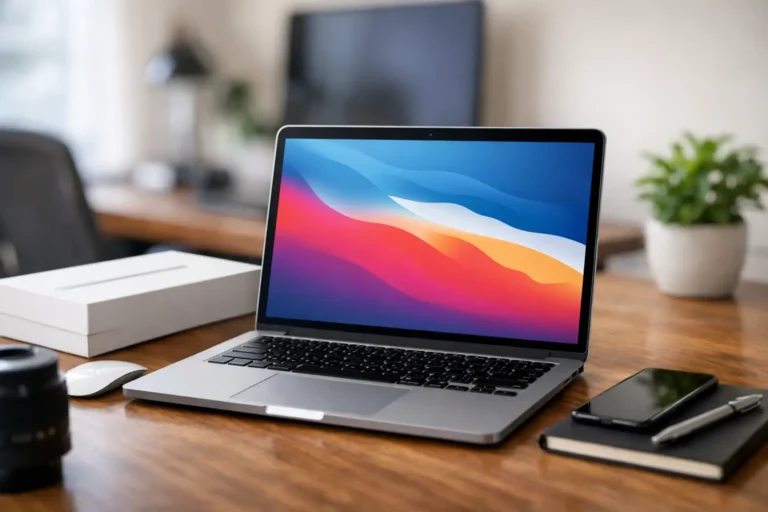
The MacBook Air is a strong option for remote workers already using macOS, particularly content teams, consultants and users who value low weight and long battery life. The M1 model still offers excellent performance for office applications, browser work, video calls and light creative tasks. The M2 adds a newer design and can be worthwhile where budget allows.
The key decision is compatibility. A MacBook is not automatically the right laptop for a Windows-led organisation. Check essential business software, device management requirements, file-sharing workflows and external display needs first. Older Apple silicon MacBook Air models may have limitations around the number of external displays supported without additional hardware.
Choose 16GB unified memory for users working with creative software, large datasets or many concurrent applications. An 8GB model can suit lighter work, but memory cannot be upgraded later. Battery condition is equally important in the refurbished Mac market, so it should be assessed as part of the device’s overall quality process.
Chromebook for focused cloud work
A Chromebook can be the right answer for remote workers whose activity is almost entirely browser-based. It starts quickly, is straightforward to manage and can reduce hardware spend for roles centred on Google Workspace, web portals, email and video meetings.
It is not a direct replacement for a Windows laptop. Specialist desktop software, advanced Excel work, local file workflows and some peripheral requirements can rule it out. Check the device’s Auto Update Expiration date before purchase, as this determines how long it will receive ChromeOS updates. For schools, charities and tightly controlled cloud-first teams, that check is essential.
The specification checklist that prevents false savings
Avoid buying on processor name alone. A cheap laptop with 4GB RAM, a 128GB eMMC drive or a low-resolution screen will create friction quickly, even if it appears suitable on paper. For most remote workers, the minimum practical standard is 16GB RAM, SSD storage, a Full HD display and a webcam suitable for regular calls.
Ports matter more than they did a few years ago. USB-C charging is useful, but a device with HDMI and USB-A can be easier to use at home without a collection of adapters. Where two external monitors are required, confirm the laptop and dock support the intended resolution and refresh rate. Do not assume every USB-C port provides the same display capability.
Security should be considered before deployment, not after an incident. Windows 11 compatibility, a TPM 2.0 chip, BIOS protection and support for device encryption are relevant for business use. A refurbished device should also arrive with a properly installed operating system, current drivers and a clear chain of data handling. Secure data erasure is a core part of responsible IT asset disposition, protecting the previous owner while making the device ready for its next working life.
Why refurbished business laptops make sense
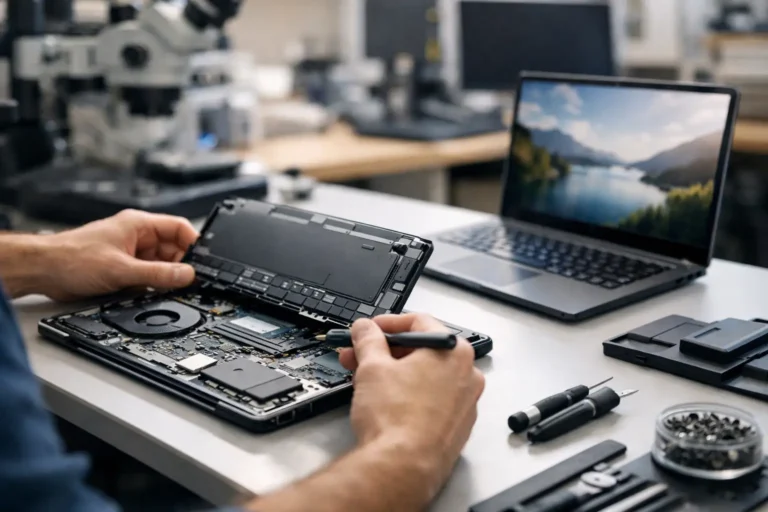
Refurbishment is not simply buying used hardware. A suitable process includes secure erasure, diagnostics, component replacement where required, battery health checks, testing, grading and operating-system configuration. The outcome should be a known, usable asset rather than an unknown device with a new label.
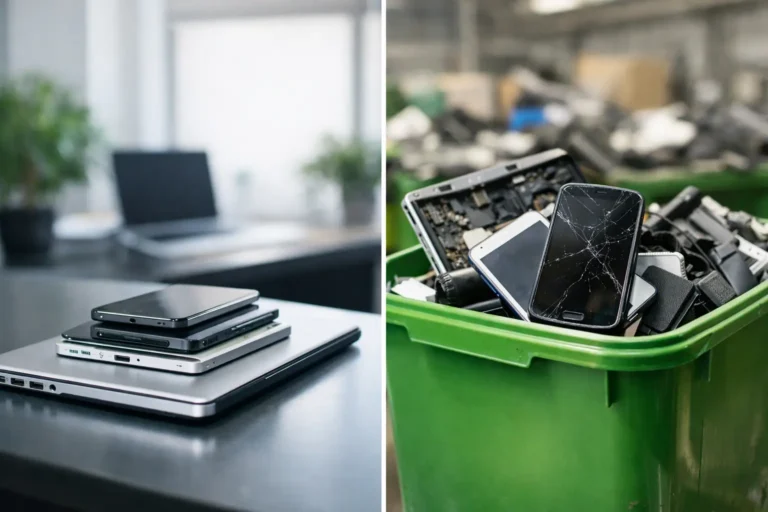
There is a financial case and an operational one. Business-grade laptops retain useful performance for longer than many consumer devices, so redeploying them extends the value already embedded in their manufacture. It also reduces demand for new hardware and keeps capable technology in circulation, helping to limit avoidable e-waste.
For teams, refurbishment can support a more controlled procurement model. Standardised devices, documented specifications and warranty support make it easier to manage spares, onboarding and future refresh cycles. Refurb X Connect approaches this as a device lifecycle decision, not a one-off transaction.
The right remote-working laptop is the one that matches the job, software and support model. Select the platform first, set a realistic baseline specification, then buy from a refurbishment process that can evidence how the device has been prepared. That is where a lower purchase price becomes dependable value rather than a short-lived saving.